Split Render Tool is a Blender add-on by Olivier Crespo Barrio that splits renders into pieces and merges them automatically. The seller labels this edition outdated and directs users seeking newer Blender compatibility to Split Render Tool 4, although the same listing's v4.0.6 changelog says Blender 4.4 is fully supported. Check the exact release in the documentation before installing.
Split renders and selected regions
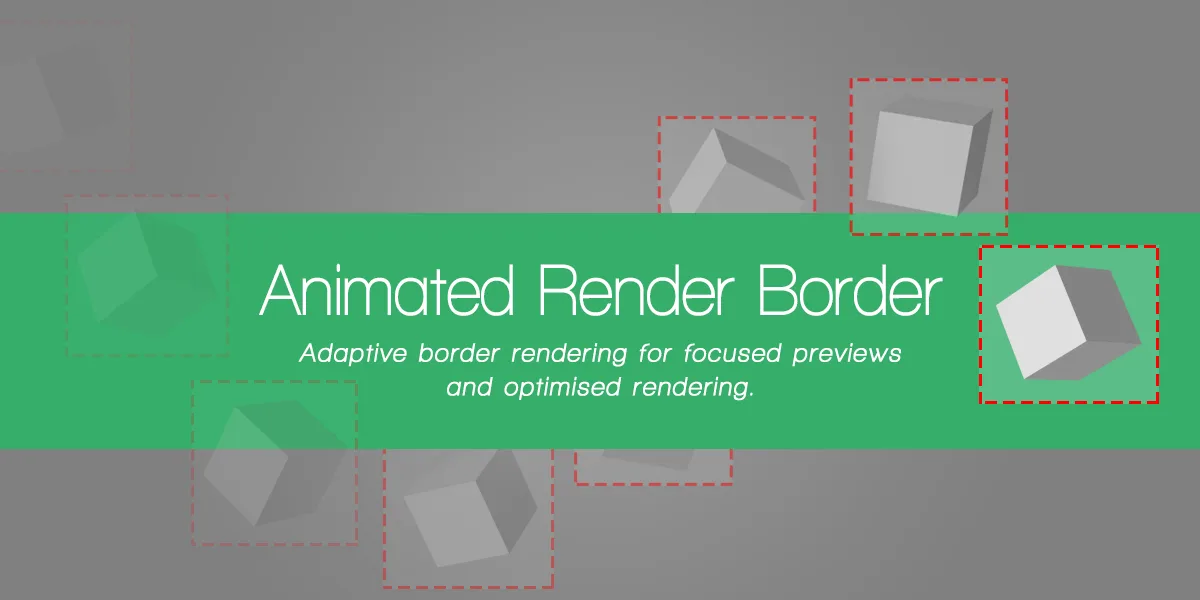
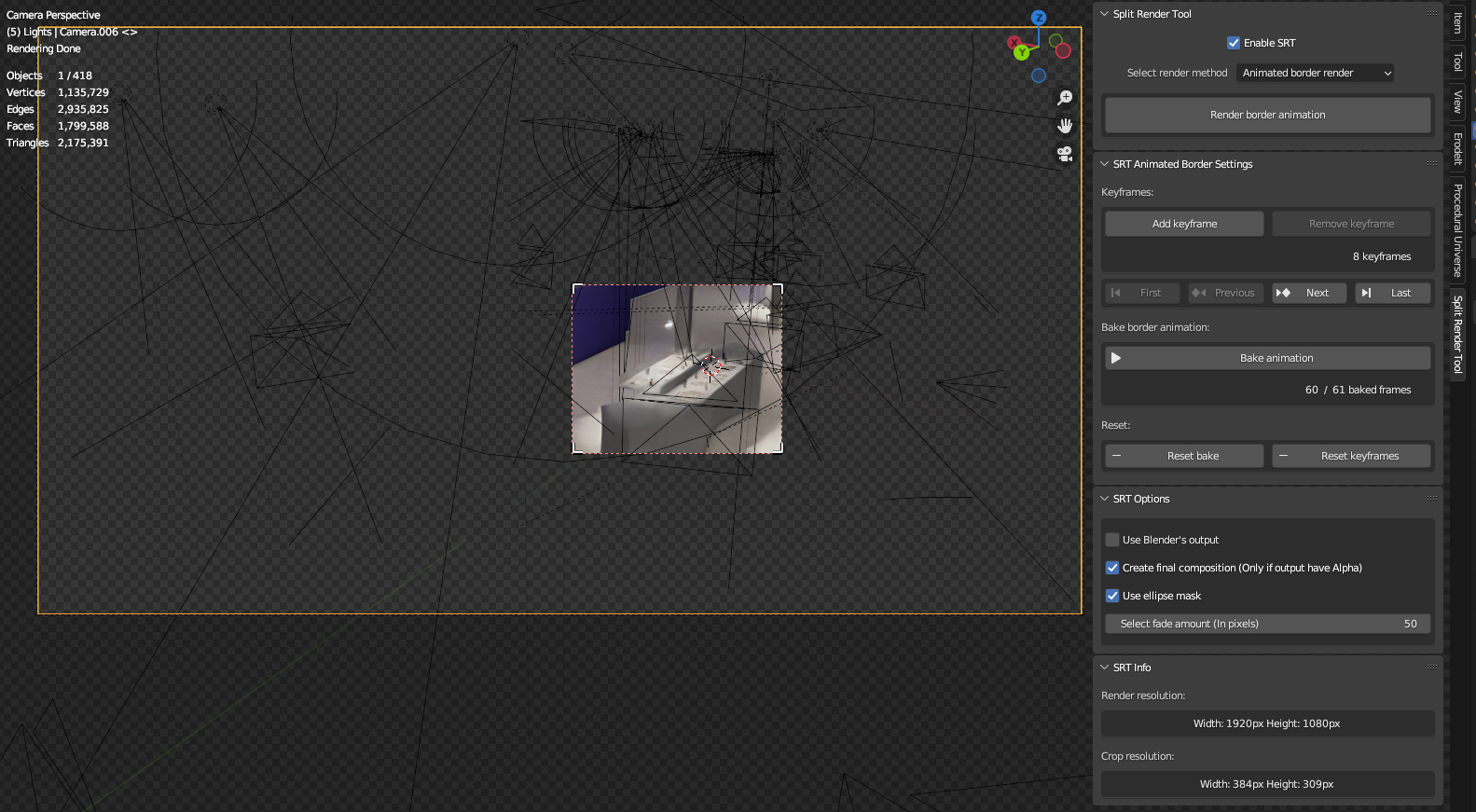
The split-render feature divides an image into smaller pieces, then combines them into a final image. It supports single frames and animations. The add-on also offers two ways to render a chosen region: Animated Border lets you keyframe and bake a changing crop area, while Object Border bases the region on selected objects. Both include a timeline preview of the crop region and options for a separate composition with blurred edges.
Splitting can help with some large-render workloads, but it does not remove the GPU's memory limit. If the scene data itself exceeds available VRAM, dividing the output image cannot make that data fit. The seller also cautions that GPUs with 512 MB, 1 GB, or 2 GB may struggle with very large resolutions such as 8K and above.
Output and known limitations
Split Render Tool can separate passes into files when using OpenEXR Multilayer. Its border correction applies to the Combined pass. The documentation also describes a system-failure detector that can offer a one-click fix.
During rendering, the add-on provides no preview and Blender's interface locks. The seller's page says stopping a render requires closing Blender manually. The documentation notes that Eevee does not support Split Render animations, even though it lists both Cycles and Eevee as supported engines.
Check the Blender version first
The seller's notice calls this add-on outdated and recommends it for Blender 2.93 through 4.1, directing users seeking newer compatibility to Split Render Tool 4. Marketplace details list Blender 2.93 through 4.2, while the documentation gives 2.93.3 through 4.2.1; the seller's v4.0.6 changelog also says Blender 4.4 is fully supported. These version claims differ, so check the product documentation and seller's current notice for your exact Blender release before relying on compatibility.