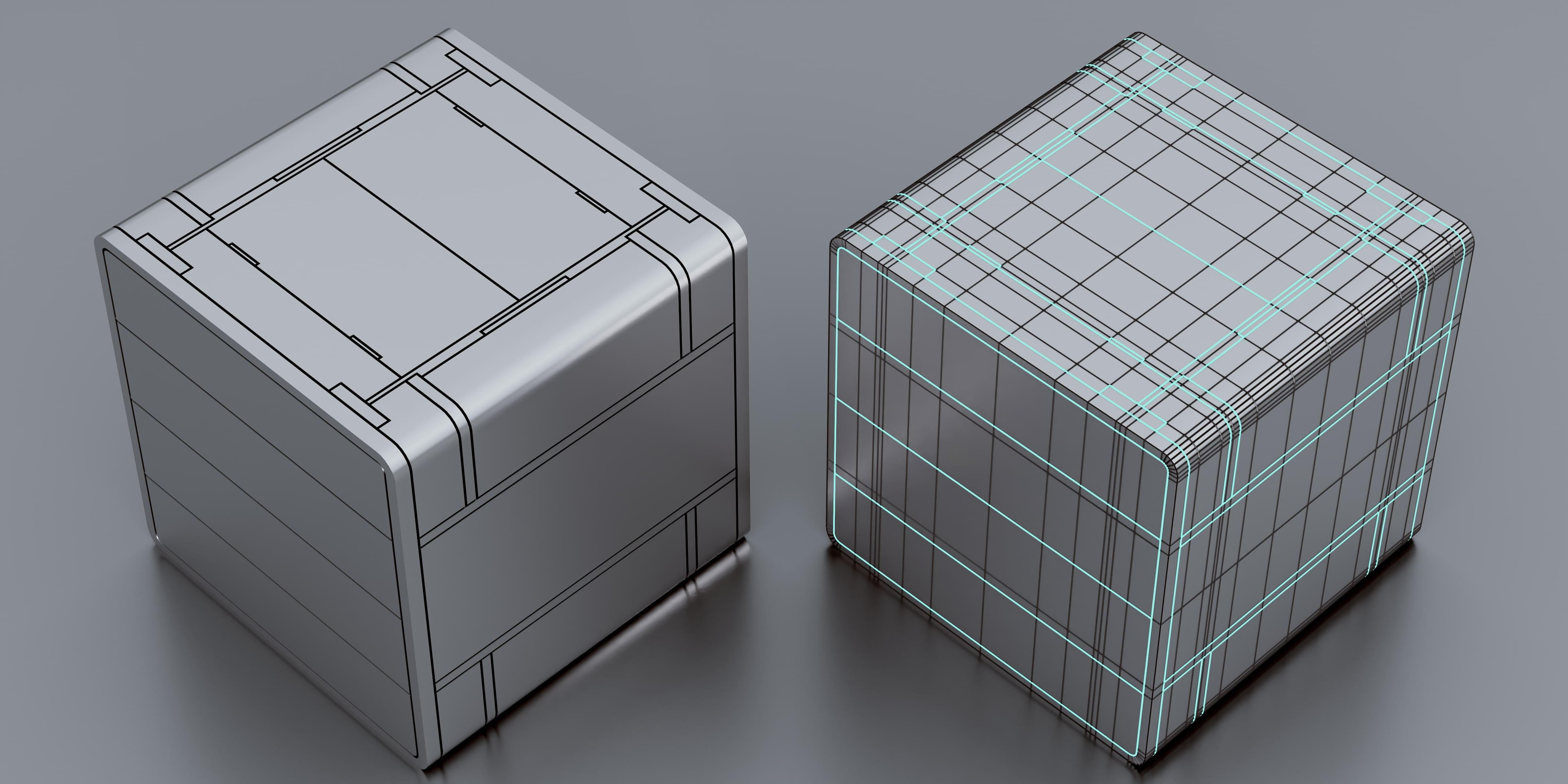
SPOCK is a Blender tool for packing sci-fi parts onto selected faces. It uses ten rectangle-packing algorithms to place panels, vents, pipes and other details from DPACK collections within the selected perimeter.
Pack parts within selected faces
The parts pack edge to edge without overlapping and stay inside the perimeter you choose. SPOCK uses instances; the product listing says they help keep scenes fast even with thousands of parts.
Build detail from DPACK collections
A DPACK is a Blender collection of mesh objects. SPOCK’s browser loads collection sets from a library, and the included SCIFI DPACK provides parts to start with. You can also make your own collections for custom greebles and nurnies.
Adjust a layered pack
Save packed instances into new collections, reload their settings, and toggle collection visibility as you work. Keep the parts instanced while arranging layers, then realize them as mesh geometry when you are ready to commit. The vendor FAQ describes building up details such as circuit boards, wires, panels, switches and buttons in separate layers.
Choose geometry or surface relief
SPOCK places individual parts that can be rearranged. SCIFI Flex 2 creates surface relief from height and displacement maps. The vendor says Flex 2 can create very high-resolution displacement maps and apply them to complex scenes to generate detail faster than SPOCK; artists often use SPOCK for prominent geometry and Flex 2 on background surfaces. See the SPOCK documentation listing for product documentation.
SPOCK also includes multi-material and edge-wear materials stored in KPACKs. These are separate from the DPACK collections used to build the packed detail.