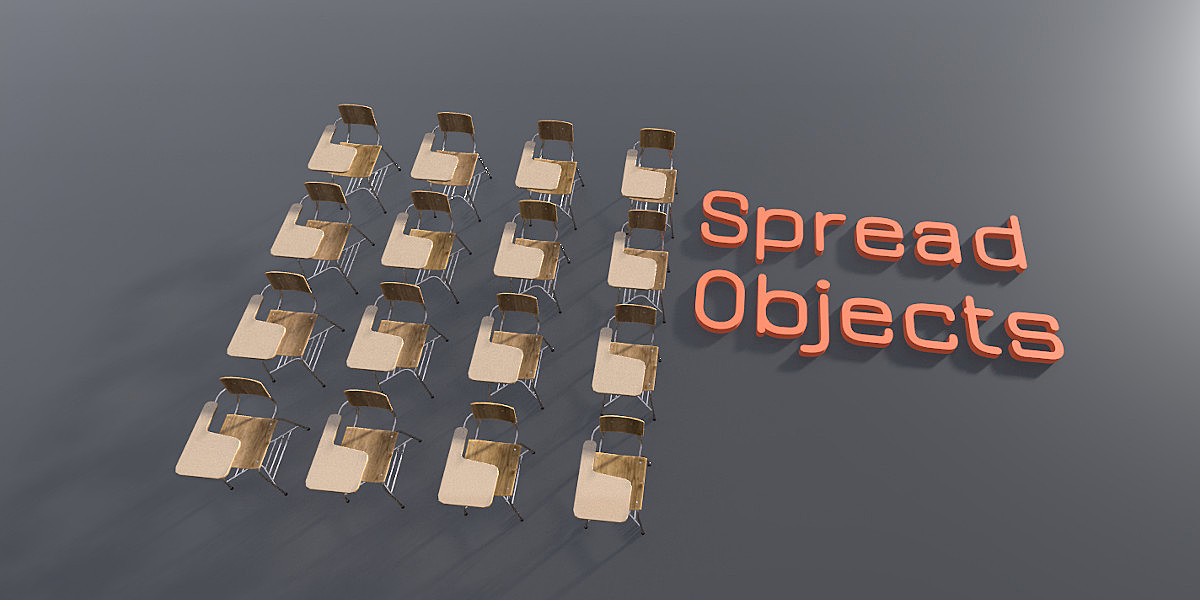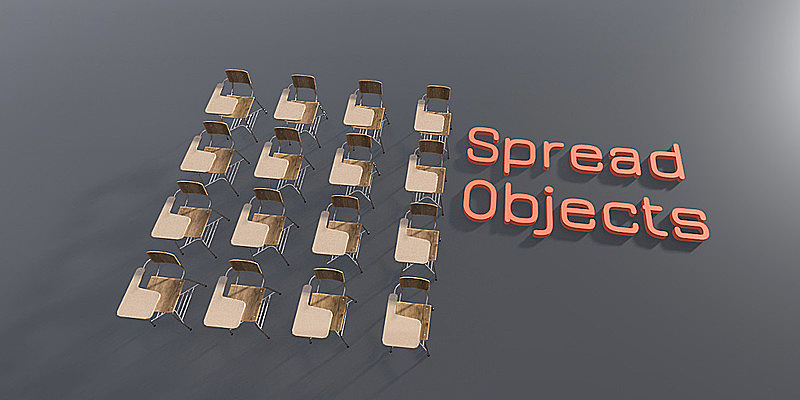
Spread Objects is a Blender add-on for arranging selected objects in an evenly spaced grid without placing each item by hand.
Arrange objects on a grid
For a selection, the add-on calculates the required columns and rows and the spacing between objects.
Choose a static or keyframed spread
The Object menu provides two commands: Spread Objects and Spread Objects (keyframed). The regular command spreads the selected objects; the keyframed command also adds initial and final position keyframes for animation.
Using Spread Objects
- Install the add-on.
- Select the objects you want to spread.
- Open Blender's Object menu and choose
Spread ObjectsorSpread Objects (keyframed).
The product documentation gives these steps. The listing describes Spread Objects as a Blender add-on and names Blender versions 3.0 through 5.0 as compatible.
Price, license, and source
The add-on is described as free and released under the GPL license. The Superhive listing calls its price symbolic and says 100% of the revenue is donated to the Blender Development Fund. The listing also links to the Spread Objects source on GitHub.