States by Hasan Atallah is an After Effects tool for saving property values, animations, and effects as reusable states. It lets you preserve alternate treatments for a layer or composition in the same project, then switch between them without duplicating compositions.
Save property and animation variations
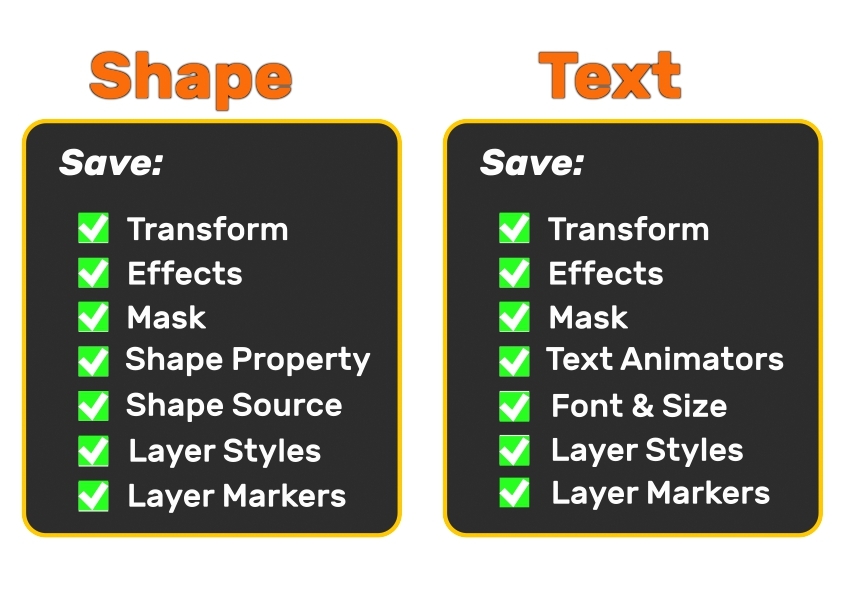
A state can store an individual value such as position, scale, opacity, color, text settings, an effect, or keyframe values. Layer States group several saved values together. For example, you can keep a bounce scale-up animation and a fade-in with a slide as separate treatments for a logo layer, then switch between them.
Combine states into styles and outputs
Project Styles combine Layer States across a composition to save broader looks. States can render all global states with one click, and the product page says you can turn your options into a template for MOGRTs. This suits projects where you need to compare several design or motion variations from one composition.
The developer says States avoids the preview slowdown that expression-based approaches can introduce. If preview speed matters to your setup, check the result with your own composition.
States is aimed at After Effects artists who revisit design and animation choices during experimentation or client revisions. See the aescripts States listing for current product details.