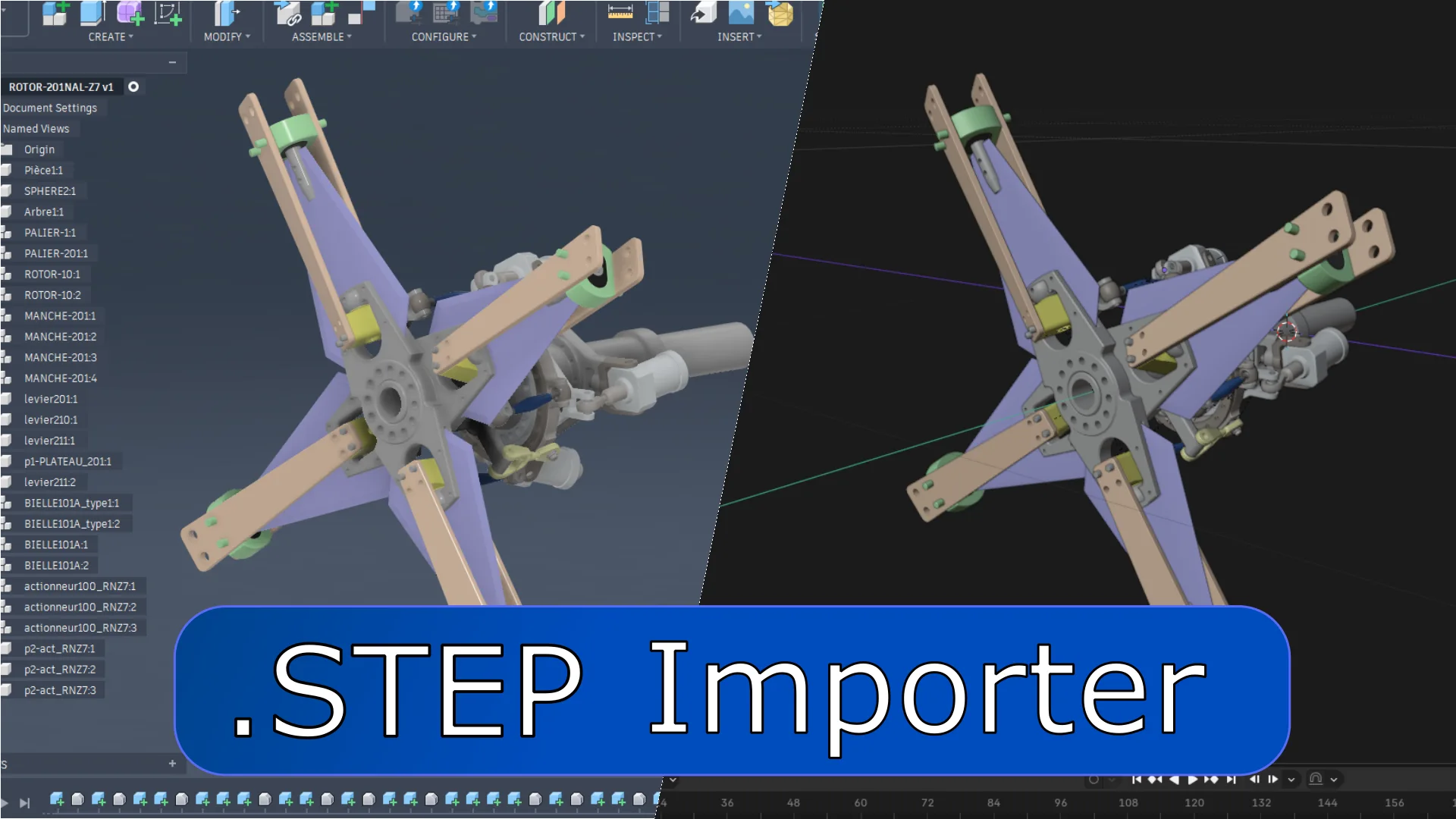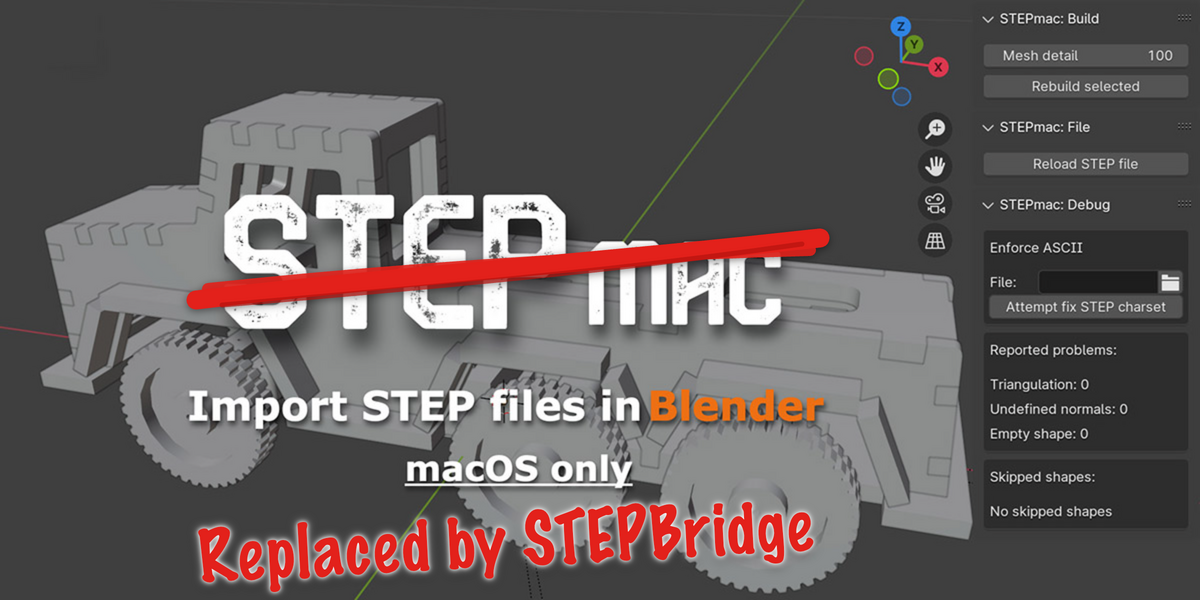
Stepmac is a macOS add-on for importing STEP files into Blender. Its Superhive listing says development has ended and points to STEPBridge as its successor.
What Stepmac does
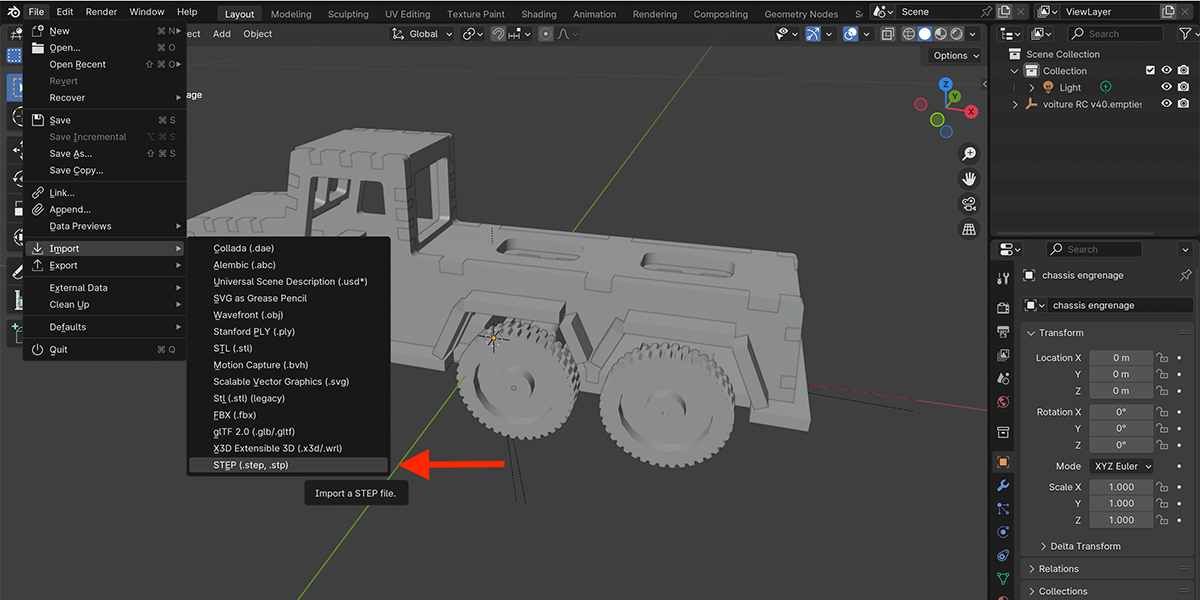
The documentation lists the import menu entry as STEP (.step, .stp). The product listing records Blender compatibility from version 2.8 through 4.1 and identifies the add-on as GPL-licensed. Those are the versions shown in the listing; they do not confirm compatibility with later Blender releases.
Install and import a STEP file
If STEPmac is available, download the ZIP after purchase. In Blender, open Edit > Preferences, choose Install, select the ZIP file, then find and enable STEPmac in the add-on list. To import a model, use File > Import > STEP (.step, .stp). Press N to open the STEPmac menu.
Check Mac architecture and rendering limits
The documentation describes an _BRep.so Mach-O error that can occur when the Blender build's architecture does not match the Mac processor. It advises using Blender Silicon on Apple Silicon Macs and Blender Intel on Intel Macs. The documentation also says STEPmac does not work with Octane rendering and requires Blender's built-in Cycles renderer.
Availability and successor
Before relying on STEPmac, check whether its download is still available; development has ended.
The seller presents STEPBridge as STEPmac's successor. Its listing names Blender 4.2 through 5.x on Windows, macOS and Linux, with STEP and IGES import and export plus 3DXML import. Check that listing for the successor's current compatibility and terms.