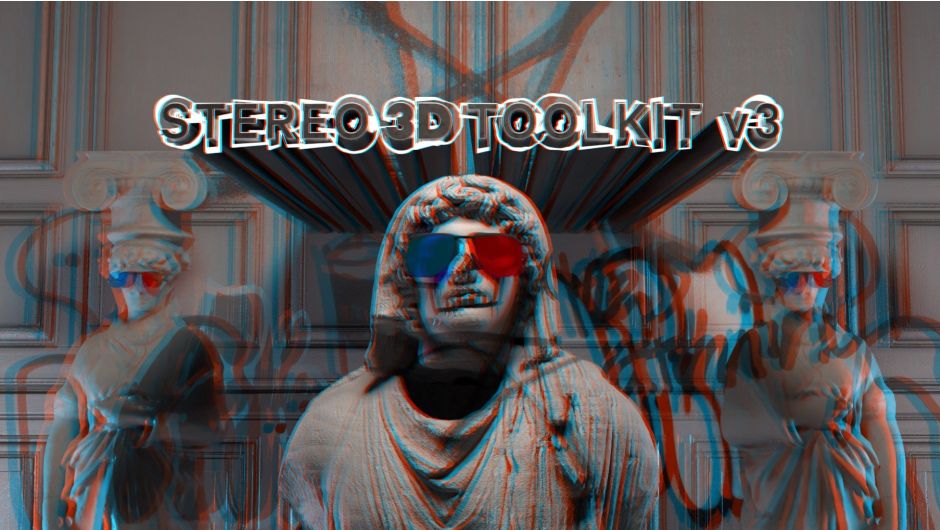
Stereo 3D Toolkit 3 is a set of stereoscopic workflow tools for After Effects, created by Ryan Cashman. It manages left and right channel hierarchies inside a project, with support for camera footage, renders from external 3D software, and effects that use composition cameras. Its focus is assembling stereoscopic compositions within After Effects.
How it manages stereo channels
The toolkit uses true left and right channel hierarchies instead of collapse transformations. The developer says this structure supports 3D effects and plug-ins that use composition cameras, allowing them to carry stereo depth. The workflow also lets artists work on the left channel while Stereo 3D Toolkit generates the right channel. This channel management is central to the product’s role in a composition, alongside its camera and effect compatibility.
Footage, renders and pre-comps
Stereo 3D Toolkit 3 supports several kinds of material in an After Effects project:
- For camera footage, label the left and right channels and let the toolkit manage them.
- For renders from external 3D software, use the same left and right channel approach.
- For an existing pre-comp, convert it into a Stereo 3D pre-comp.
The toolkit also supports multiple stereo workflows in one project. That makes it relevant when a composition includes different source types or approaches and the project needs to keep their channel structures organized together.
Version and compatibility
The published compatibility list names After Effects 2022, 2021 and 2020. The version history dates 3.0 to July 6, 2022, describing it as a cleaner, lighter version of the classic toolkit and noting compatibility with After Effects 2022. Since the listed versions are older releases, check the official Stereo 3D Toolkit 3 product page for current compatibility before relying on it in a newer After Effects setup.
Who should consider it
It is worth evaluating for After Effects artists building stereoscopic compositions who need left and right channel management, pre-comp conversion, or support for camera-aware 3D effects. Before adopting it, check that the published After Effects compatibility and the effects required by your project match your setup.