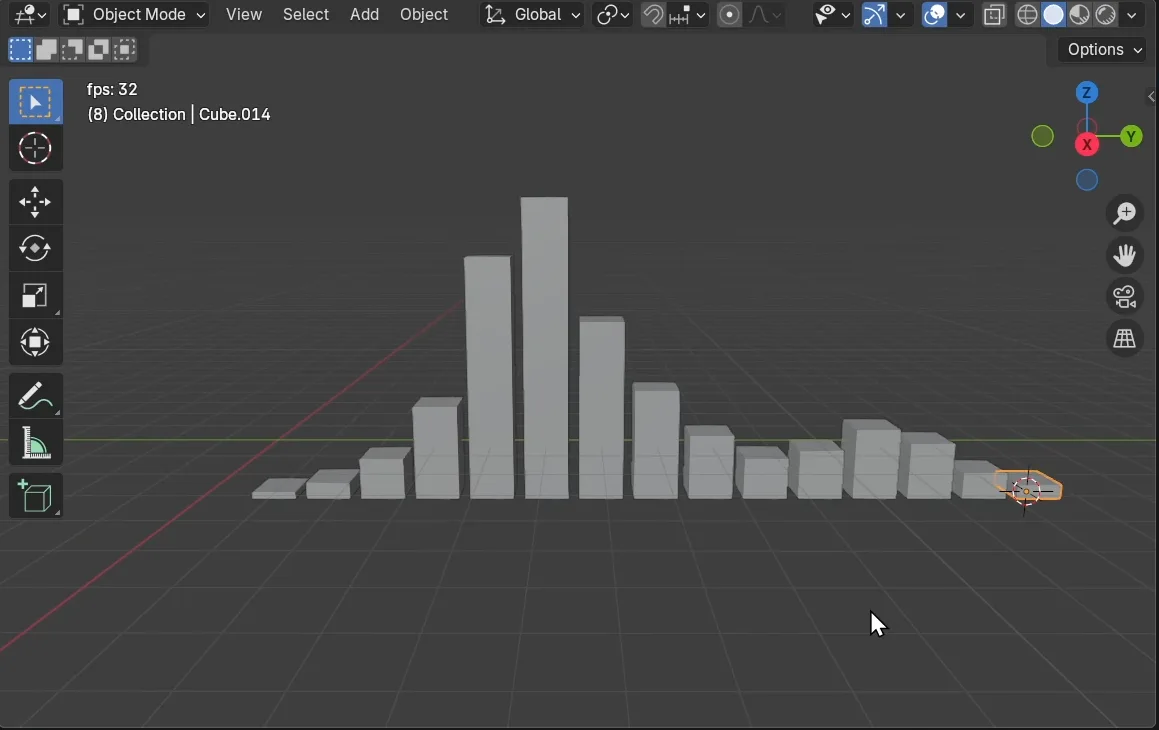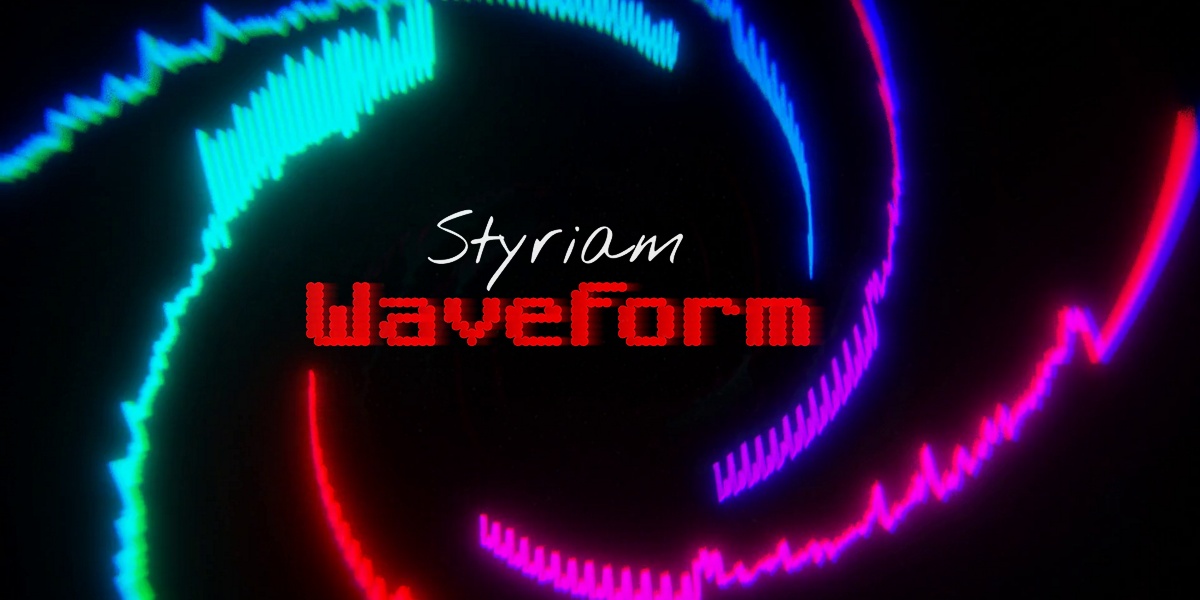
Styriam Waveform is a Blender add-on that charts a variable’s value over time as a waveform. It can create oscilloscope simulations, audio soundwaves, and abstract forms for music videos. The generated widget uses curves, drivers, constraints, and modifiers, with animation controlled through an Empty object and an Animation Data Holder.
Its workflow suits artists who want to shape a waveform inside Blender and animate it with keyframes or audio data. The add-on’s controls also let you adjust how the animation moves through the graph window and how the waveform path looks.
Build and drive a waveform
In Object Mode, add the widget from Add > Mesh/Curve > Waveform, then set its initial values. Animate the Delta Z channel of the Animation Data Holder; the first keyframe is inserted by default. For an audio-driven animation, Blender’s Key > Bake Sound to F-Curve command can drive that channel.
The Animation Data Holder’s Frame property controls how quickly the f-curve moves through the graph window. With subframes enabled, the animation is smoothly interpolated; without them, it moves in steps. This gives you a way to adjust the motion’s timing in addition to shaping the waveform itself.
Choose curve or mesh output
A curve waveform produces smoother results, while a mesh gives you more artistic control. On a mesh, Subdivision Surface and Displace modifiers can create abstract effects. You can also shape the waveform path by animating points on the Controller Curve’s custom shape or applying a Curve Modifier.
Animation limits and linking
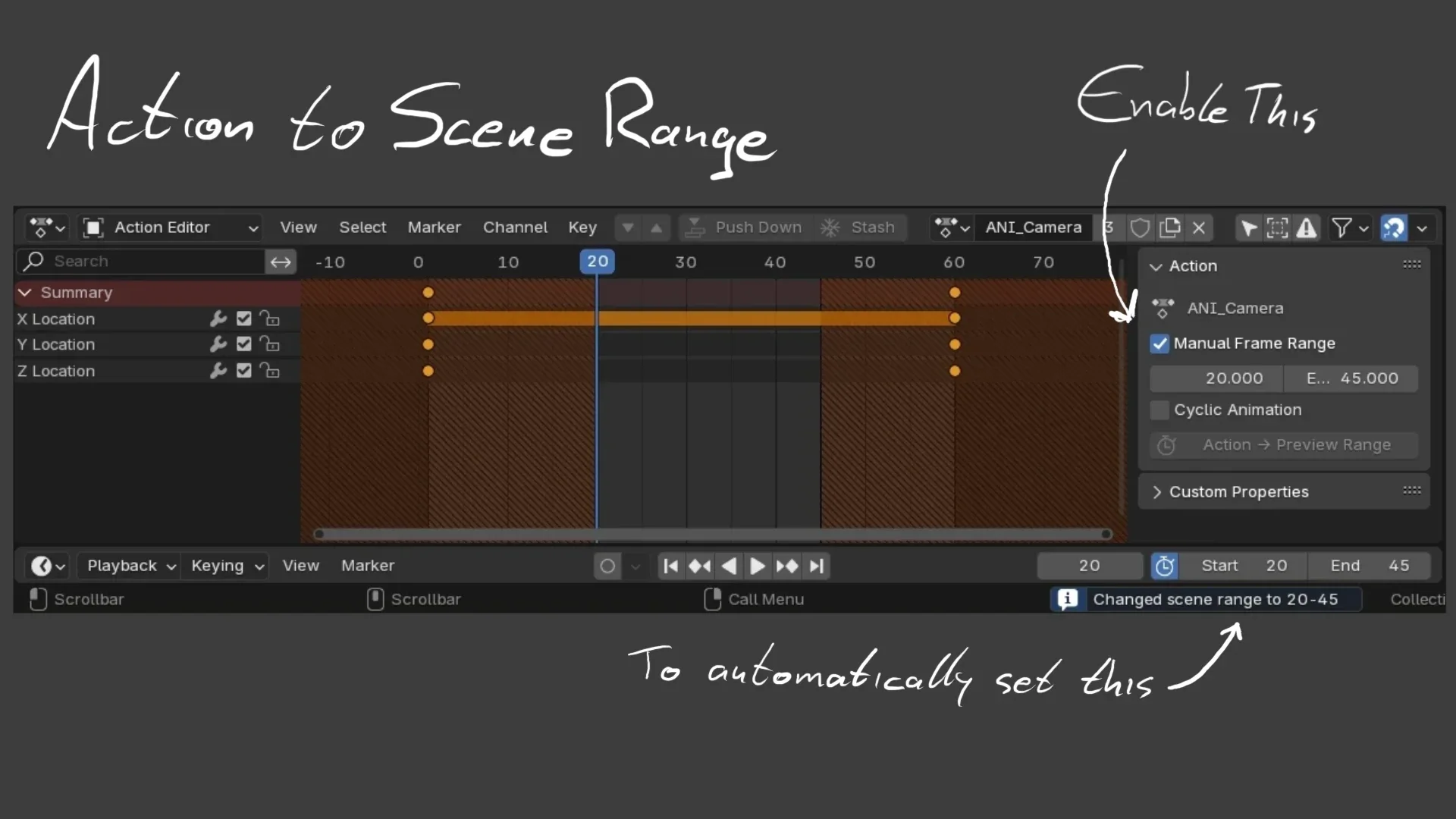
NLA strips are not supported directly. Bake them into a single action linked to an Animation Data Holder before using them with the widget. You can also link animation data from another object with a Delta Location Z channel. After linking the new animation data, use Styriam > Waveform > Sync Animation in the N-panel to sync the widget’s parts to the new action.
Previewing a heavy scene
If the scene is slow to work with, copy the Controller Curve custom shape and link its animation data. Add some thickness to the copy and use it as a faster preview. A separate view layer can hold the preview copy while the render continues to use the original curve.
Compatibility, license, and availability
The Superhive listing covers Blender 2.91 through 5.0, and its version 1.1.2 release notes add Blender 5 support. Styriam sp. z o.o. is listed as the developer. The AnyPlugins catalog lists the add-on as free, and the Superhive product page identifies its license as GPL. Check the listings for current availability and terms before downloading.