Super3D Import & Export .Hipnc is a Blender add-on for moving Houdini Apprentice .hipnc scene files into and out of Blender. It adds dedicated entries to Blender’s File > Import and File > Export menus. Conversion runs through the Super3D cloud service, so you need an internet connection. Houdini Apprentice does not need to be installed on the same computer.
How import and export work
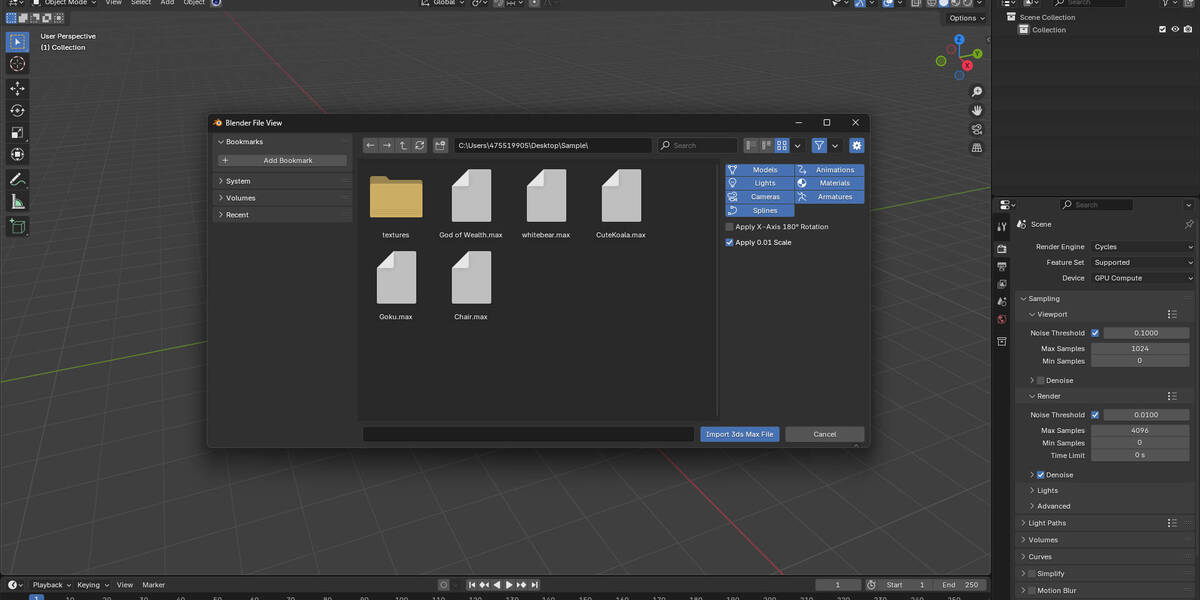
To import, choose a .hipnc file from Blender’s File > Import menu. The add-on uploads it to the Super3D service, then downloads the converted result and merges it into the active scene. The conversion preserves baked display SOP geometry. Cameras, lights, and transforms are carried over on a best-effort basis, so check them in Blender after import.
For export, the add-on writes the Blender scene to OBJ on the main thread. The Super3D service converts that file to a .hipnc-compatible container and saves it to disk. This workflow transfers geometry between applications; Houdini procedural networks are not portable through the conversion.
Compatibility and intended use
The catalog record reports Blender 4.2 through 5.1 as the supported range and notes a legacy bl_info entry for Blender 4.0 and later. Confirm the version range with the creator before using the add-on in a pipeline.
The .hipnc format is used by Houdini Apprentice and is intended for non-commercial projects and education. This add-on is suited to students, educators, and self-learners who need to exchange geometry between Houdini Apprentice and Blender.
Availability
The Superhive product listing currently says the item is no longer available for purchase. Its current download availability and licensing terms could not be confirmed, so check with the creator before planning a new installation.