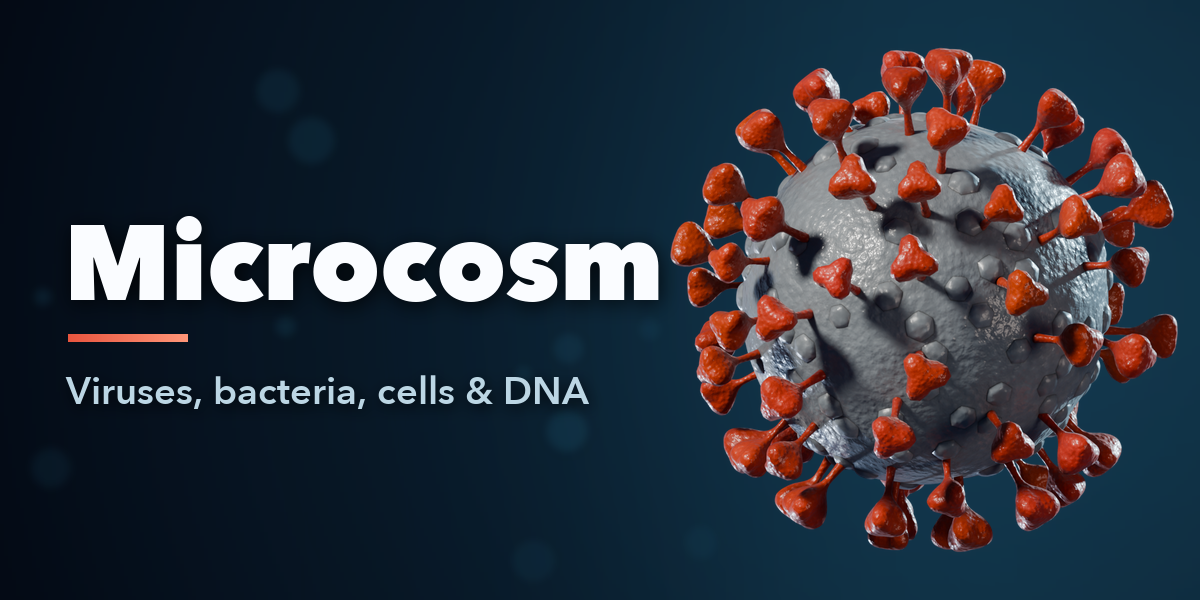
Microcosm is a Blender add-on for building microscopic scenes from editable cell, virus and other biological models. It includes 81 designs across 33 types, with examples such as bacteria, blood cells, neurons, antibodies, DNA, budding yeast and plant cells. Choose a design from the gallery or use the random options to create a starting point.
Adjust the model and its appearance
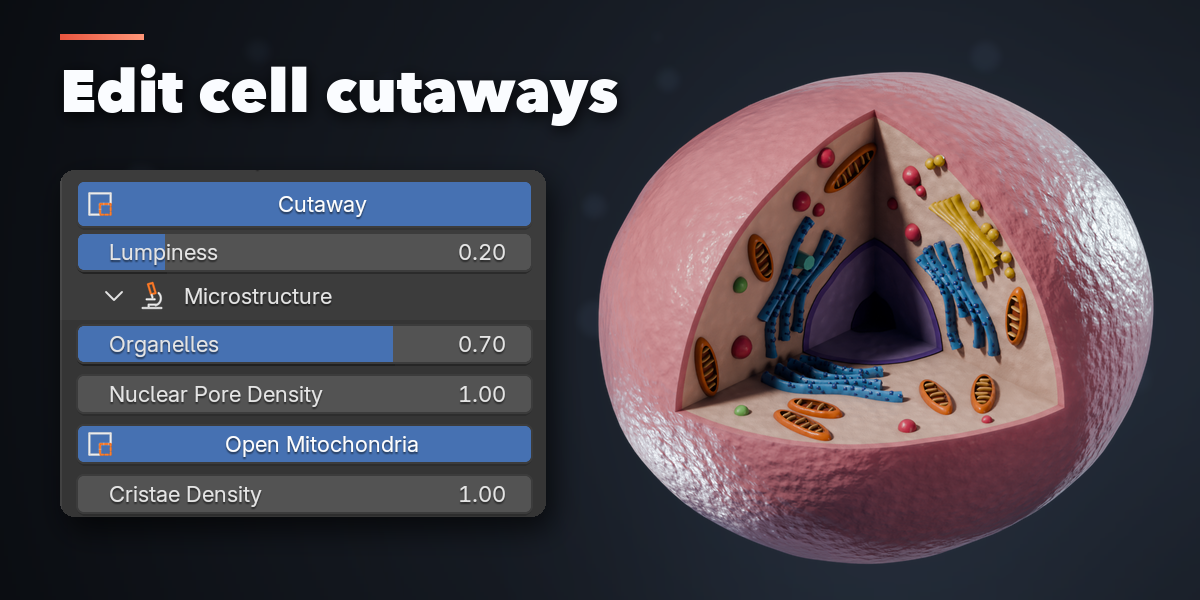
The Shape tab provides controls for properties such as size, spike count and length, cutaways, arrangements and flagella. Some models also have controls for features such as bud size, stomatal pore opening, nuclear pores or neuron microstructure. Slider changes rebuild the model live. The Look tab offers six styles: medical illustration, translucent tissue, electron microscope, colorized SEM, fluorescent and glass. Output settings include mesh detail, with a Low detail option for crowds.
Cutaways can show structures such as a virus genome and capsid, or a cell's nucleus, mitochondria, endoplasmic reticulum and Golgi apparatus. You can also vary details such as mitochondrial folds, myelin sleeve length and neuron dendrite spines on the applicable models. Duplicate a virus with Shift+D to change the copy without altering the original.
Install and use the Blender add-on
- In Blender 4.2 or newer, open Edit, Preferences, then Get Extensions.
- Choose Install from Disk and select the add-on ZIP file.
- Open the 3D Viewport sidebar with N and select the Cell tab. Choose a design and click Add, or use Random Variation or Surprise Me.
Models are also available from Shift+A, Mesh, Cell & Virus. After adding one, use the Shape, Look and Output tabs to edit it. Make Static converts the result to a plain mesh, while Delete removes it with its materials. See the Microcosm documentation for the installation and control details.
Scientific scope, compatibility and export
The designs follow biological structures and proportions, with examples including the biconcave shape of red blood cells, capsid symmetry and 10.5 base pairs per DNA turn. They are simplified for illustration and education, not molecular research. The product is intended for science explainers, medical animation, journal covers, education and game props.
Microcosm requires Blender 4.2 or newer. The listing says it was tested on Blender 4.2, 4.5 and 5.2 LTS, and lists Cycles and Eevee as supported render engines. Models have UVs and a separate material for each part. The FAQ describes FBX and glTF export to Unity, Unreal Engine and Godot; it also notes that the Translucent look exports as a PBR material with subsurface scattering. The add-on is licensed under GPL. See the product FAQ for export and offline-use details.