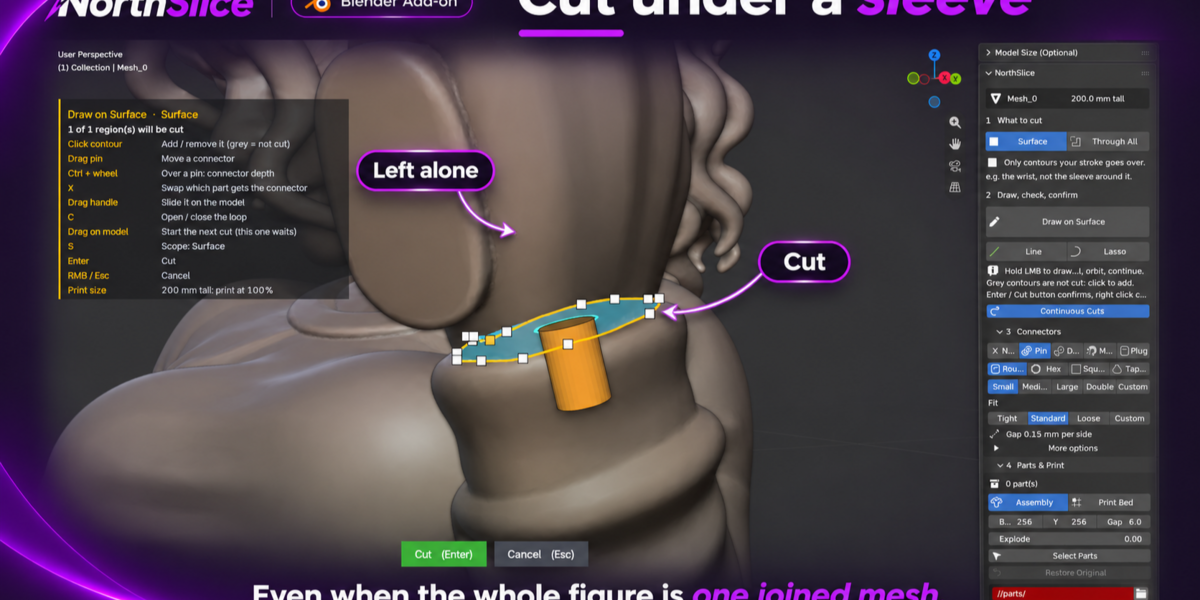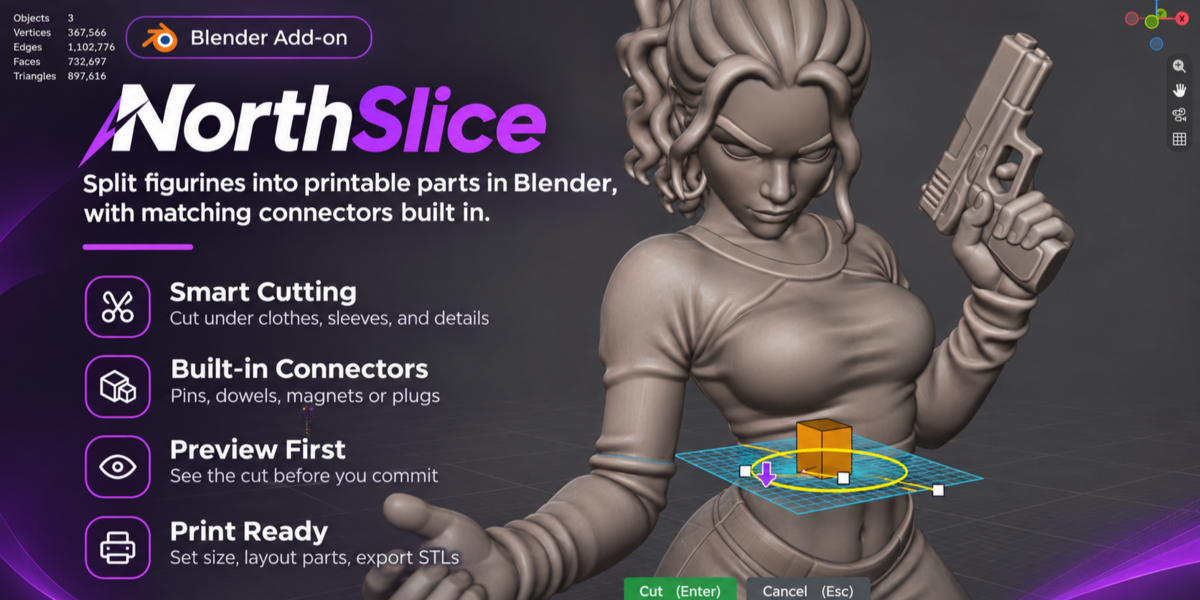
North Slice is a Blender add-on for splitting figurines and other meshes into parts for 3D printing. Draw a cut line, preview the contour and hologram of the cut face, then press Cut to make the parts. The cut can include connectors such as pins, dowels, or magnet pockets for assembly.
Preview the cut before making it
The preview lets you inspect where the cut will pass before changing the model. The listing shows a wrist cut beneath a sleeve while leaving the cuff intact, even on one joined mesh. You cannot draw on a surface hidden under a cuff, but a line drawn on the visible part can continue underneath it.
Choose connectors and export parts
Connector options include round, hexagonal, square, or tapered pins, plus dowels, magnets, and plugs. You can drag a connector to move it and set its fit gap. Set the model's real size in millimeters, arrange the parts on the print bed, then export one STL or OBJ file per part.
Mesh support and limits
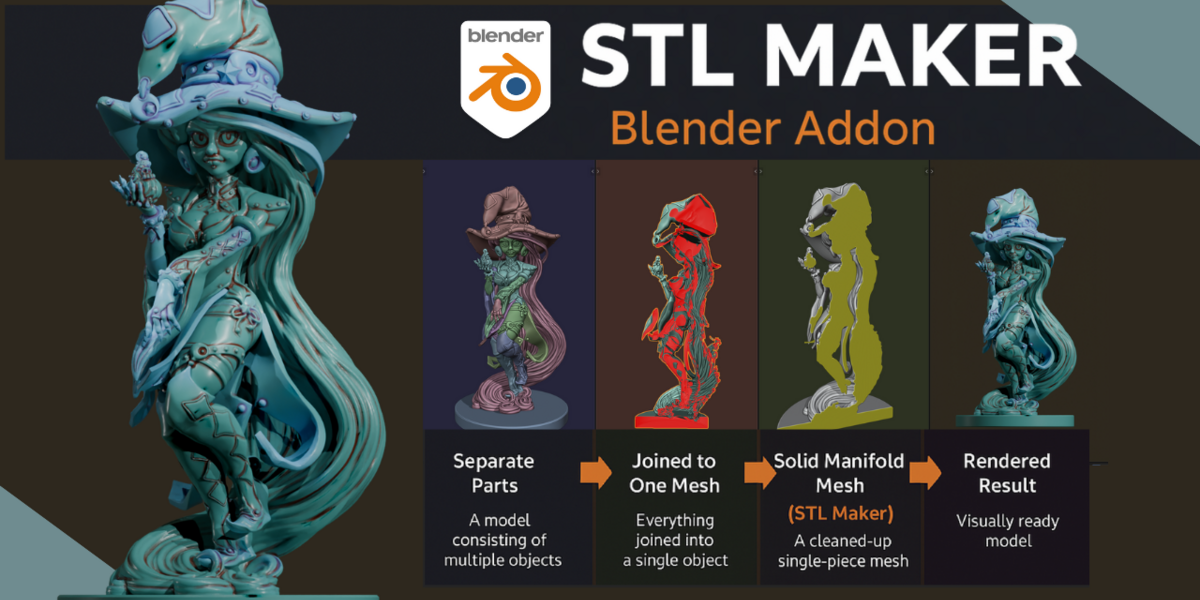
North Slice lists dense sculpts, STL files, and AI models among the meshes it handles. The product description says it works without booleans, remeshing, or a separate repair step. Meshes with existing defects may still have open edges near a cut, so inspect the cut surfaces and exported parts before printing.
Blender support and product terms
The listing's compatibility field gives Blender 4.2–5.3; its description says Blender 4.2+ and notes testing on Blender 5.2 for Windows. Open North Slice from the N sidebar or use Ctrl+Shift+X. The original model stays in the file, and a .blend backup is made before the first cut.
The listing specifies a GPL-3.0 license, 12 months of updates and support, and support renewal for 50% of the product price. Its Studio license covers up to five users in one company. The listing notes a launch price through December 31, 2026; check the North Slice product listing for the current price and purchase details.