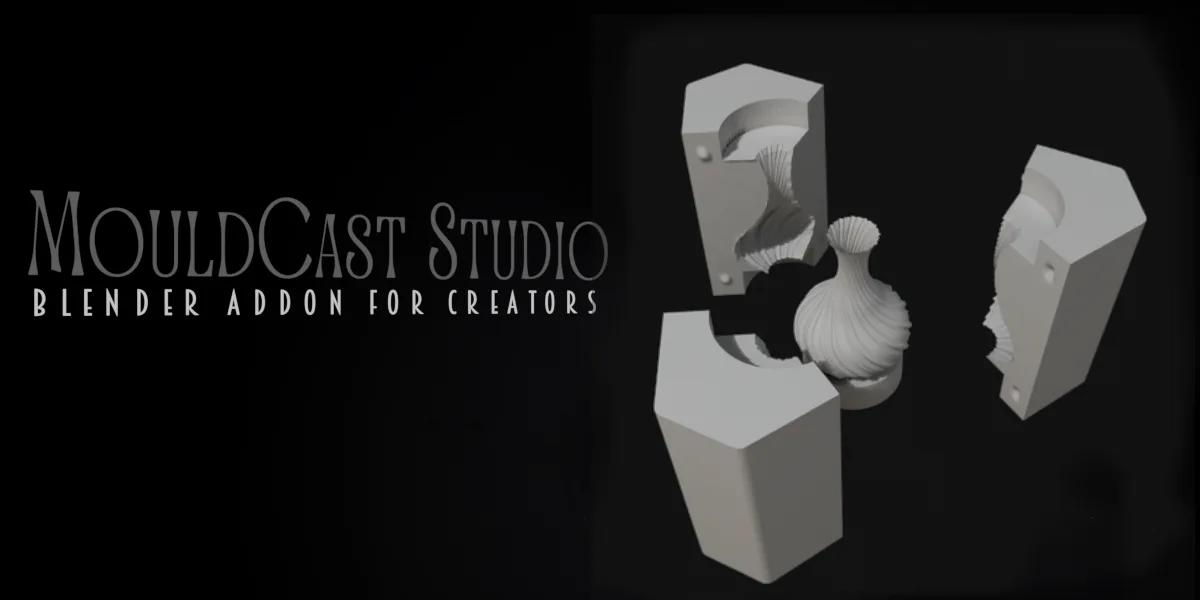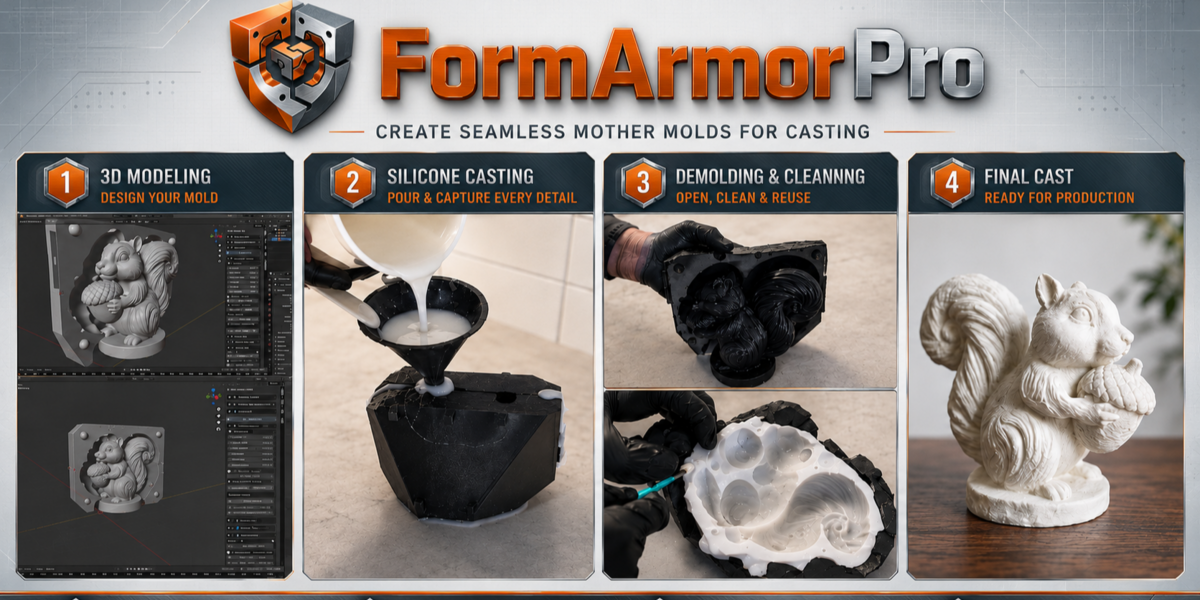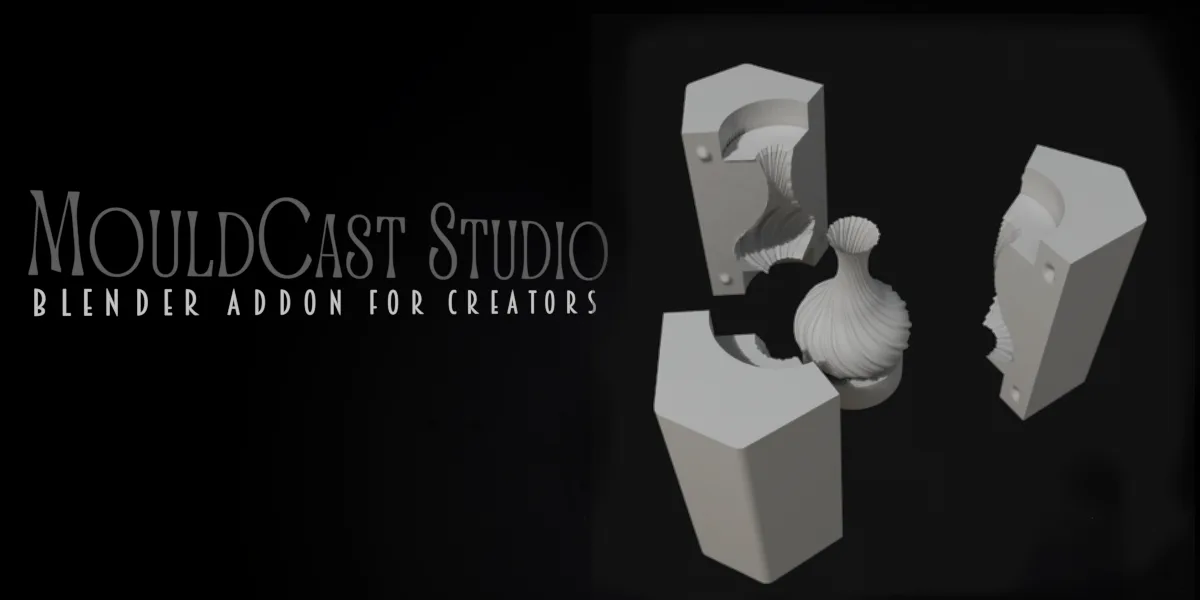
Mouldcast Studio is a procedural mold-making add-on for Blender. It builds an adjustable mold structure around a 3D object and exports the mold sections as STL files for 3D printing. It is intended for makers preparing molds for casting workflows, from prototypes to small production runs.
Build an editable mold from a Blender object
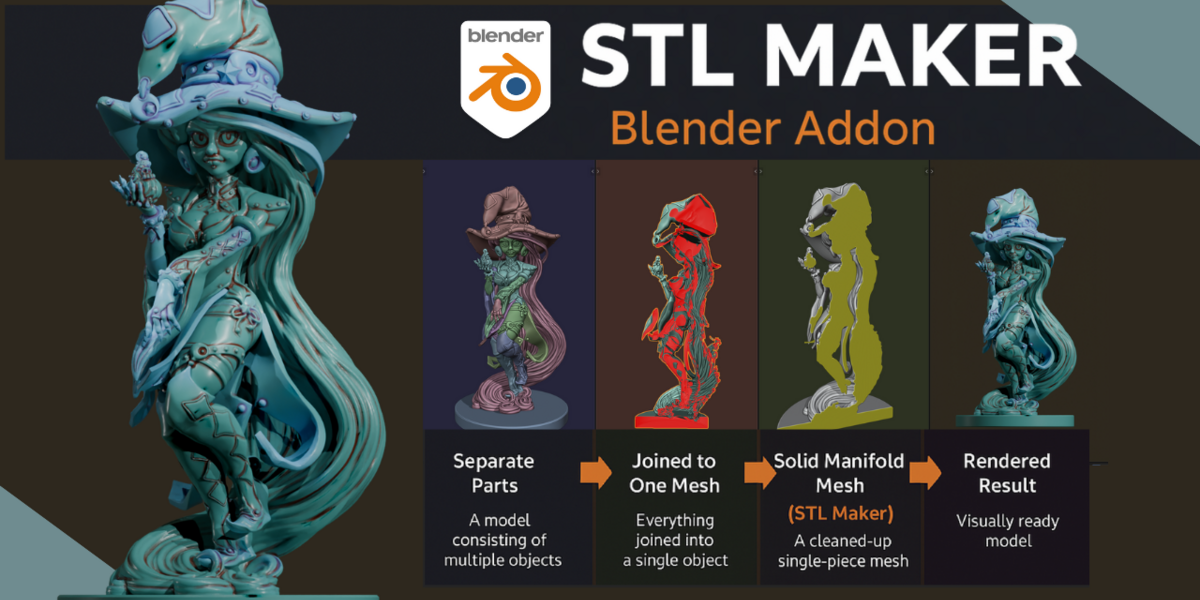
After installing the add-on, enable it in Blender's preferences. Its panel appears in the 3D Viewport sidebar, opened with the N key. Select the object that represents the final shape you want to cast. The documentation recommends preparing it at real-world scale, with a watertight manifold mesh, outward-facing normals, and no internal geometry or loose parts, before generating the mold. Then generate the mold system.
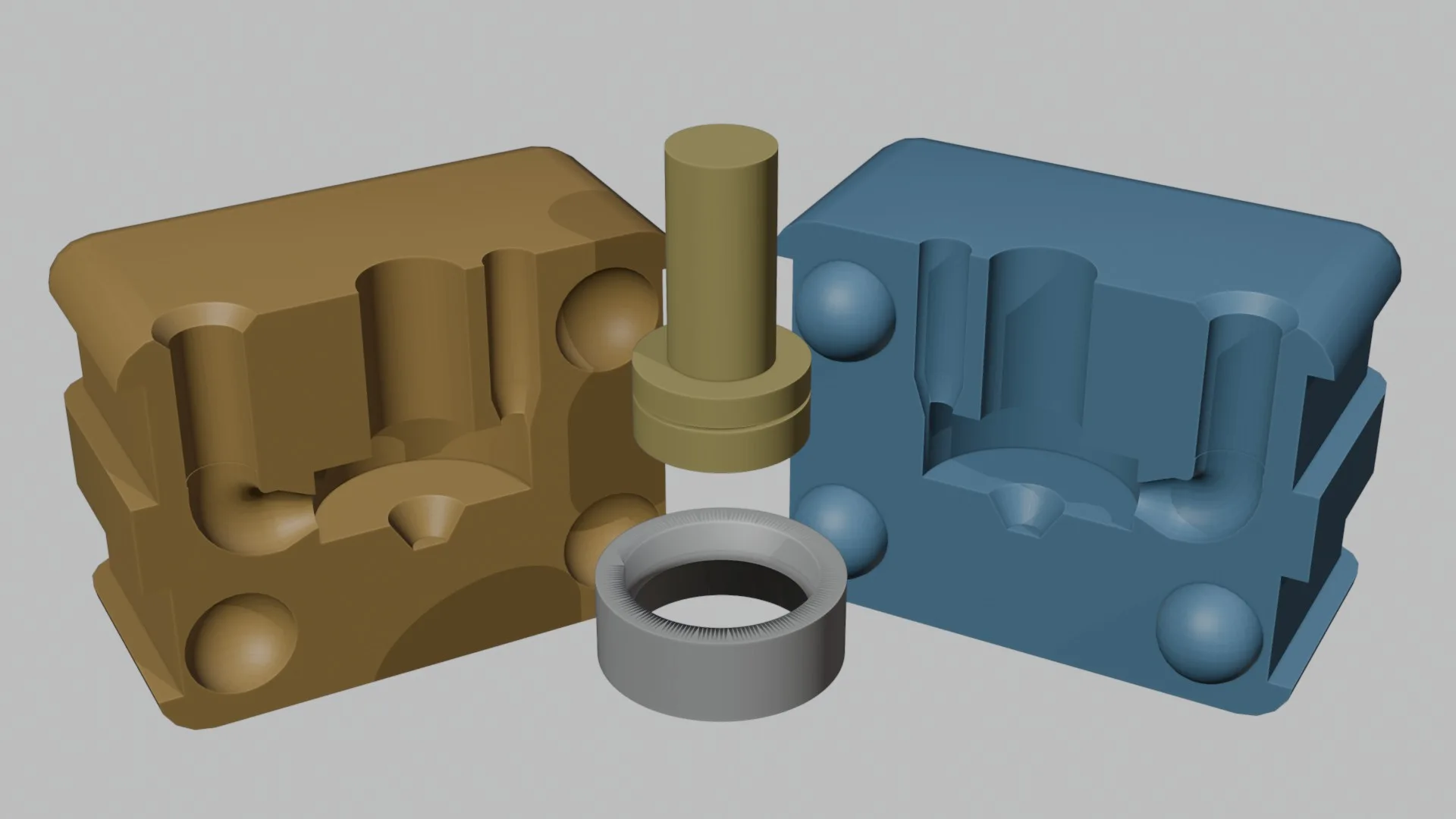
Controls adjust the number of mold sections, block height and width, excess material around the object, rounded edges, and clearance between parts. You can also set up alignment keys, an optional pouring hole, and the base. Changes to these controls regenerate the mold, so the official documentation recommends changing one at a time and waiting for the update.
Prepare the model before generating
During setup, the add-on centers the object for mold generation and applies its location, rotation, and scale transforms.
Inspect and export the mold sections
Use the separation view to spread the parts for inspection. The documentation recommends two to four mold parts for most objects. If generation is slow, Bypass Mode skips boolean operations to make basic shaping and key placement lighter. Turn it off before exporting.
Export separates the mold pieces into individual objects, applies the procedural geometry, and writes each piece as an STL file. The resulting molds are intended for workflows such as ceramic slip casting, candle making, and casting with resin, plaster, wax, or silicone. The product listing identifies Blender 4.5 through 5.0 as compatible and lists an MIT license.