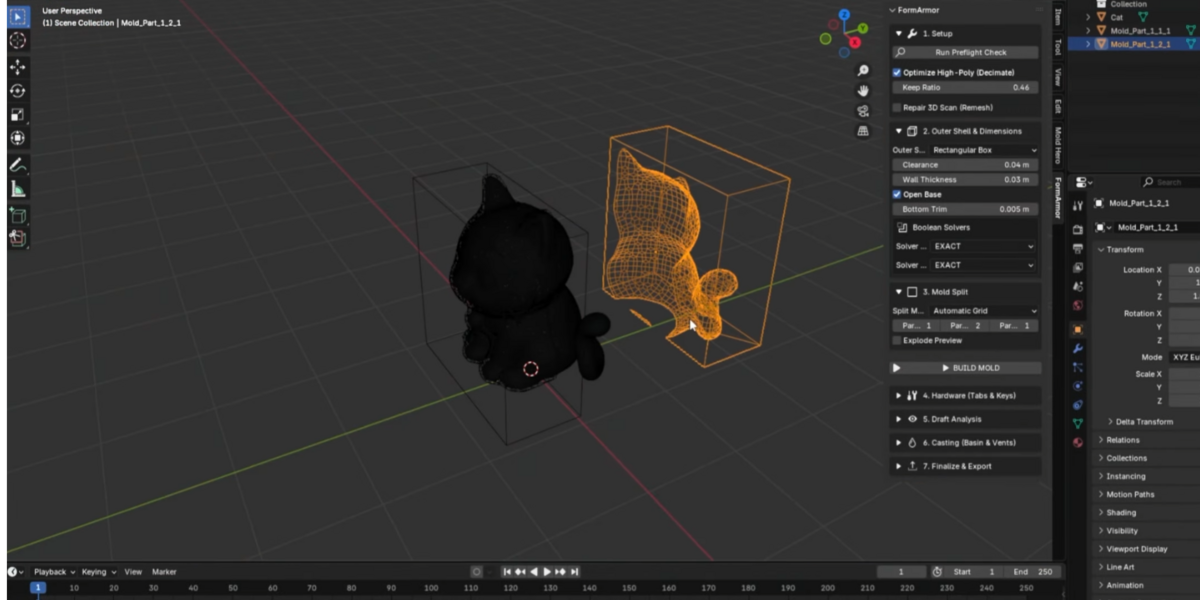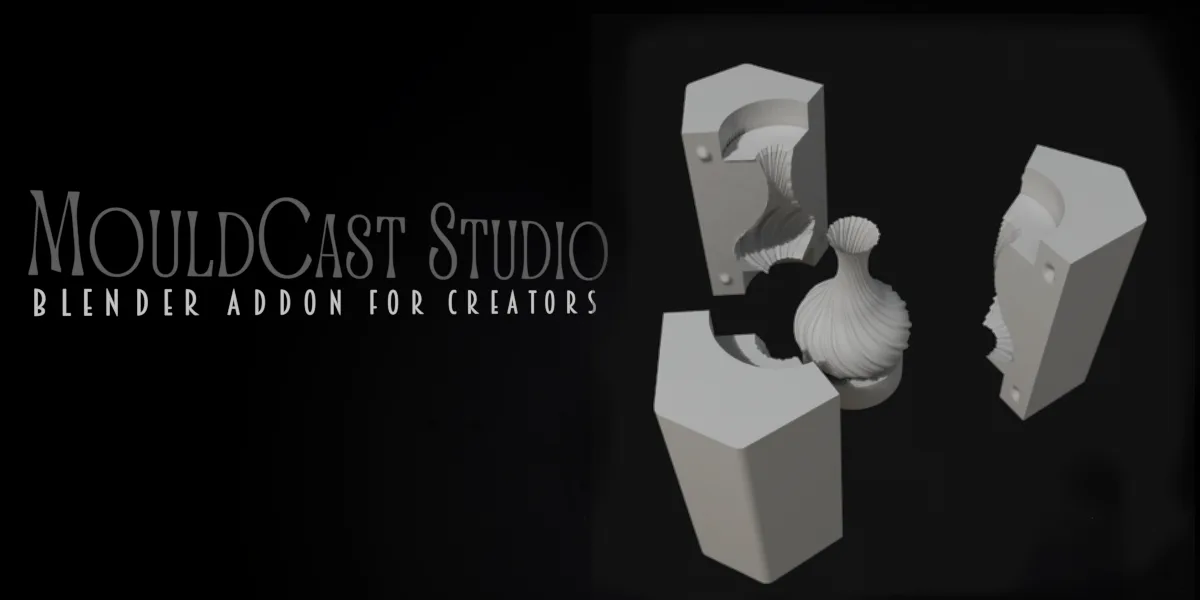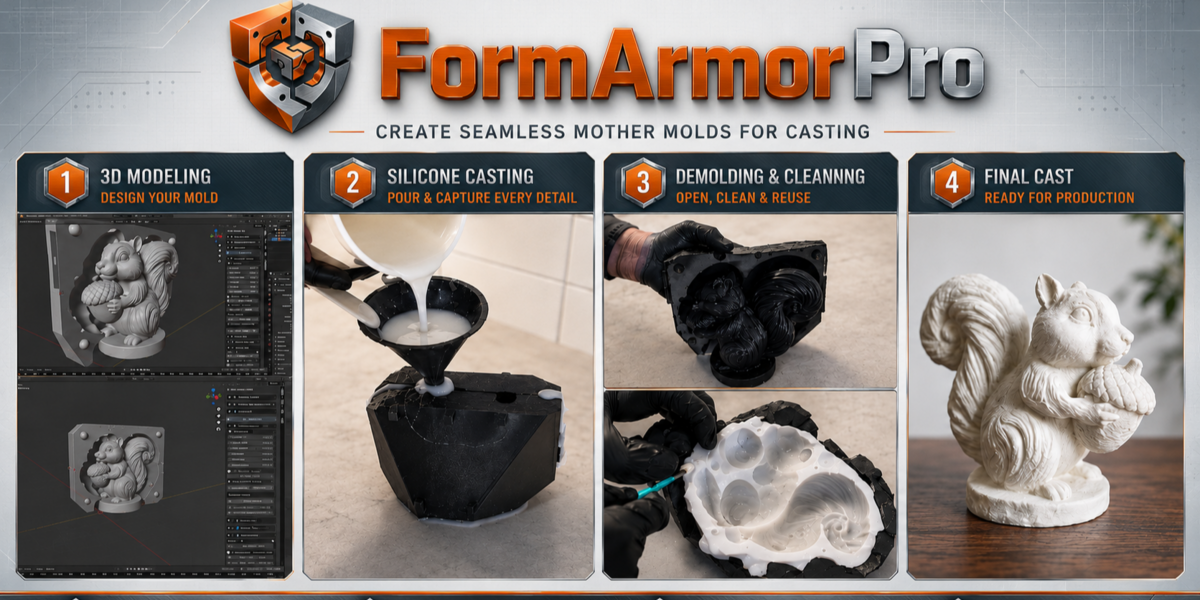
Formarmorpro is a Blender add-on for preparing mold parts from a 3D model. It groups shell generation, split planning, alignment features, release-angle checks, silicone-volume estimates, and STL export in one panel.
Features for mold preparation
- Generate an outer mold shell and set its wall thickness and clearance.
- Create single-part or multi-part layouts with automatic or manual split planes.
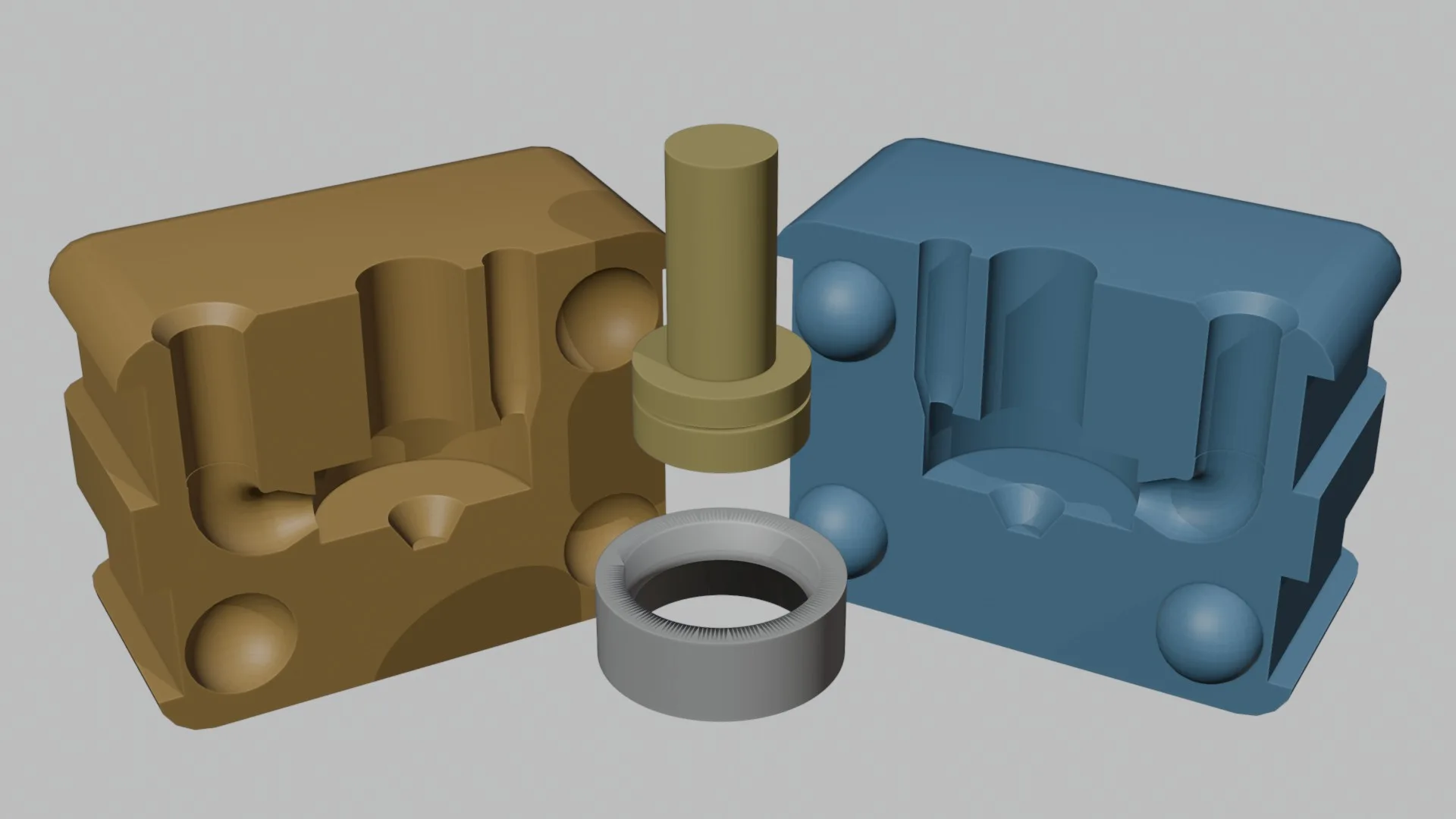
- Add registration keys to align mold sections and screw tabs for assembly or clamping.
- Add a pouring basin and vents for casting.
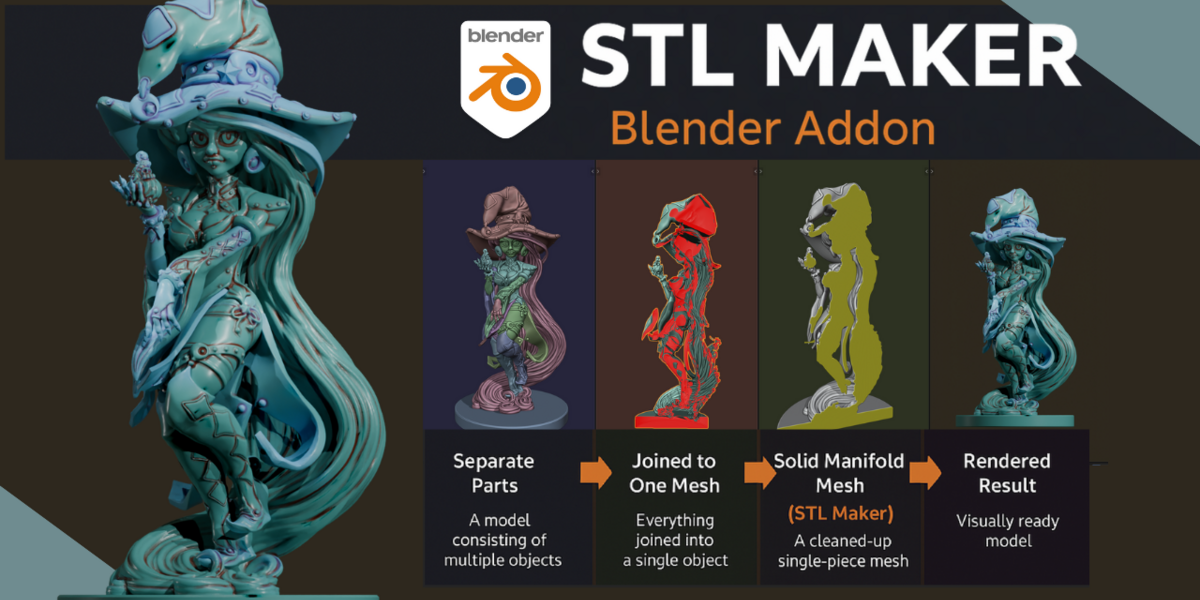
- Check draft angles, estimate silicone volume, and batch-export mold parts as STL files.
From model to mold parts
Start with a prepared mesh and run the preflight check. Choose the shell settings and split method, then generate the mold. Add alignment and casting features before exporting the parts. This workflow keeps the main preparation steps together in Blender.
For best results, use clean mesh geometry and apply scale and rotation before generating the mold. Basic familiarity with Blender selection, scale, and object editing is also recommended.
Review the design before production
Draft analysis and silicone-volume estimates are planning aids, not guaranteed engineering results. Review parting lines, release direction, wall strength, casting access, and printability yourself. Complex shapes may need manual cleanup or adjustment. Test the mold digitally and inspect its parts before printing, casting, or using expensive materials.
Requirements and intended users
The add-on is intended for artists, sculptors, prop makers, product designers, makers, and 3D-printing users preparing molds for silicone casting, prototypes, decorative objects, or small production experiments. The product listing specifies Blender 4.2.0 or newer and shows a compatibility range of 4.2–5.1. Check the product listing for current details. A demo video is also linked from the listing.