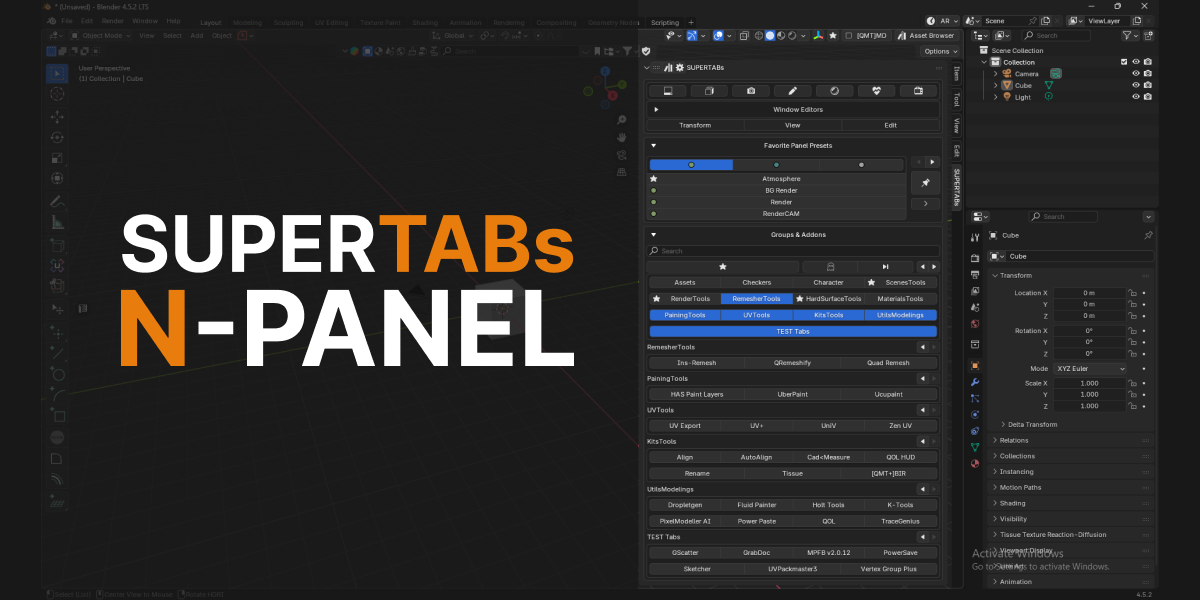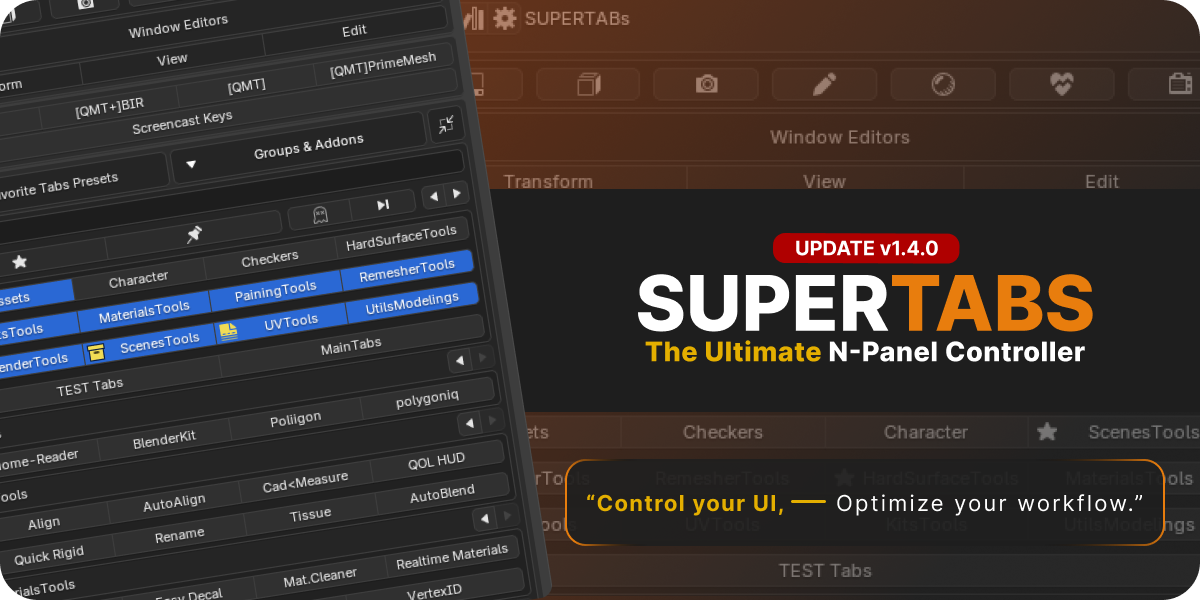
Supertabs by DOHDEH helps Blender users organize a crowded N-Panel into groups that match their work. Create nested panel groups, arrange tabs, and bring supported add-on panels together. It is aimed at people managing many tools across Blender editors; if you use only a few add-ons, Blender’s built-in sidebar may be enough.
Arrange panels around your workflow
Create custom panel groups and nested subgroups, reorder tabs, and assign icons. Supertabs can consolidate add-on panels and hide subpanels you do not need, making frequently used tools easier to find. Settings can be saved as JSON and restored when Blender starts.
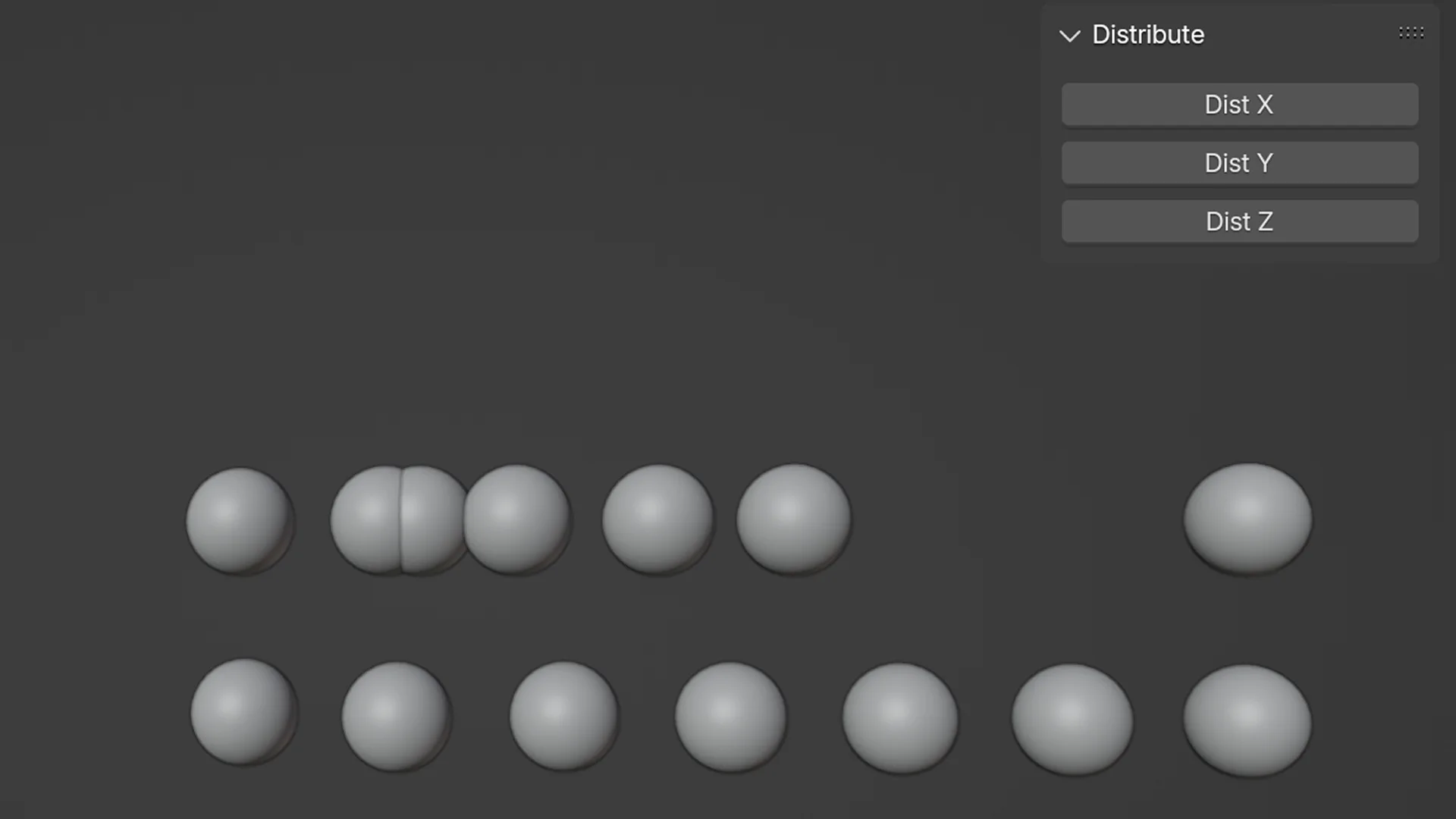
Use the same organization across editors
The listing describes custom panel groups and tabs in the 3D Viewport, plus organized panels in the Image and UV Editor, Shader Node Editor, Geometry Node Editor, Texture Node Editor, and Compositor. Its Operations Center also puts editor-specific controls in reach:
- 3D Viewport: stats overlays, face orientation, viewport toggles, and camera locks.
- UV Editor: UV stretch analysis, sync controls, packing, and averaging.
- Node editors: node statistics, auto-arrange, and socket cleanup.
- Image Editor: resize, replace, and bulk-save modified images.
Reach favorite tools with fewer clicks
Supertabs includes shortcut and favorite presets, plus access through an integrated pie menu. Left-click a tab to focus on that panel, or Shift-click to stack related panels. These controls are useful when you switch between organized tool groups often.
Save and manage add-on setups
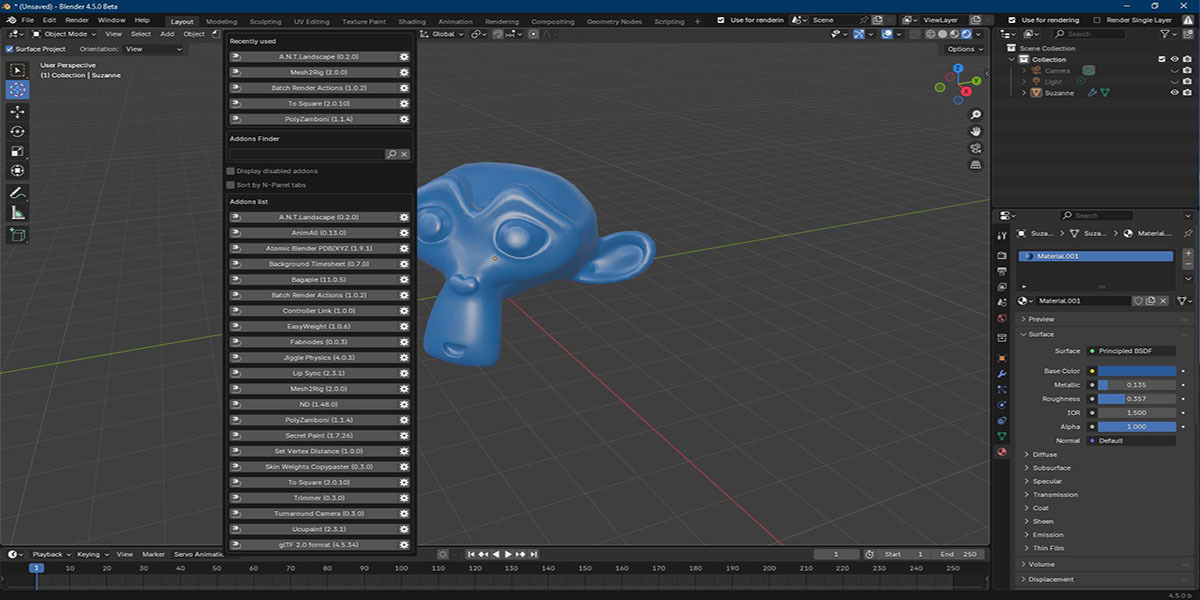
The Add-ons Hub shows installed add-ons and lets you change enabled states, collect favorites, and save presets. You can export add-on state to JSON and back up or restore configurations. DOHDEH also describes cross-machine environment syncing for keeping setups consistent across computers.
Check compatibility before installing
The Superhive listing shows version 1.4.0. Its overview says the add-on was tested with Blender 4.2 to 5.3, while the details panel lists Blender 4.4 to 5.3. Check the current product listing for the range that applies to your installation.
Supertabs works best as the only add-on managing the N-Panel; running another N-Panel manager may cause conflicts. Add-ons that manage their own panels can also limit how much Supertabs can control. DOHDEH describes the design as non-destructive and reversible. The listing says it is a one-purchase product with no renewal fees, with support and lifetime updates included at no extra charge; check the listing for the current price and terms.