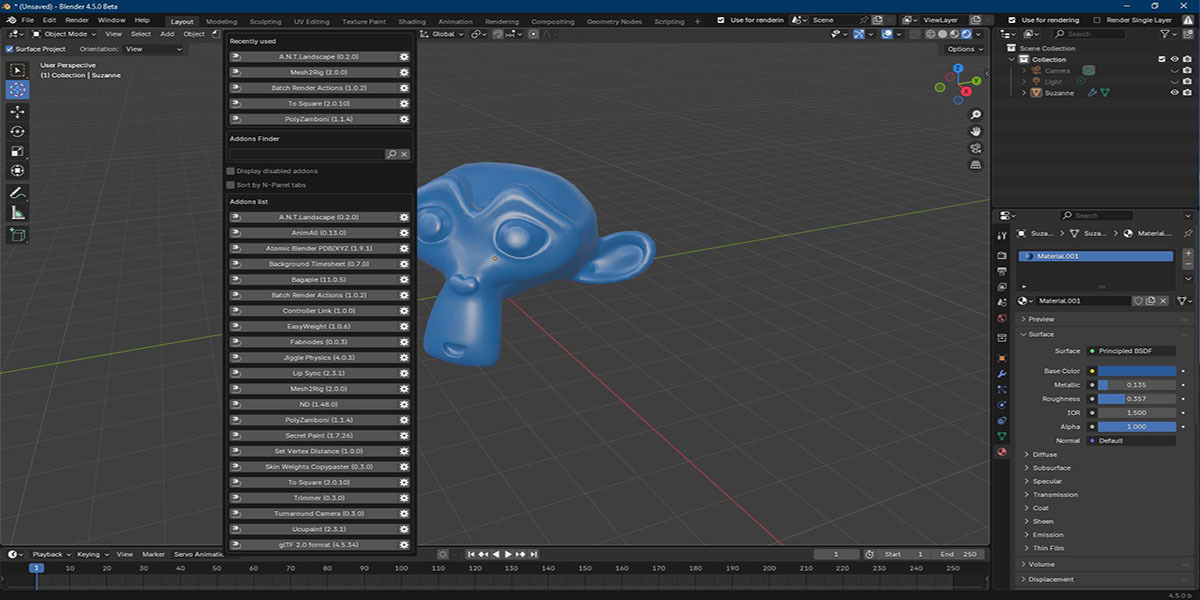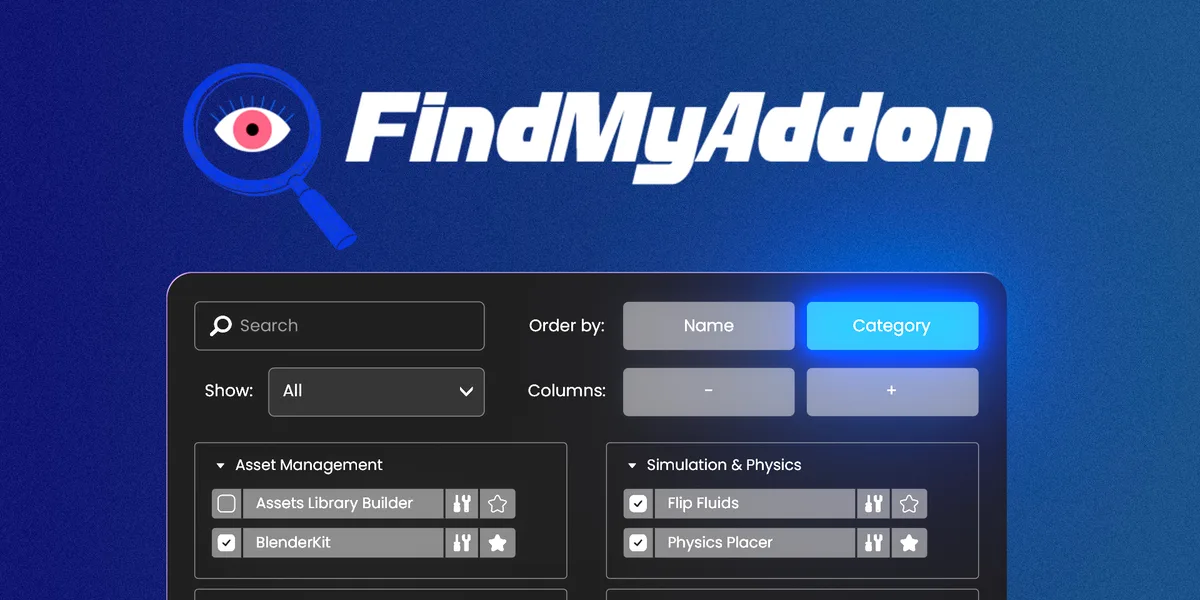
Find My Addon is a Blender add-on that gathers your add-ons in a searchable pop-up. Press Shift+R by default, then type a name to filter the results. Search also matches module names and N-panel tab names, which helps when you remember a panel label but not the add-on's name.
Find and open add-on panels
Filter tabs show all, enabled, disabled or favorited add-ons. When you find one, use the panel-jump control to open its N-panel tab. The shortcut works in the 3D View, Image, Node, Graph, Sequencer and other editors. If the target editor is not open, Find My Addon asks before opening it. A Recent section keeps recently opened add-ons at the top of the pop-up.
Organize and manage add-ons
Favorites and custom categories put frequently used tools where you can find them. You can hide or show add-ons in search results, with a global Show All option, and enable or disable an add-on with one click. Category controls can enable or disable a whole group at once.
The pop-up can use multiple columns and a resized width, and you can assign a different hotkey. Export and import save categories, favorites, visibility choices and interface preferences. The product FAQ explains how to create categories and transfer an exported JSON settings file to another computer.
Compatibility and license
The Superhive product listing states Blender 2.80 through 5.1 compatibility, Blender Extension compatibility, cross-platform support and a GPL license. Check the listing for the current compatibility details before installing.