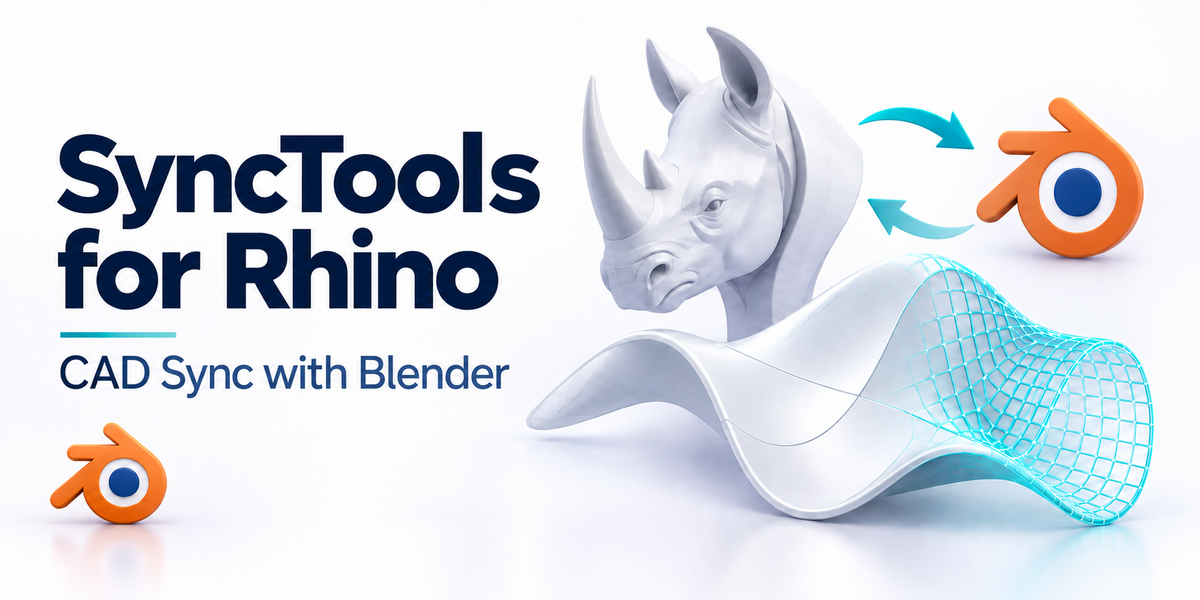
SyncTools Pro for Rhino copies selected objects between Rhino documents and other digital content creation (DCC) apps through an FBX-based exchange protocol. Its floating window provides Copy and Paste actions for moving geometry and related scene data. Blender, Maya, 3ds Max and Houdini are among the supported destinations.
What can it transfer?
The available transfer options cover several parts of a scene:
- Polygon meshes and NURBS geometry
- PBR materials, with an optional Octane sync mode
- Baked keyframes
- Light and camera transforms
- Groups and layers, plus named views and construction planes
Selective transfer lets you choose which supported elements to include. The overview says geometry export preserves Rhino NURBS data where the receiving application supports it; the product FAQ says NURBS-to-mesh conversion is handled automatically. Check the target app's NURBS support if you need native NURBS data there. Smart scaling matches units across DCC conventions. There are no FBX export presets to manage.
Copy and paste between applications
The plugin supports transfers between Rhino documents and bidirectional movement between Rhino and other listed DCC applications. Default shortcuts are Ctrl + Shift + C for Copy and Ctrl + Shift + V for Paste; shortcuts can be remapped per application. The compact floating window opens inside Rhino and keeps its controls available alongside the modeling workspace.
Install the Rhino script
- Read the compatibility details below and confirm the requirements with the seller before installing; then find
SyncTools_Rhino.pyin the package. - Copy it to Rhino's Python scripts directory.
- Run the script in Rhino. It registers the tool and opens the Sync Tools floating window.
- Select objects, use Copy in the source application, then switch to the destination and use Paste.
Compatibility to check
The product overview lists Rhino 7 or newer, Windows 10 or 11, macOS 13 or newer, and Blender 3.0 or newer for cross-DCC transfers. Marketplace compatibility metadata lists Blender 3.6 to 5.2. The product documentation lists Rhino 6 or newer, Blender 3.43 or newer, macOS 11 or newer, and Windows 7 or newer. These entries conflict and do not establish the current package requirements; confirm your setup's requirements with the seller before installing. The product FAQ lists Blender 3.6 to 5.1.