SyncTools Pro for Unreal Engine 5 copies static mesh actors between Unreal Engine scenes. It transfers position, rotation, scale, actor properties, and materials, including material instances. The documentation describes material support as partial, covering basic properties, and says textures require matching paths. The product listing also says Nanite-enabled meshes are preserved and describes transfers as Lumen and Nanite friendly.
Copy layouts between Unreal Engine scenes
The documented workflow is to select static mesh actors, choose Copy from the SyncTools menu, switch to the destination scene, then choose Paste. The plugin imports the latest cache files and cleans them up after a successful import, according to its installation and usage documentation. Selective transfer controls which actor types and properties are included.
SyncTools adds a menu to the Unreal Editor menubar. Its default shortcuts are Ctrl + Shift + C and Ctrl + Shift + V, and you can remap them. The listing also describes a shared cache directory for level design teams.
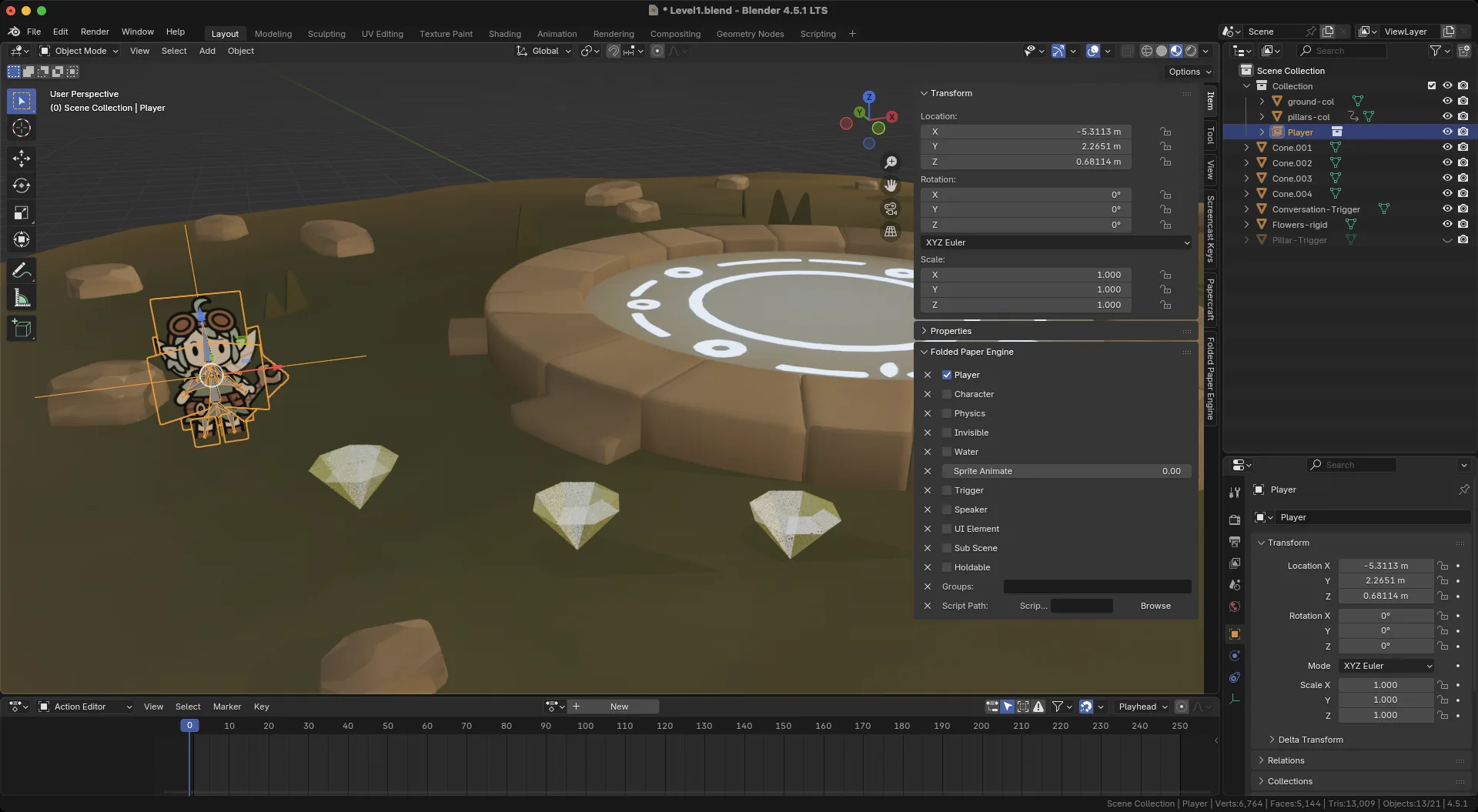
Bring layouts in from other DCC apps
The Unreal Engine plugin uses the SyncTools data exchange protocol shared across the product family. The seller names Blender, Maya, and 3ds Max as sources for layouts brought into UE5. Smart scaling handles unit matching on cross-DCC imports, which can help when scene layouts move between applications with different unit settings.
Installation and compatibility
The package includes Synctools_UE.py. Copy it to the project’s Content/Python folder and restart Unreal Engine; the SyncTools menu should then appear in the main menubar. The product listing specifies Windows 10 or 11 and macOS 13 or later.
Engine-version details differ across the seller’s pages. The product listing states Unreal Engine 5.0+, while the documentation lists Unreal Engine 4.26 and newer and Unreal Engine 5.04 and newer. Confirm support for your exact UE5 release with the seller before installing.
Check transfer support for other actor types
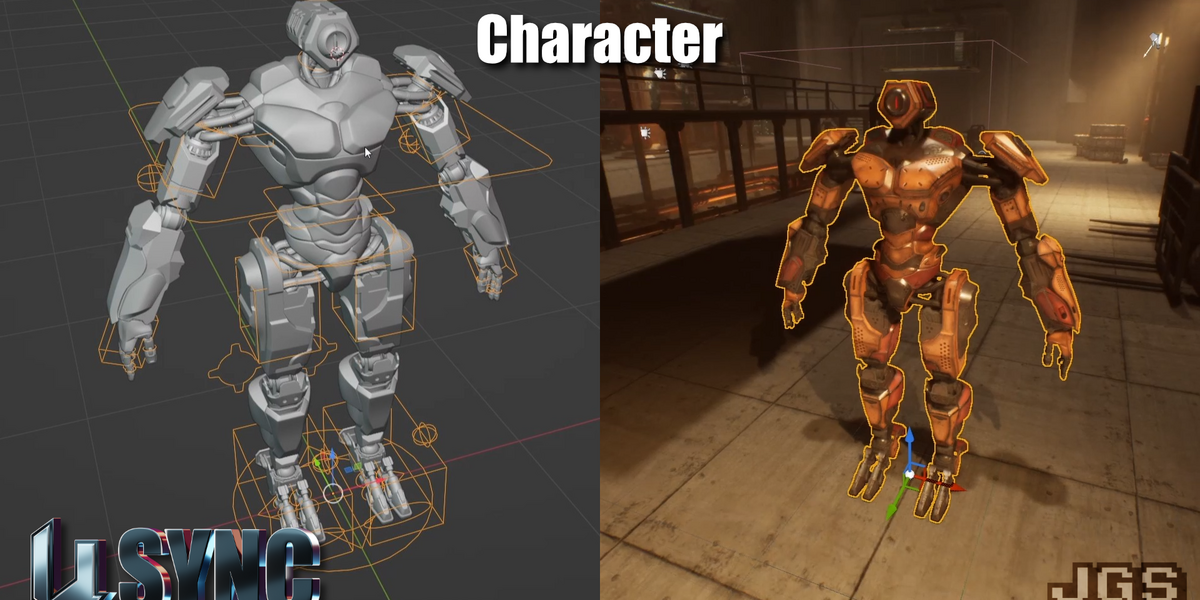
Static mesh actors are the clearest supported use. The product listing also mentions preserved transforms for lights and cameras, but the documentation marks light actors unsupported and recommends using static mesh actors. It also lists skeletal meshes, Blueprint actors, particle systems, landscape data, and dynamic objects as unsupported. Confirm any non-static-mesh workflow with the seller before relying on it.
The plugin is aimed at level designers reusing composed layouts across UE5 scenes and teams bringing layouts in from other DCC applications. The listing describes email and ticket support through the Superhive inbox, community chat, and lifetime updates within the current major version. Check the seller’s pages for current details.