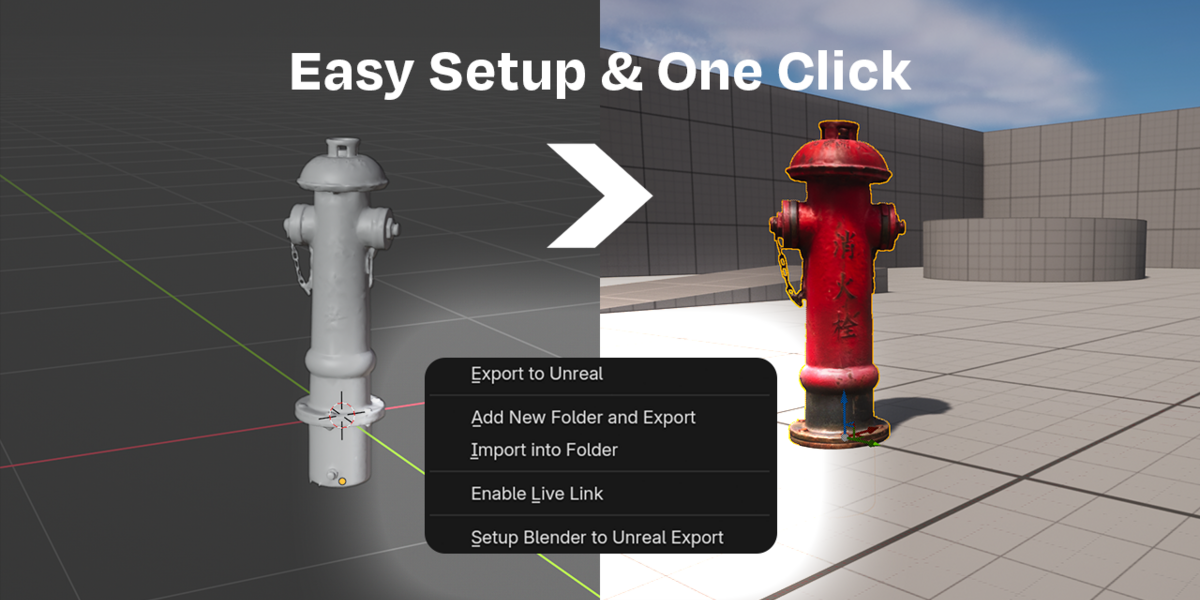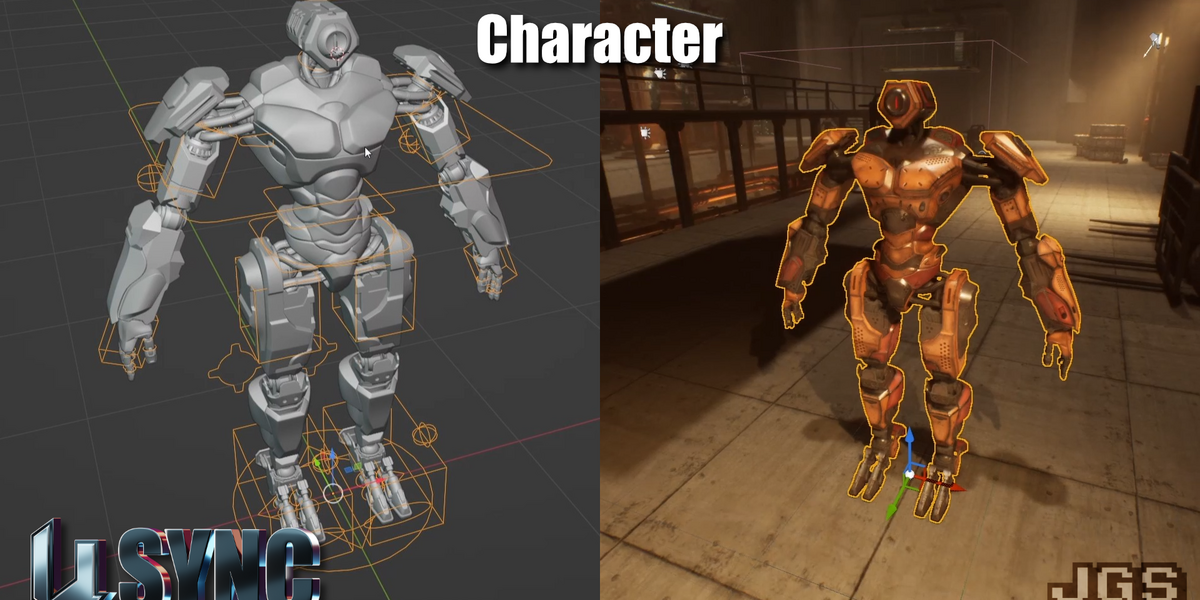
USync is a Blender-to-Unreal pipeline tool by James Guard Studios. It covers transfers for levels, static meshes, characters, animations and cache data through five workflows: Level Sync, Static Mesh Sync, Character Skeleton Sync, Character Animation Sync and Cache Sync. The Superhive product listing describes how each workflow is currently scoped.
Move levels from blockout to final art
Level Sync is described as a two-click, instanced transfer from Blender to Unreal Engine. It currently supports static meshes and Blueprints; lights and other support are listed as coming soon. For prototyping, USync includes a whitebox level workflow using a library of assets, which can then be replaced with final assets as the level develops.
Sync meshes, characters, animation and cache data
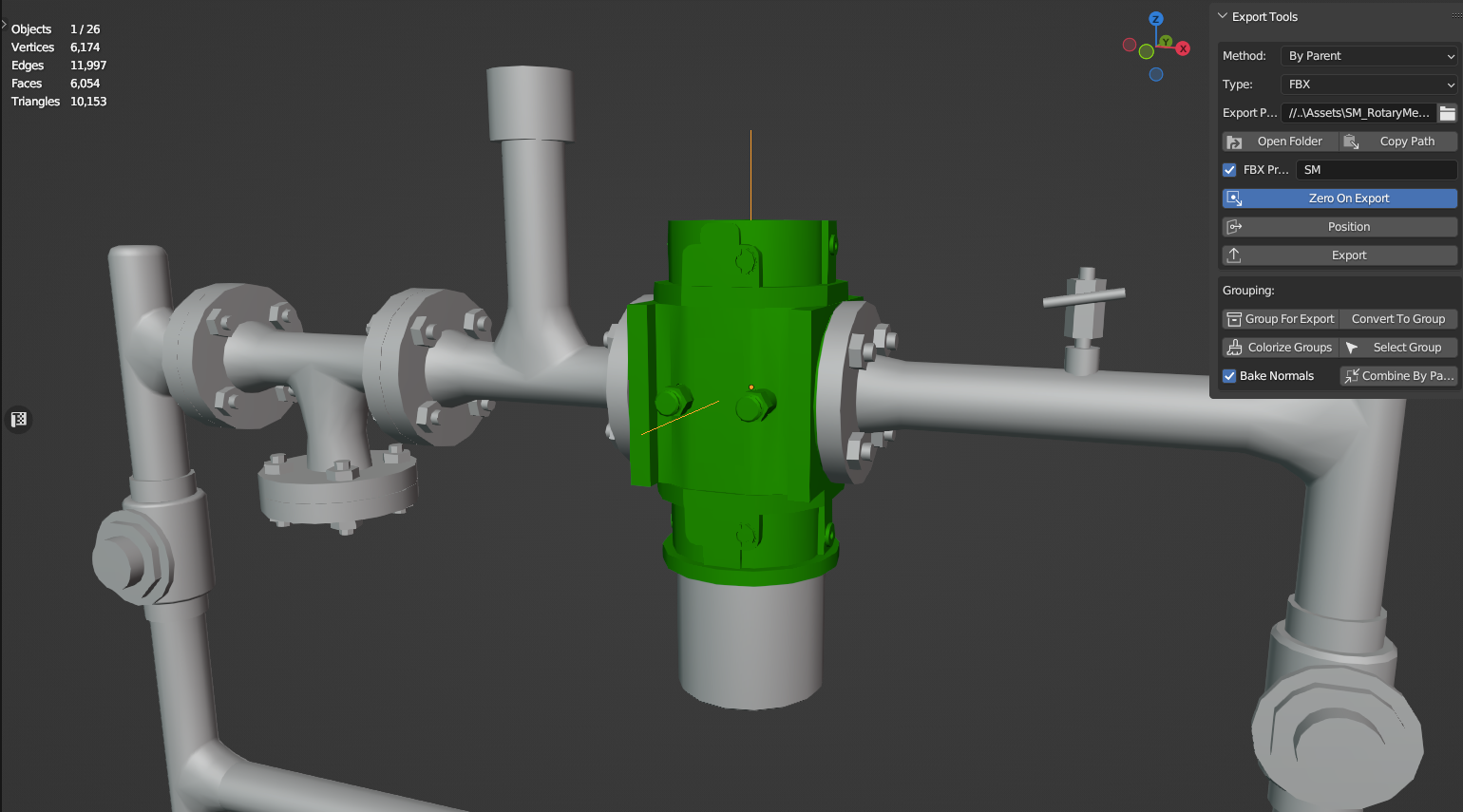
Static Mesh Sync includes _UCX collision support. Character Skeleton Sync transfers characters with their skeletons, while Character Animation Sync handles character animation. Cache Sync covers object transform animation and vertex animation.
Check material support and workflow tools
USync currently supports simple material and texture sync for static meshes, characters and caches. It currently does not support complex material graphs, so projects that rely on advanced node setups may need a separate material workflow. USync also lists batch processing for multiple asset types, cache management, a right-click menu and a pie menu.
Review compatibility and licensing
Superhive lists Unreal Engine 5.4+ and Blender 4.2+ in its system requirements. A separate Blender Version field on the same listing shows 4.1 to 5.1. Check the current product details for the version pair you plan to use. The listing identifies the license as GPL; review its current license information for your project.