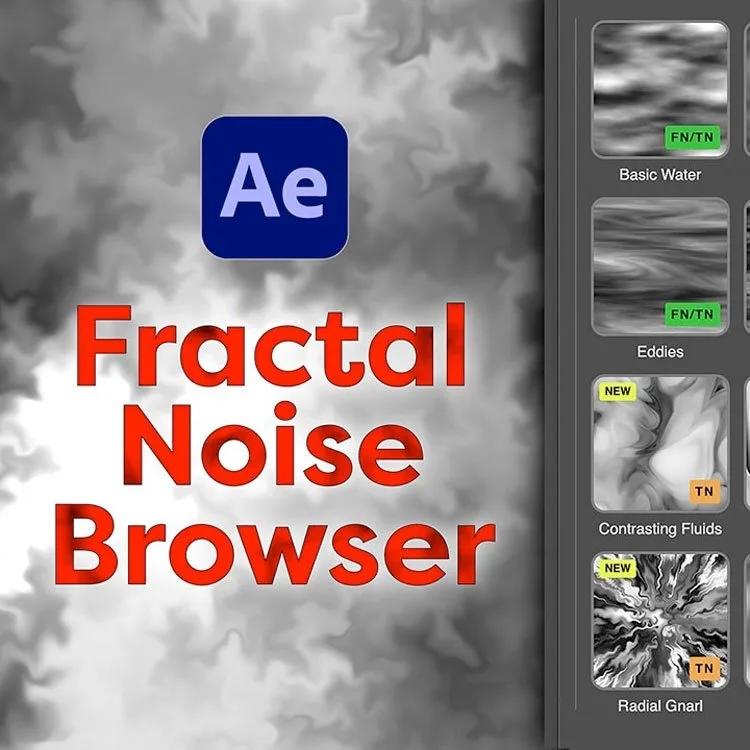
synthetick Fractal Noise Browser is an After Effects panel for browsing and applying 250+ Fractal Noise and Turbulent Noise presets. The presets are arranged in nine categories with thumbnails and animated previews, so you can inspect a look before adding its effect to a layer.
Browse and apply noise presets
After installing the panel, open it from Window > Extensions > Fractal Noise Browser. Double-click a preset to apply it, or select it and click Apply. Badges show which effect types each preset supports: most work with either Fractal Noise or Turbulent Noise, while some are limited to one type. The panel is resizable, dockable, and scrollable.
Choose how the effect is added
Fractal Noise is the default effect, and you can set a preferred default in Application Settings. Those settings also let you choose whether applying a preset replaces an existing noise effect on the layer or adds another instance. You can also enable Randomize Seed on Apply to get a different variation when using a preset.
Animate Evolution
The Evolution options can leave the noise static, add an expression that animates Evolution at a speed you set in degrees per second, or create a seamless loop. The seamless-loop option is available for Fractal Noise only; Turbulent Noise does not support looping.
Keep your own presets
The User Presets section stores and applies your Fractal Noise and Turbulent Noise setups. Your saved presets appear with thumbnails and animated previews, and use the same application controls as the built-in collection.
Compatibility and licensing
The catalog lists support for After Effects 2026, 2025, 2024, 2023, and 2022. It labels the product free, while its FAQ also describes a trial limited to the first seven presets in each category. Check the Toolfarm listing for current licensing details before relying on access to the full collection. The feature and compatibility details are summarized in the AnyPlugins catalog entry.