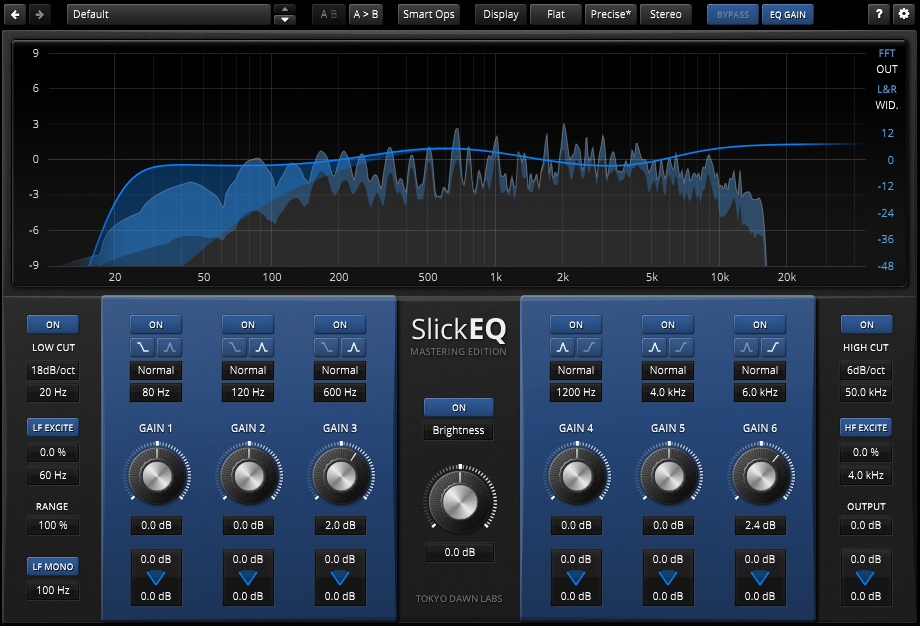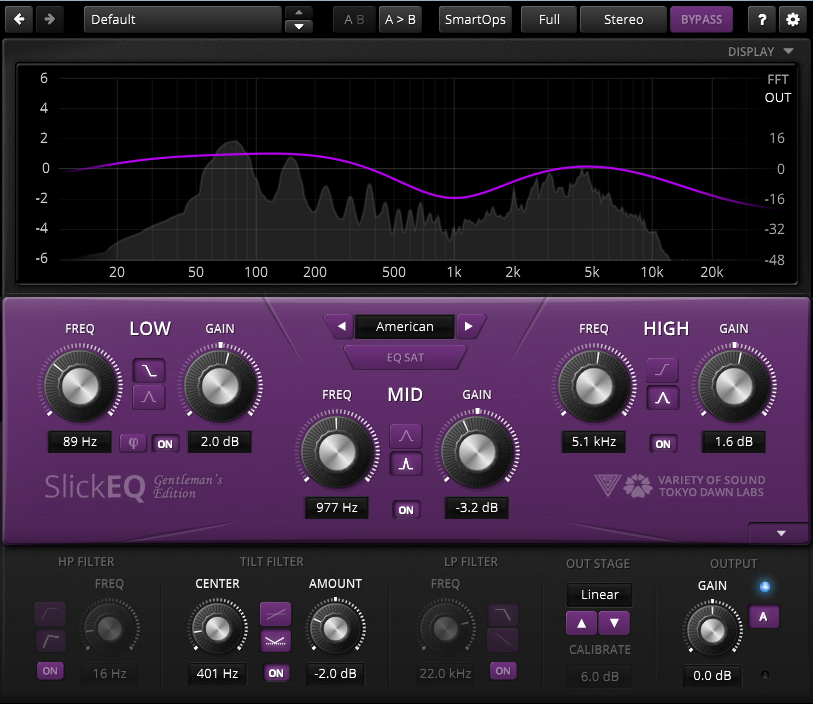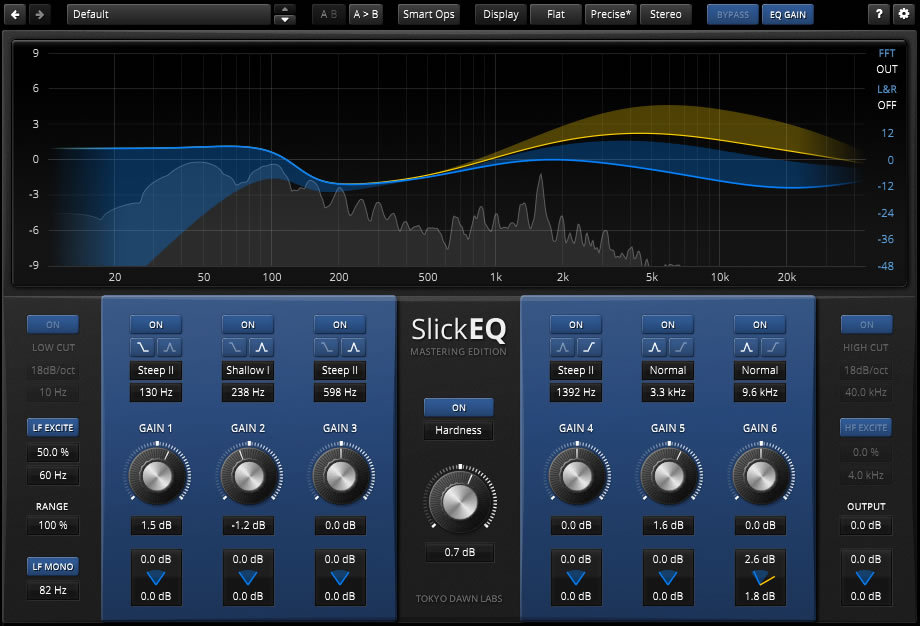
TDR SlickEQ M (Mastering Edition) is a stereophonic equalizer from Tokyo Dawn Labs, designed for audio mastering. It combines six parametric bands with high-pass and low-pass filters, a low-frequency mono filter and a meta-filter for shaping tone and stereo image.
Shape tone and stereo image
The six bands provide control over frequency, gain and filter shape. Bands 1 to 3 focus on low and mid frequencies; bands 4 to 6 are intended for high-frequency work. Each band can also adjust stereo width and balance independently of its main gain control. The plugin includes Stereo, SumDiff, Sum, Diff, Left, Right and Mono processing targets for different channel workflows.
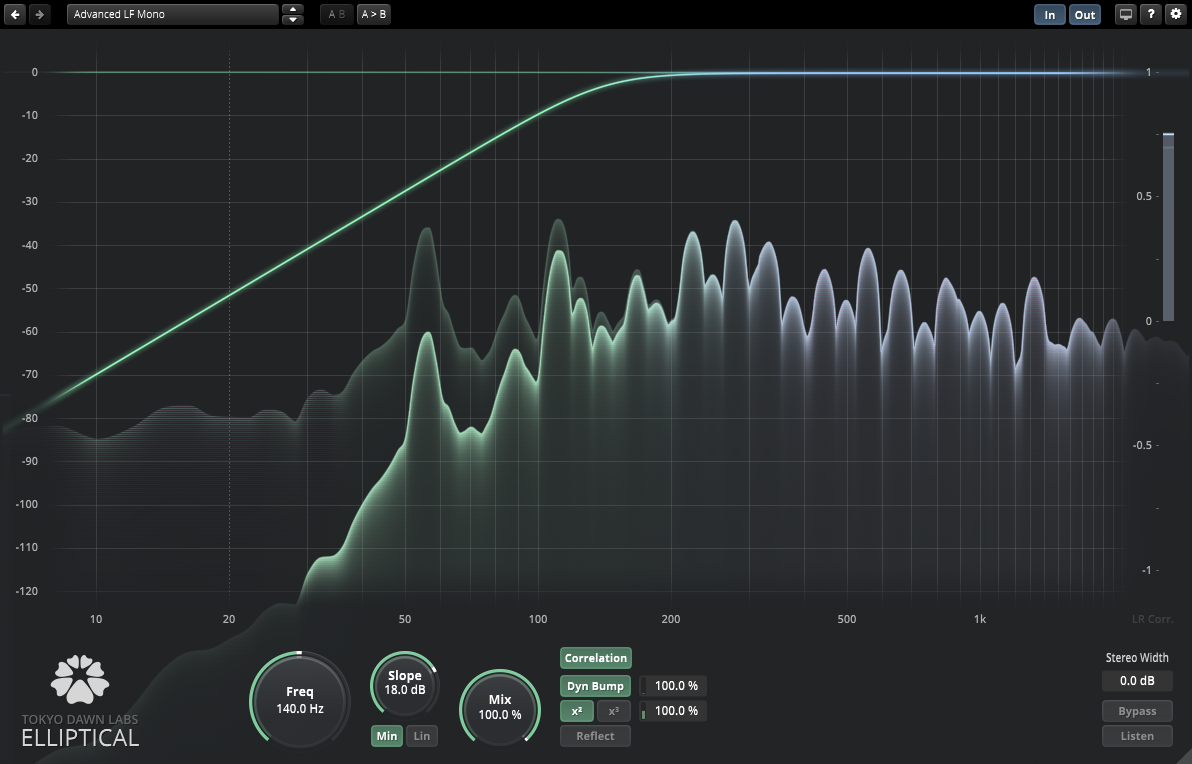
For broader adjustments, the meta-filter offers a brightness tilt that adjusts signal brightness, a hardness curve for subjective softness or hardness, and an equal-loudness curve that shapes the spectrum as a function of sound pressure level. The dedicated low-frequency mono filter gradually narrows stereo width below its selected frequency. Automatic gain compensation offsets perceived-loudness changes while you adjust the EQ. The low- and high-frequency exciters lift low-level passages and add harmonic distortion on stereo mixes.
Use Smart Ops for analysis-assisted adjustments
Smart Ops analyzes audio learned from playback and can match a spectrum to a reference, reduce static resonances, set the high-pass and low-pass filters to the signal's audible bandwidth, or match stereo width and balance to a reference. For a match, the reference can come from pink noise, another SlickEQ M instance, or a SlickEQ M reference file or WAV, AIF or FLAC audio file.
- Play the audio and use Learn to capture a section for analysis.
- Load a reference when the selected operation needs one, then choose an operation and its frequency range or amount.
- Apply the proposed settings, then listen and fine-tune them manually. Cancel restores the previous plugin state.
By default, Learn triggers analysis in all SlickEQ M instances in the session; the Learn Target menu lets you choose which instances respond, which can help homogenize the sound of several songs in an album. Smart Ops results remain in the project, but an open Smart Ops operation does not persist across sessions. Apply or cancel it before closing the project. See the official SlickEQ M manual for the operation controls and reference workflow.
Choose processing modes for the session
Four quality modes let you choose a processing tradeoff: Eco uses less CPU with restricted functionality and parameter range; Live provides zero-latency processing with a slight quality compromise; Precise is the default high-fidelity mode; and Insane raises processing quality and CPU use. Mixed Phase options increase phase linearity for the width and balance filters, with added latency and CPU load. Fixed Latency Mode compensates for the latency changes introduced by those options.
Check compatibility and license terms
The developer lists compatibility with VST2, VST3, Audio Unit and AAX hosts, on Windows 7 or later and Mac OS X 10.9 or later, with OpenGL support required. The product is sold with a personal or small-business license. Its EULA describes a perpetual, non-exclusive license for one user on up to five single computers. The demo blocks automatic recall, so it cannot verify that workflow during evaluation; the developer asks buyers to confirm the demo runs on their system before purchase and states that sales are final.