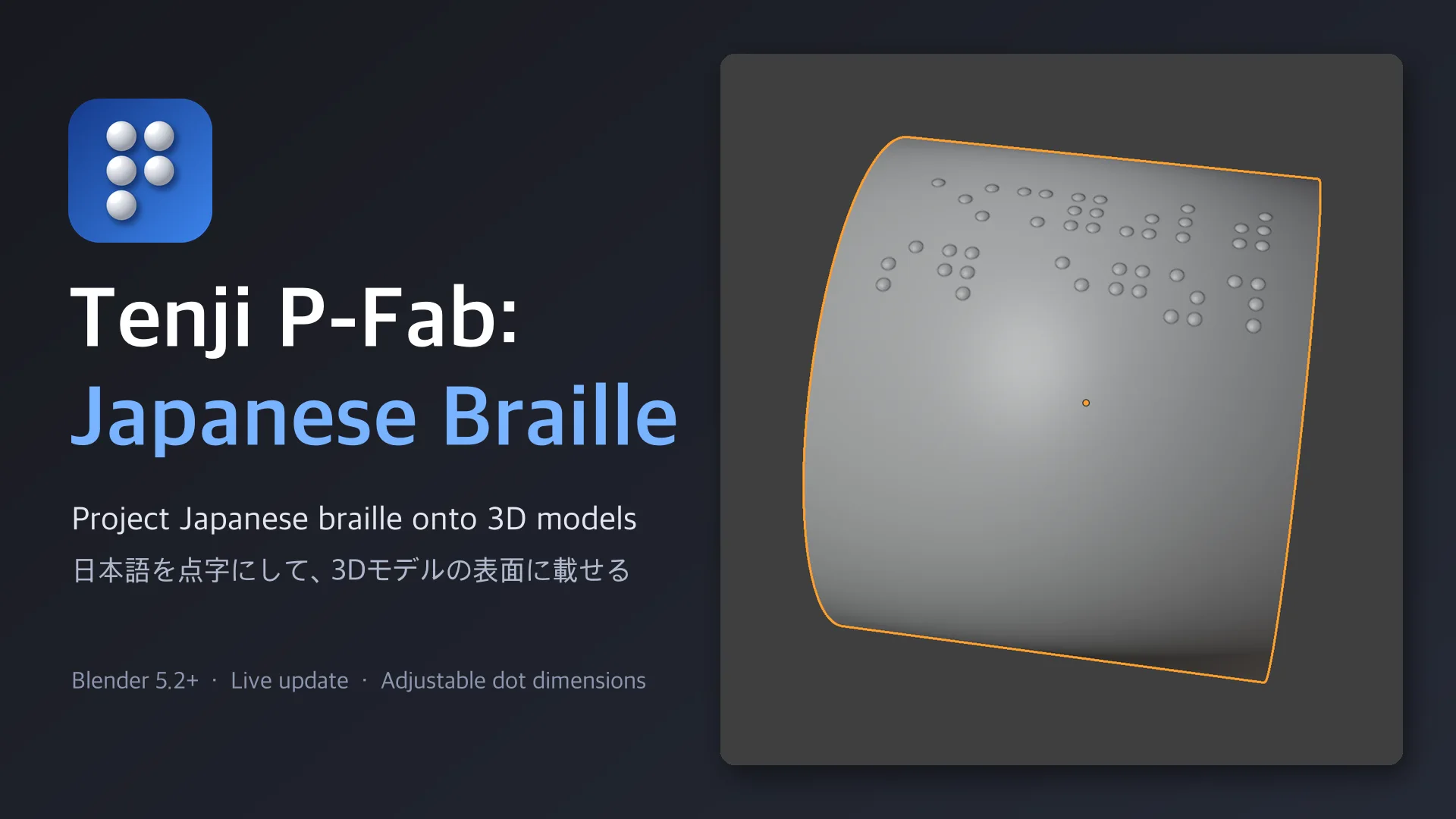
Tenji P-Fab:Japanese Braille is a Blender add-on that projects Japanese six-dot braille onto a selected mesh. Enter Japanese text, and it converts the text and places the dots on the model surface. The extension is intended for tactile labels and 3D-printable models.
Convert Japanese text to braille
The add-on uses Janome 0.5.0 with the MeCab-IPADIC dictionary for morphological analysis. It determines readings and word spacing, then applies Japanese braille notation based on the Ministry of Education guidelines. The listed rules cover punctuation, brackets, numbers, Latin letters and joining marks. You can edit readings and adjust spaces while working.
To start, select a mesh and orient the surface where you want the label. Press the button labelled 選択モデルに点字作成, then enter the text. Conversion, spacing, line breaks and projected dots update as you type. Text can wrap according to braille rules or use a fixed number of cells per line.
Fit the label to the model
Default dimensions are a 2.4 mm dot pitch, 6.0 mm cell pitch and 0.3 mm dot height. These dimensions are adjustable. An output-size setting scales the dots to suit the intended print size. Tenji P-Fab supports flat and gently curved surfaces, and you can create several labels in one scene.
Check the generated dots
The add-on reads the generated dots back and checks them against the expected braille. This checks the generated geometry against the conversion result; the listing says the add-on has not yet been tested with actual 3D prints. A model-side check does not confirm how a printed label will feel or whether its dimensions suit a particular printer.
Compatibility and limits
The listing requires Blender 5.2.0 or later and reports testing on Blender 5.2.1 LTS on macOS. The interface is in Japanese, and the add-on supports Japanese braille only. It works offline and does not require special permissions.
Version 0.1.1 is listed by Blender Extensions. Its release notes report a fix for threading bugs. Kaname-Endo is the listed developer. The extension package is distributed under GPL-3.0-or-later, while its source code on GitHub is available under the MIT license.
See the Blender Extensions listing for version and installation options, or consult the Japanese user manual. The GitHub project includes the source code and links to its issue tracker. For Blender's install-from-disk steps, see the Blender manual.