Text Control is a Blender add-on by Maz for creating, styling and animating text in a non-destructive workflow. It uses a single-letter system and layer-based word management. The Superhive product page lists 3D animated titles, motion graphics and UI animations among its uses.
Style text by word or letter
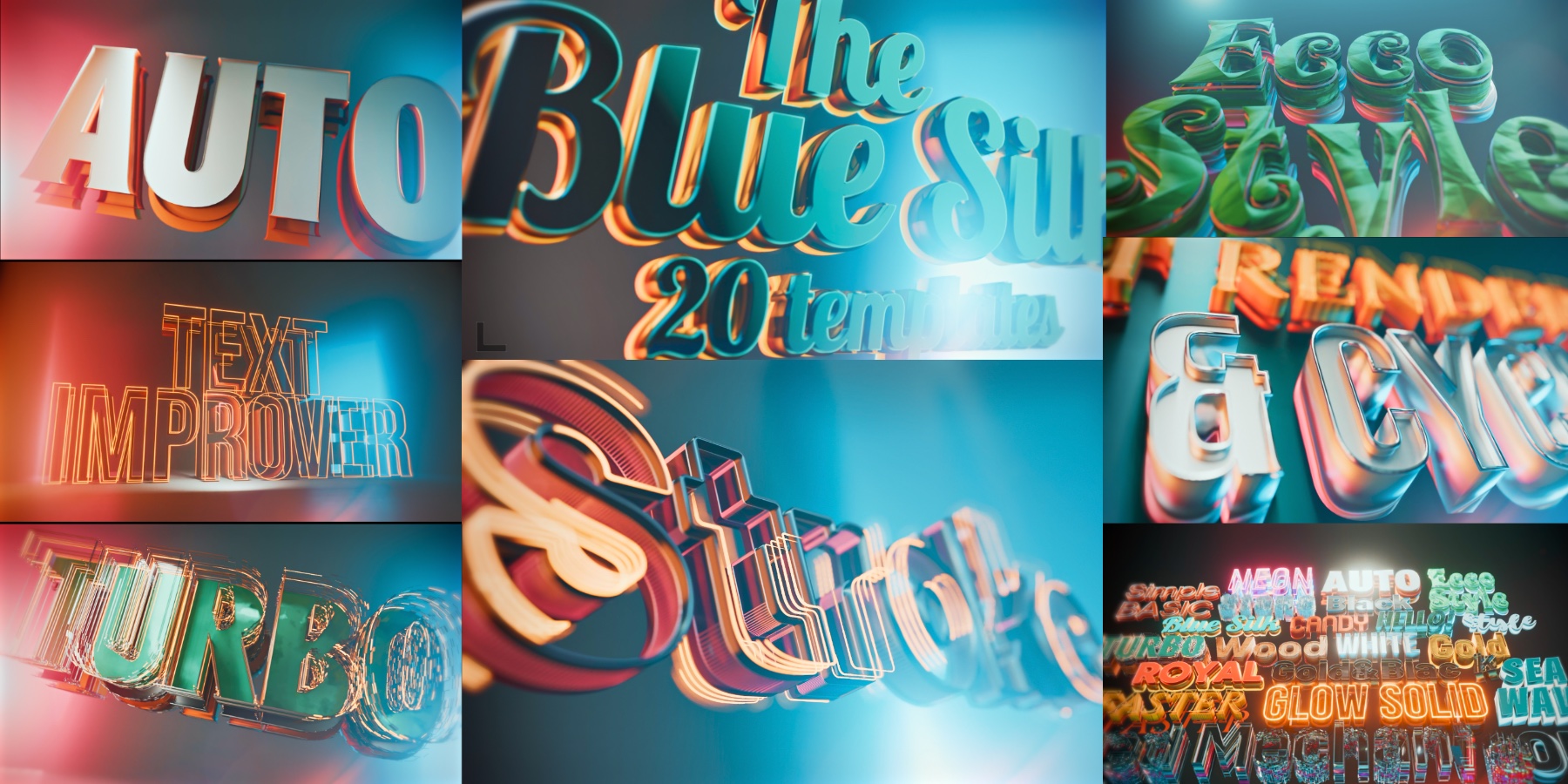
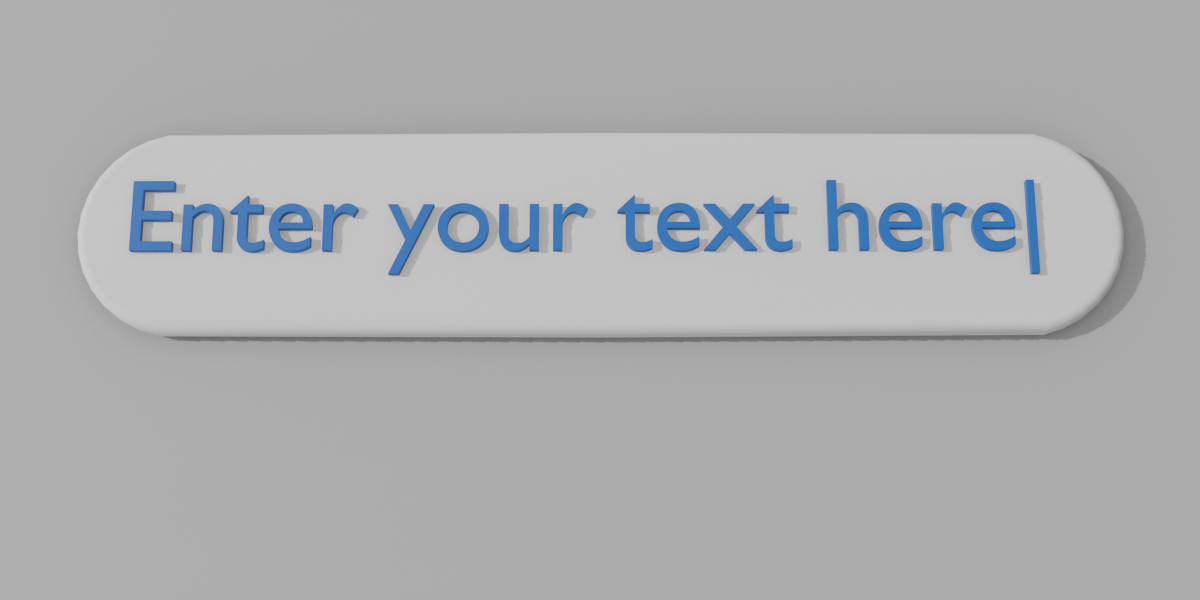
A built-in font bar loads system fonts with one click. Apply a font to a whole word or a selected letter, and mix multiple fonts within one word. Spacing, extrude and bevel controls adjust letter spacing, size and depth. You can apply a material in one click, colorize text and use the quick alignment tool.
Build motion with animation layers
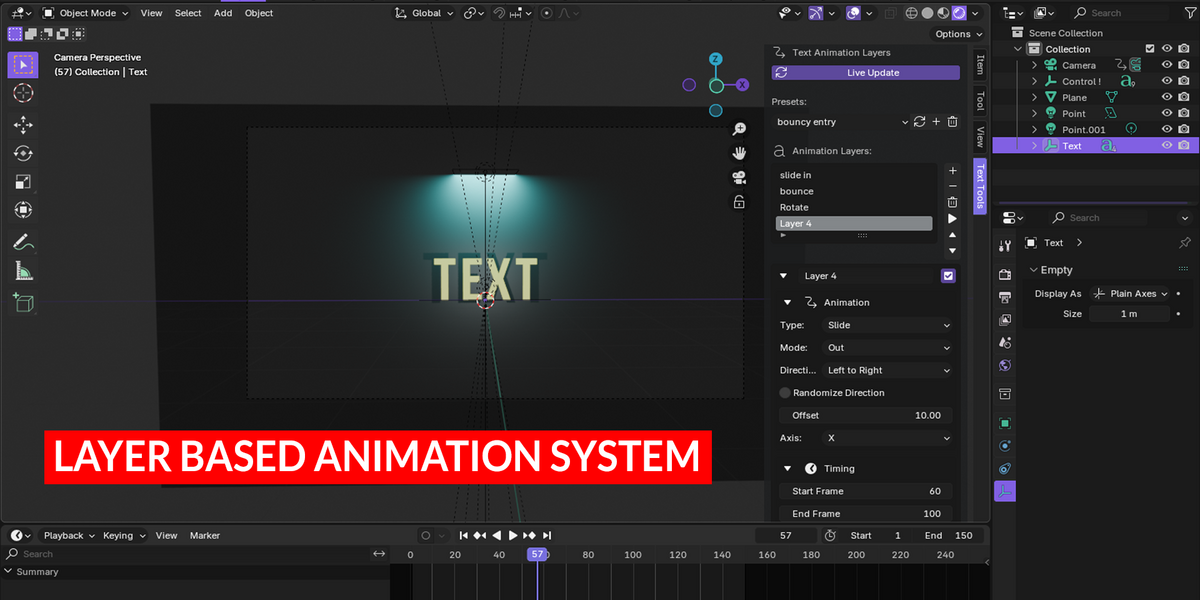
Select a word and add animation layers such as slide, bounce or rotate. The product listing describes ten animation types, each with its own controls, and says you can combine unlimited layers. This lets you build a text move from several effects, such as sliding a title while adding a bounce or rotation.
Save and reuse animation setups
Use Save as Preset to name and store a custom animation setup, then apply it to another word.
Compatibility and license
The seller's listing specifies Blender versions 4.0 through 4.4, the Cycles and Eevee render engines, and a GPL license. Check the seller's product page for current compatibility and terms, especially if you use a Blender version outside that range.