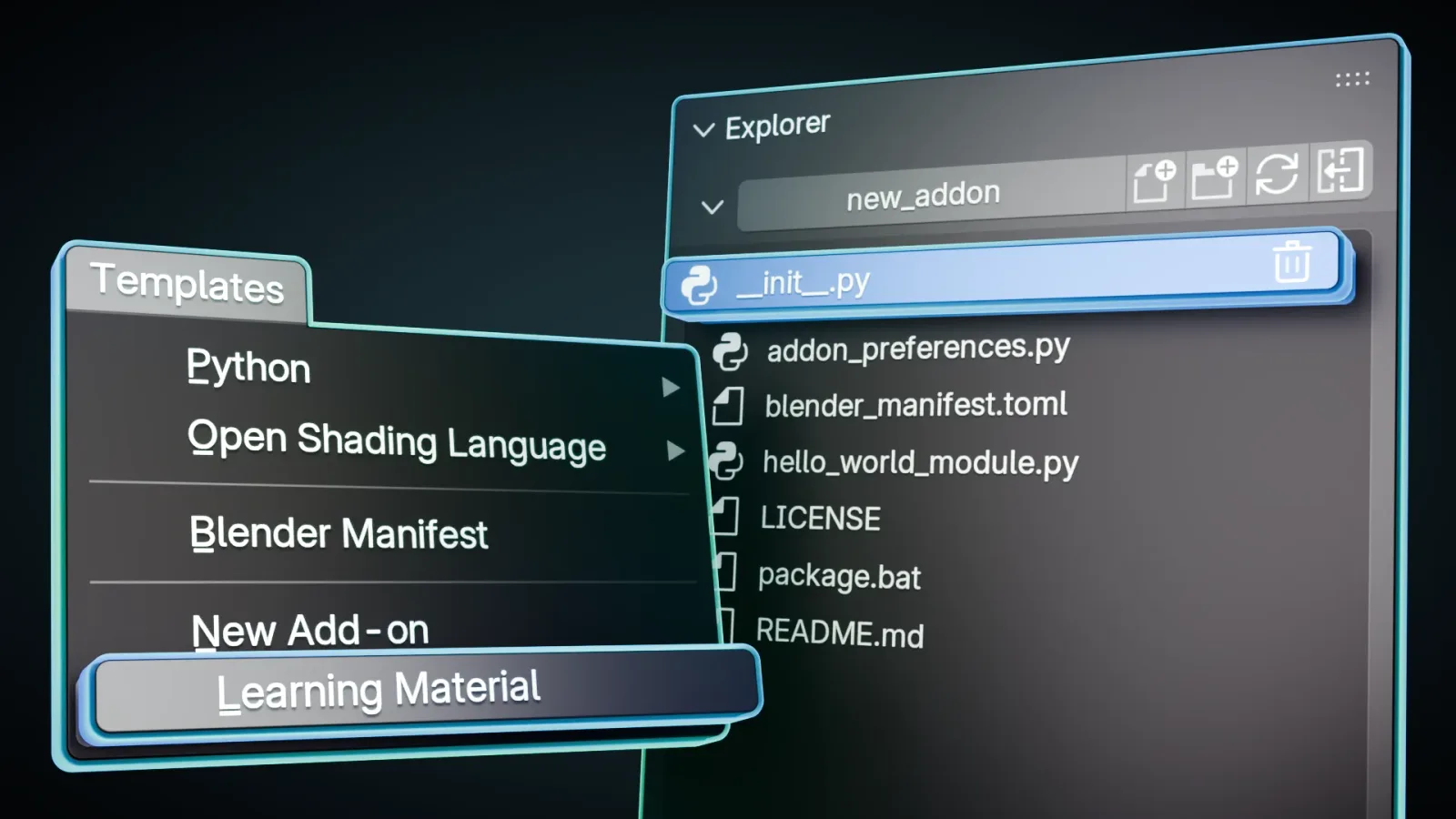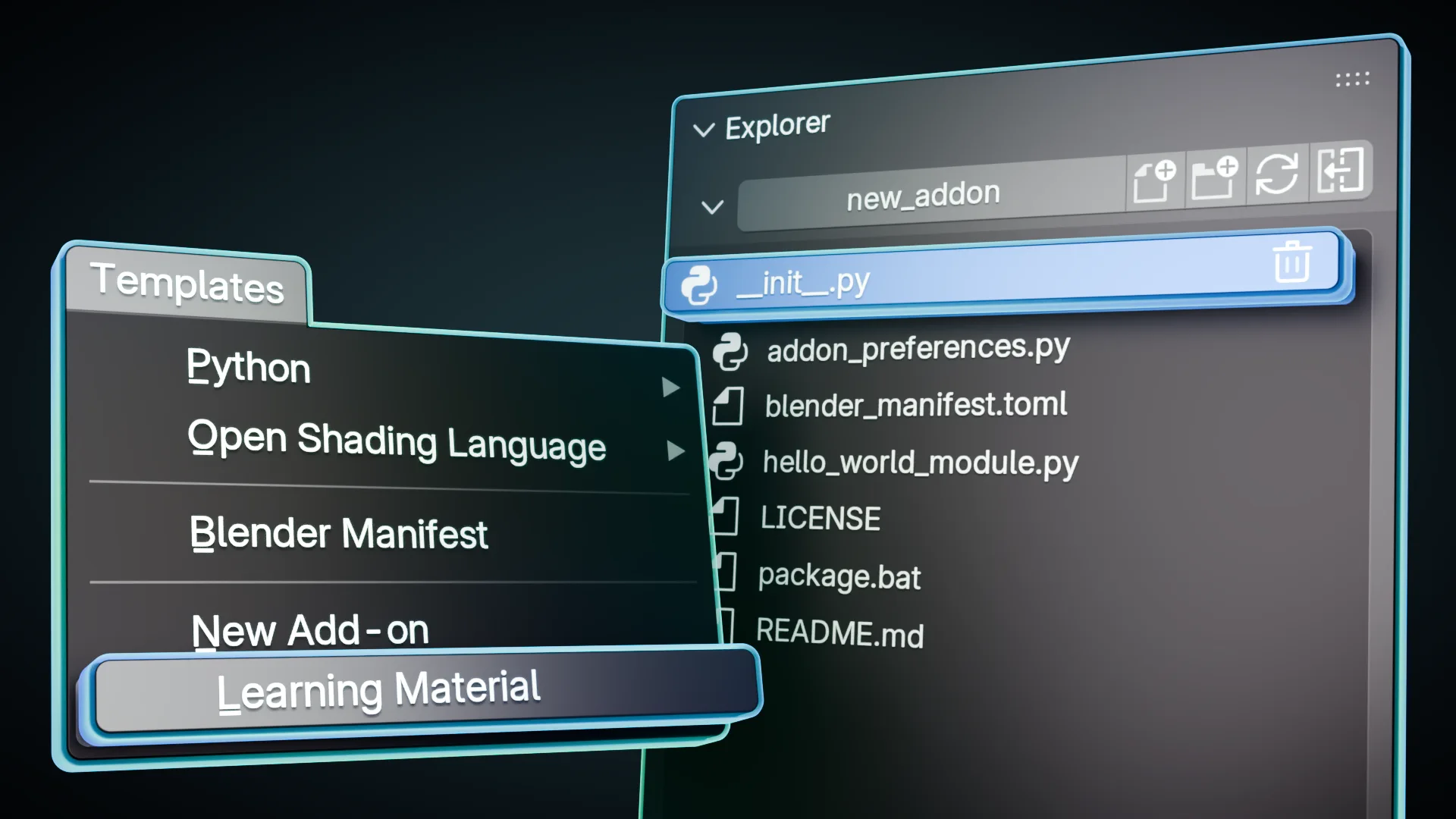
Text editor for Development is a Blender add-on that extends Blender's built-in Text Editor for add-on work. It adds a VSCode-style folder explorer and can clone learning material and a multi-file add-on template into a local directory. The maintainer describes it as an improvement to Blender's editor for getting started, not a complete IDE.
What it adds to Blender's Text Editor
- A folder explorer in the Text Editor sidebar for browsing and working with files.
- A Learning Material template that clones the maintainer's BPY learning material to a local directory.
- A New Add-on template that clones a multi-file add-on starter to a local directory.
Preferences let you choose the Explorer sidebar category, set suggested names for new files and folders, show hidden items, and unlink text blocks from the current blend file when their files are deleted.
Git and file permissions
Cloning remote material and repositories requires Git to be available on your system's PATH. The extension listing says its Network permission is used to prompt about downloading or installing Git and to clone remote repositories. Its Files permission lets you choose a folder to preview; the listed file operations include viewing, editing, renaming, and sending files to trash. Review the official permissions details before using those features.
Compatibility and version 1.0.7
The listing marks the add-on compatible with Blender 4.2 LTS and newer, and says it was tested with Blender 5.1 beta. Version 1.0.7 adds Blender 5 compatibility, updates the New Add-on template, lets you choose the Explorer tab, and shows the default file and folder names as suggestions in their creation dialogs. The release notes also mention registration changes across submodules.
The Blender Extensions listing identifies Martin-Lorentzon as the maintainer and lists the license as GNU GPL version 3.0 or later. Check the current listing for version and compatibility details, and use the project's GitHub issue tracker to report backward-compatibility problems.
Who it suits
This add-on can suit Blender users who want to browse project files and try starter material from inside Blender while learning add-on development. For more involved development, the maintainer recommends using a separate program such as VS Code. The extension's role is to make Blender's own text-editing workflow more usable, with an explorer and cloneable templates close at hand.