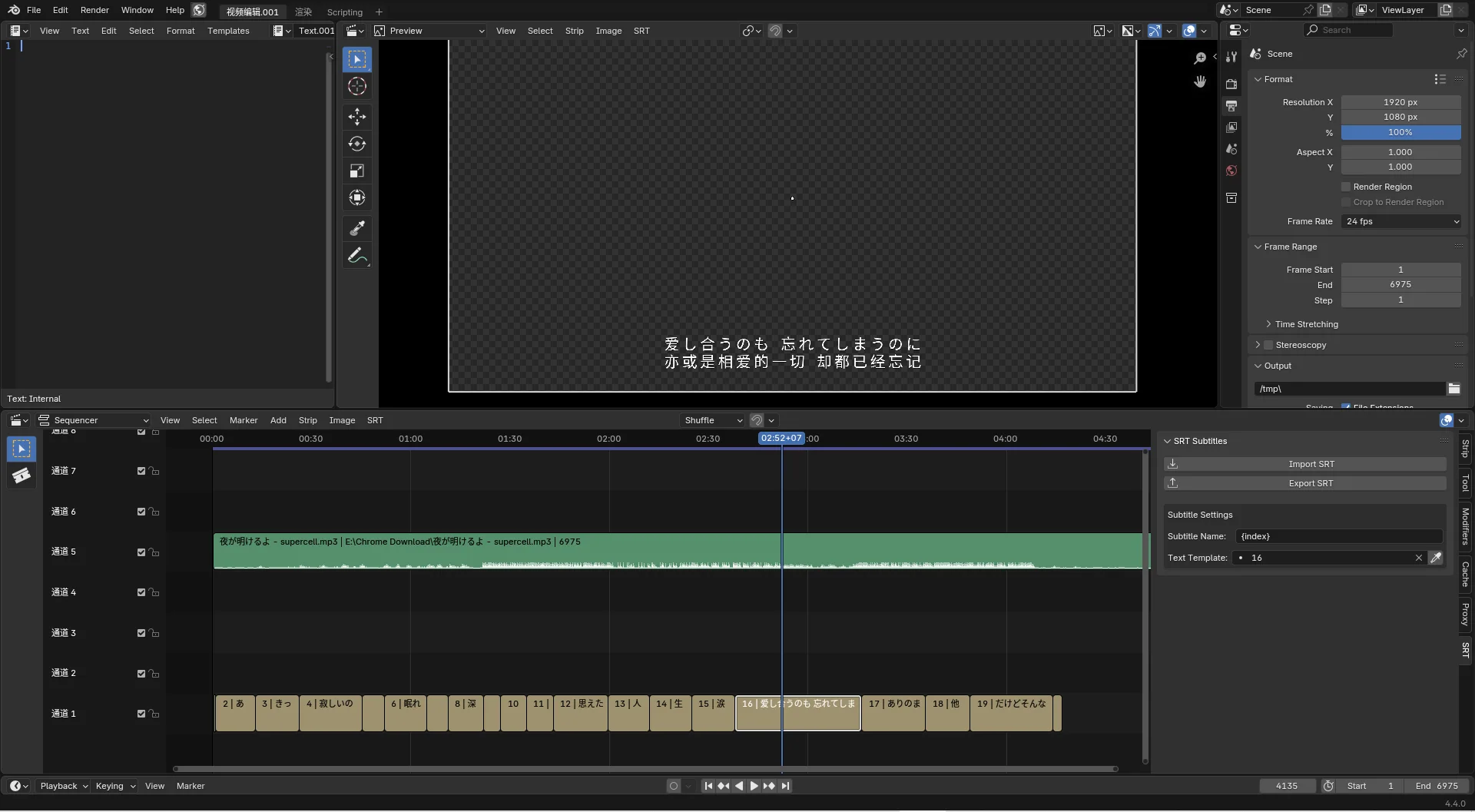
B SubEditor is a Blender add-on for moving subtitle text between the Text Editor and Video Sequence Editor (VSE). Import a subtitle file into a text block, create VSE text strips from that block, then send selected strips back to a new text block. The Blender Extensions metadata lists version 1.0.1 for Blender 5.0.0 and later. See the Blender Extensions listing and the developer's repository for the add-on and its instructions.
Bring subtitle text into Blender
In the Text Editor, use Text > Import Subtitle to load a subtitle file into a new text block. This gives you a place to inspect or edit the text before working with it in the sequencer. The Text Editor imports SRT, VTT, SBV, and plain TXT, and its Text > Export Subtitle command writes SRT, VTT, or SBV files. Selected VSE text strips export to a new Text Editor block in SRT format.
Move subtitle cues to the Video Sequence Editor
In the VSE, choose Add > Subtitles > Import Subtitles, select the text block, and choose a target channel for the strips. The optional Connect Strips setting joins the created strips end-to-end. To bring selected VSE text strips back into the Text Editor, use Add > Subtitles > Export Subtitles; the add-on writes them to a new text block as SRT. This workflow suits editors who want to work with subtitle text and timeline strips inside Blender.
Compatibility and installation
The extension metadata identifies Dinesh007 as the developer, lists Blender 5.0.0 as the minimum version, and gives the license as GNU GPL v3.0 or later. The add-on is distributed as a ZIP file. Follow Blender's Install from Disk instructions to add it. Check the linked listing and repository for current release details before installing.
When B SubEditor fits
B SubEditor lets video editors edit subtitle text in Blender's Text Editor, then place captions as text strips on a chosen VSE channel. The developer's README says complex styling may not be fully supported and SBV/VTT import and export are basic; this may matter for captions with detailed formatting.