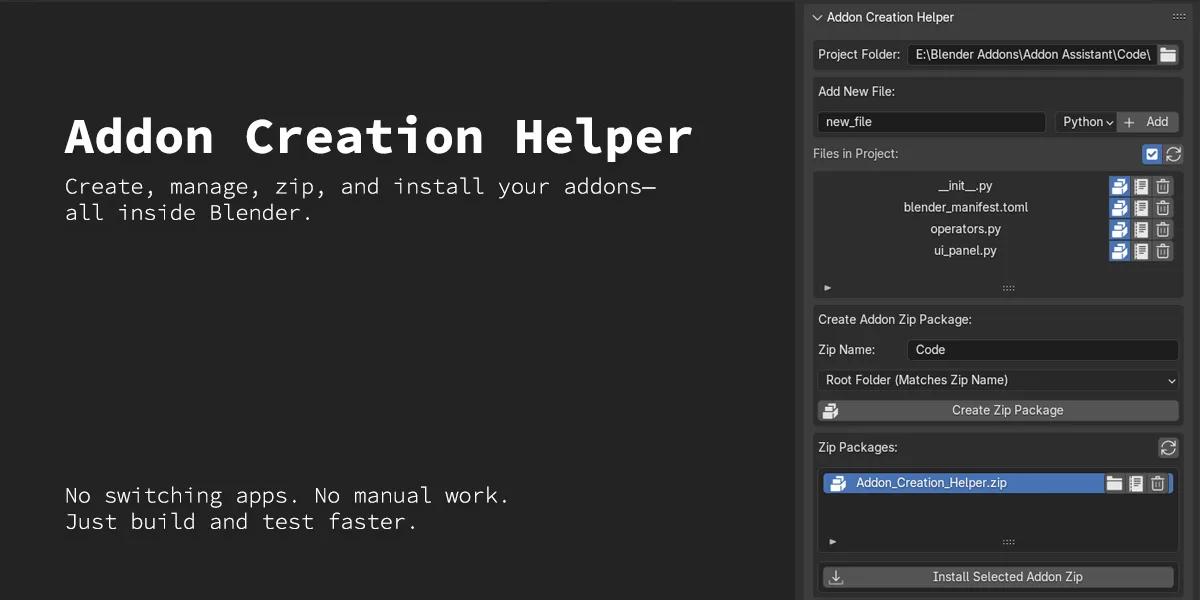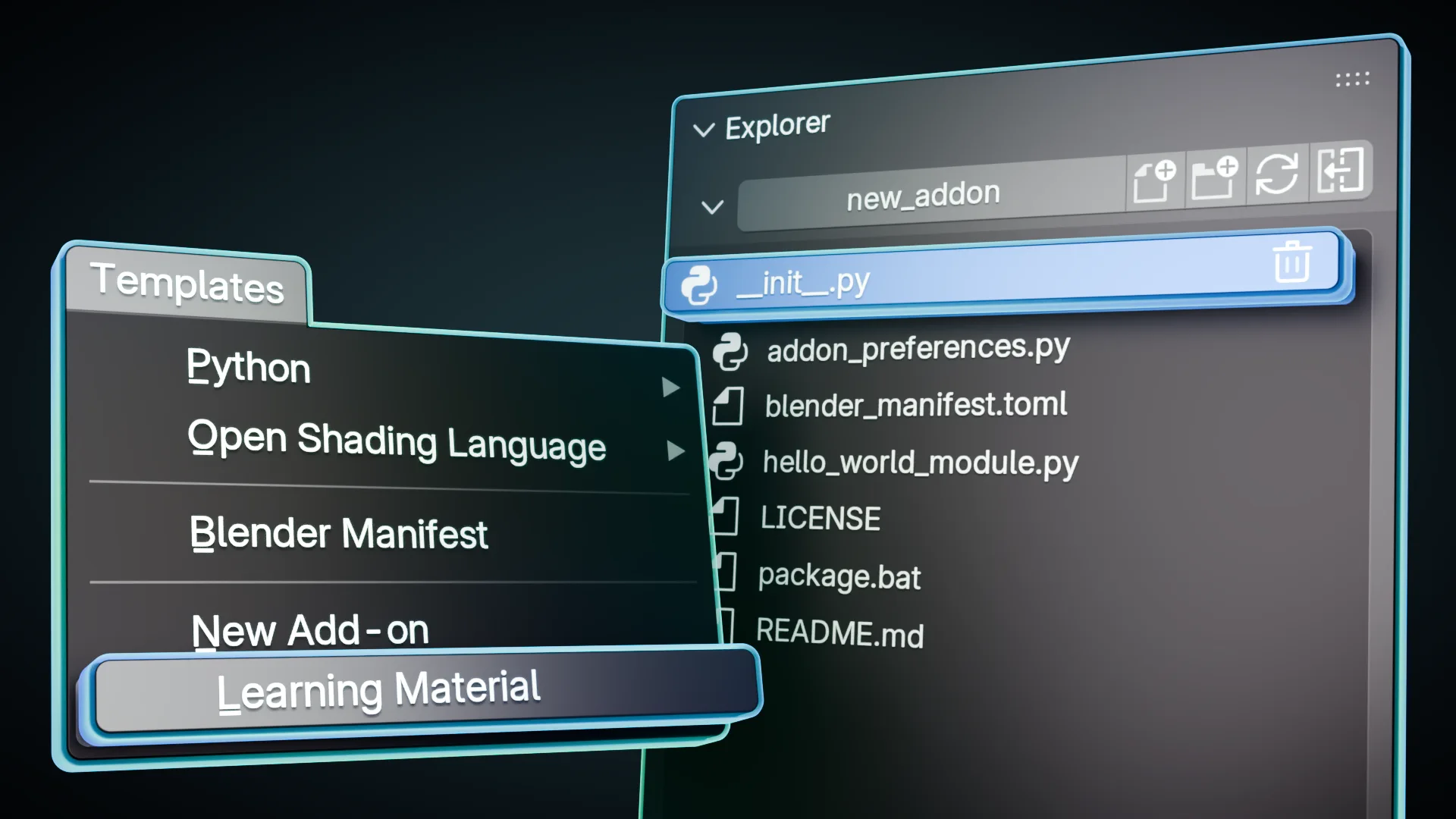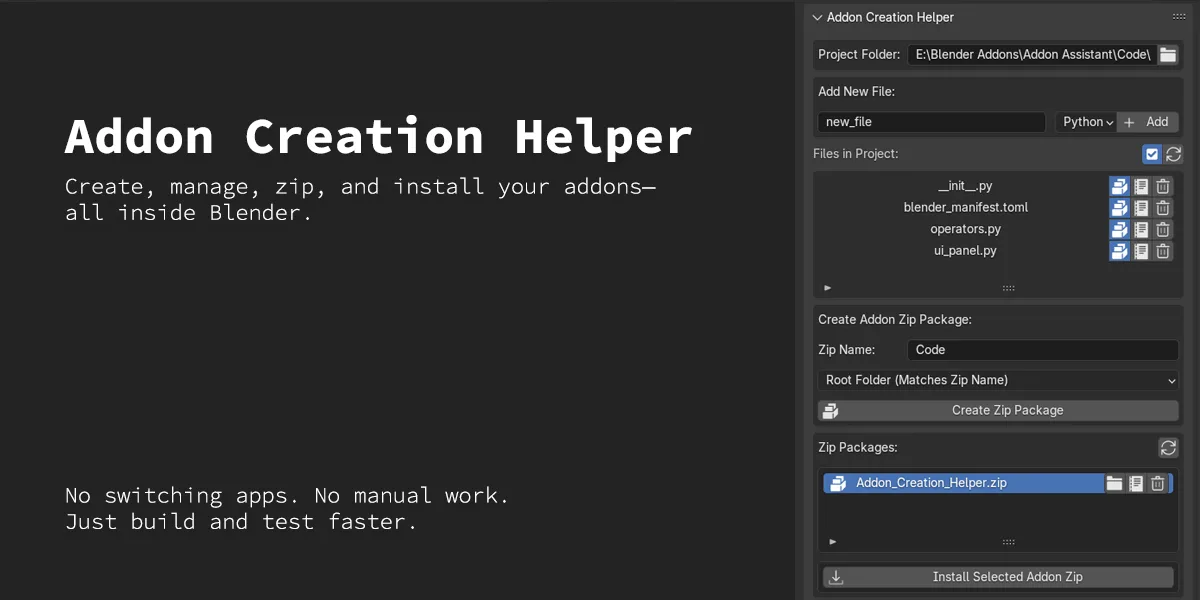
Addon Creation Helper keeps routine add-on development tasks inside Blender's Text Editor sidebar. It lets you manage project files, prepare ZIP packages, and install builds for testing. The tool is aimed at developers working on a first add-on or managing several tools in a studio pipeline.
Manage project files in Blender
Create .py, .txt, and .md files in an add-on folder, then rename or delete files from the same panel. If you change files outside Blender, the documentation says to use the refresh controls to update the file and ZIP lists.
Choose the ZIP package structure
Select which project files to include, then choose a layout: a flat archive with no root folder, a root folder named after the ZIP, or a root folder named after the project folder. The documentation recommends matching the root folder to the ZIP name for multi-file add-ons. These options let you prepare a package for testing or distribution with the folder structure you need.
Install and test an add-on
Install a ZIP from the project folder directly into Blender to test an updated build. The tool can detect and replace an existing version when needed. To open its controls, switch to Blender's Text Editor, press N to show the sidebar, and select the Addon Dev tab. For file management, packaging, and installation instructions, see the Addon Creation Helper documentation
Compatibility and license
The Superhive listing gives a Blender compatibility range of 3.0 through 5.0 and marks the add-on as Blender Extension compatible. It lists the license as GPL. The documentation says it can be used in personal and commercial projects, and AnyPlugins lists it as free. Check the current listing if your Blender version falls outside the stated range or you need current availability details.