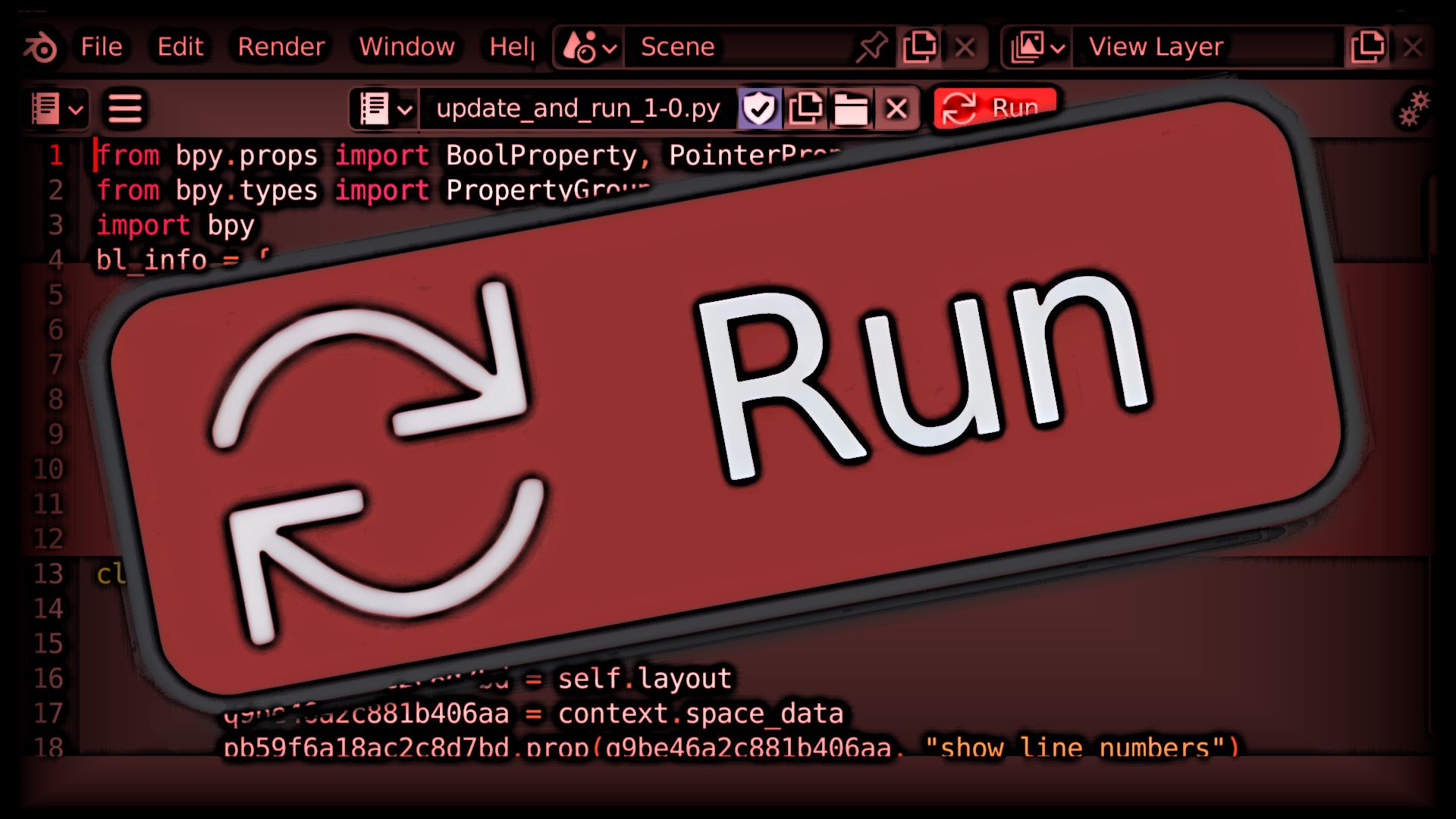
Update-Run: Debug & Programme is a Blender add-on for people writing and testing scripts in the Text Editor. One button updates a script from disk, resolves conflicts and runs it. If the Run button is red, Blender has an outdated copy; pressing it reloads the disk version before running. For a script that is only saved inside Blender and has no corresponding file on disk, Run works as Blender normally does.
Run and inspect scripts in Blender
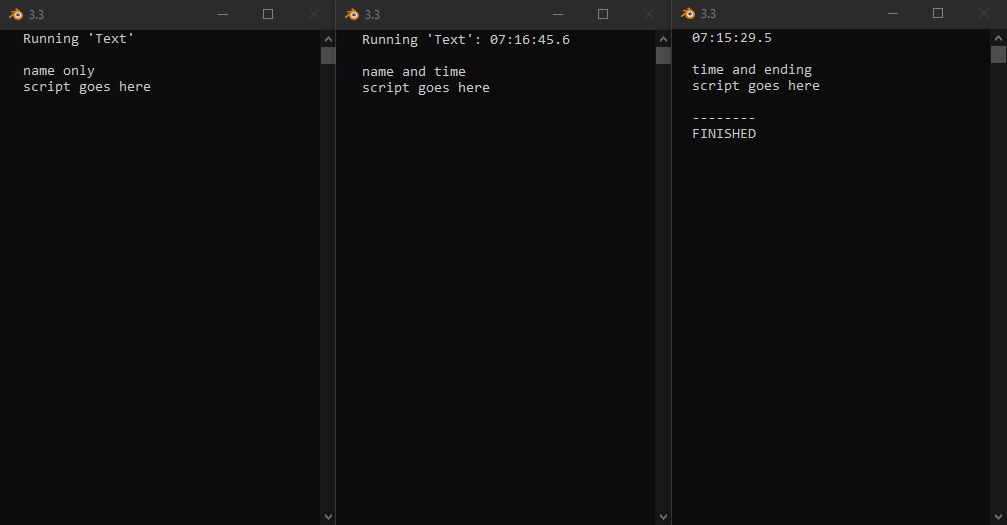
The developer documentation places the controls in the Text Editor panel. Settings are available from the cog wheel beside the Run button. They let you clear Blender's linked system terminal each time a script runs, print the script name, show the time it ran in hh:mm:ss format, and display a message when the script finishes.
What Update-Run Plus adds
Update-Run Plus includes the base add-on and adds benchmarking, Protect State and an option to revert the Blender file before each run.
- Benchmarking: Start and stop profiling from the Benchmark control in the Text Editor. Depending on the settings, results can be printed to the system terminal or opened in SnakeVis in a browser. If SnakeVis is not installed in Blender's Python, the add-on attempts to install it.
- Protect State: Preserve the active object, selected objects, interaction mode and editor type when a script runs, including when it raises an error.
- Revert: Return the file to its saved state before running the script. This can help when testing scripts that change a scene. The revert does not happen if the file has never been saved.
Protect State can help keep the programming tab visible when a script changes the interface or errors. Revert is useful for repeatable scene tests, but check that the saved version contains the state you want before enabling it.
Compatibility and documentation
The developer listing shows version 1.3, a GPL license and support for Blender 2.83 through 5.0. See the Update-Run documentation for the control settings and variant behavior, or visit the developer's product listing for release details.