Text Effects is a Blender add-on from IK3D for animating 3D text with effects such as typewriter, wave, wiggle, random transformations and scramble or decode. Apply an effect to text in a scene instead of building the motion from math or keyframes. Version 5 also adds tools for subtitle sequences and larger text-animation workflows.
Animate existing text with reusable templates
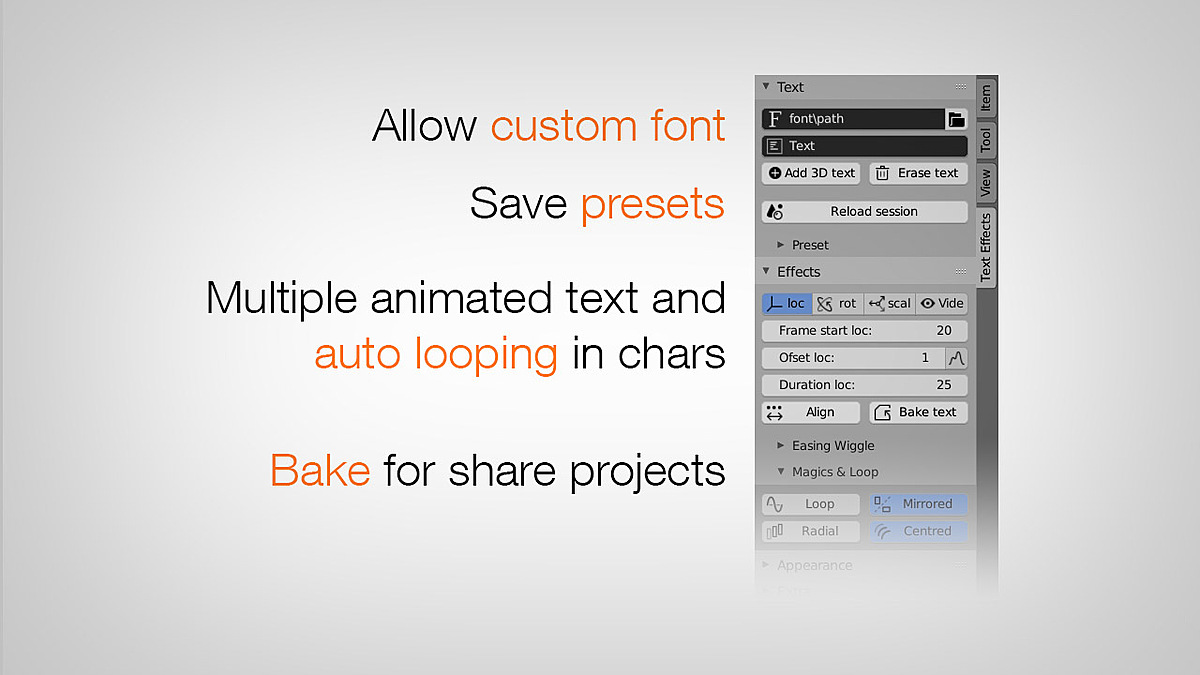
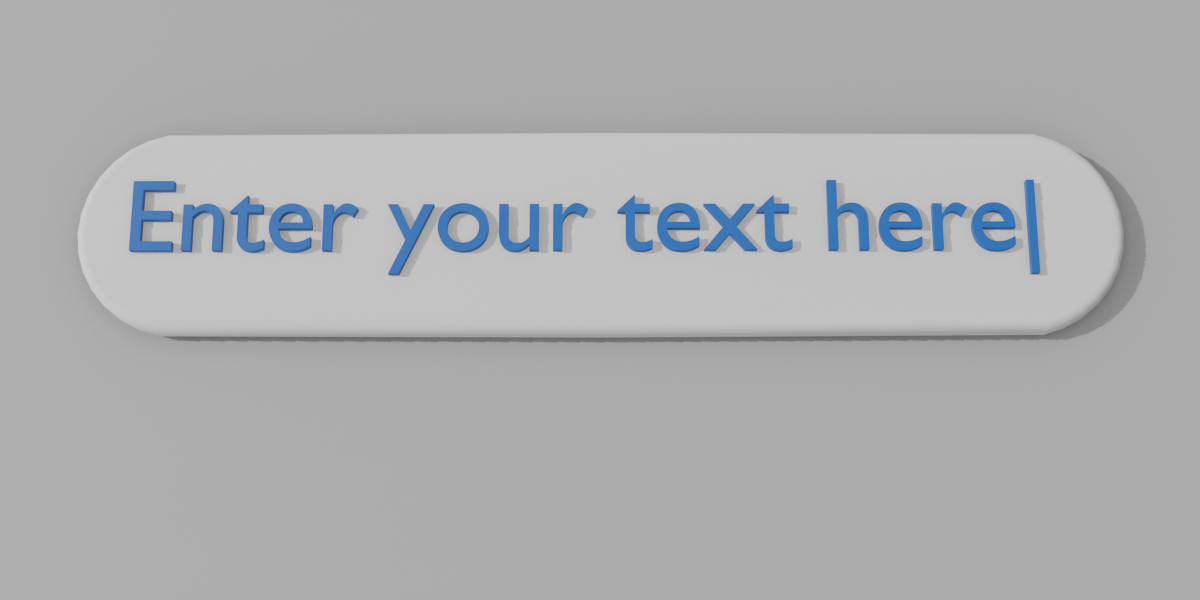
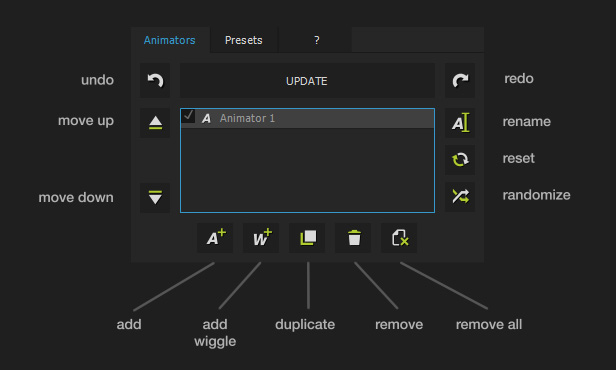
Text Effects can convert existing text in a scene into animation. Its live editor handles multiple lines and paragraphs, with left, center or right alignment. You can replace or duplicate text, change its font, and reuse or share effects. Custom presets can include an embedded font, and animated text templates can be imported from a Blender file.
For typography that follows a curve, the add-on includes path controls and a native FreeType kerning engine with manual refinement. Appearance options include fading, random color and material effects.
Shape how the animation moves
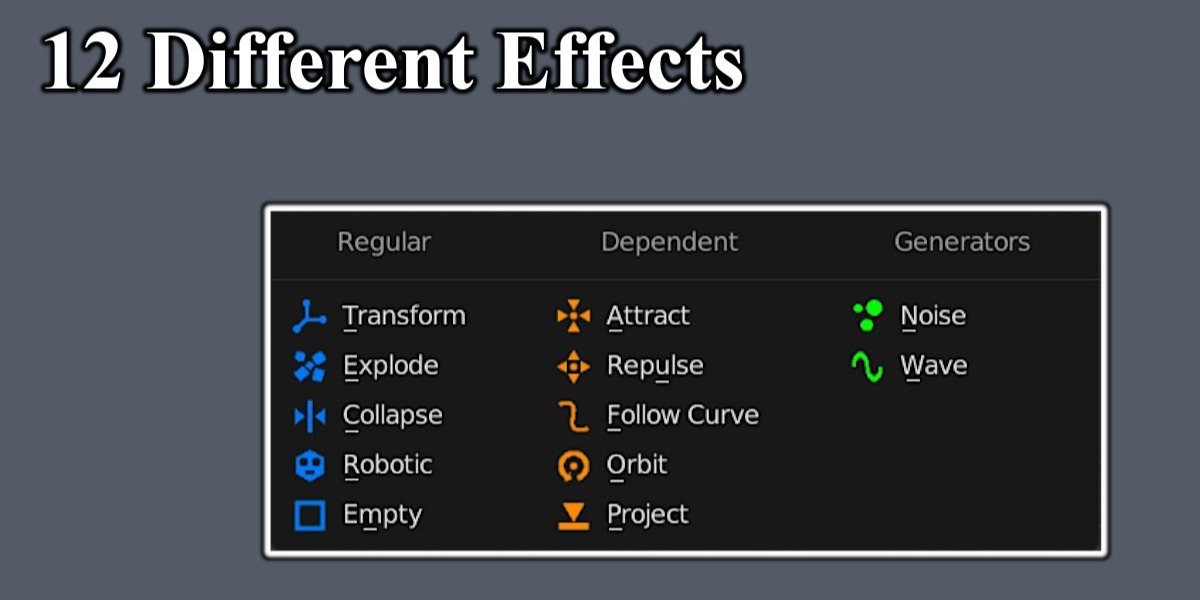
Cascade controls let an effect spread by letter, word or line. Other animation tools include an animated counter for counting up or down, a position and motion effector with radial propagation, and wave, wiggle, random-walk and scramble or decode effects.
- Adjust timing with custom interpolation curves for each channel and 38 easing options, including stepped interpolation.
- Set animation loops to ping-pong, repeat or add a delay.
- Bake an animation individually or in a batch, and bake audio to sync motion to sound.
Import subtitle files
Text Effects imports .srt subtitle files. Imported .srt files support automatic playback, per-line re-wrapping and per-line duration controls alongside the multi-line editor. Automatic subtitle creation from audio using speech-to-text appears on the product roadmap, so it is separate from the listed .srt import feature.
What changes in version 5
Version 5 moves glyph layout, kerning, per-frame transforms, cascade and baking into a native, multithreaded Rust engine that uses the computer's CPU cores. IK3D reports up to about 60 times faster text creation and real-time editing, with the previous Sync step removed. The product listing does not specify the test conditions behind the speed figure.
Compatibility and current listing
The IK3D Text Effects listing identifies it as a GPL add-on, marks it as Blender Extension-compatible and lists Blender versions 3.0 through 5.1. Check that range against your exact Blender build. The roadmap includes speech-to-text subtitles with VSE integration, 3D objects as fonts and Geometry Nodes effects; these are planned additions, not current features.