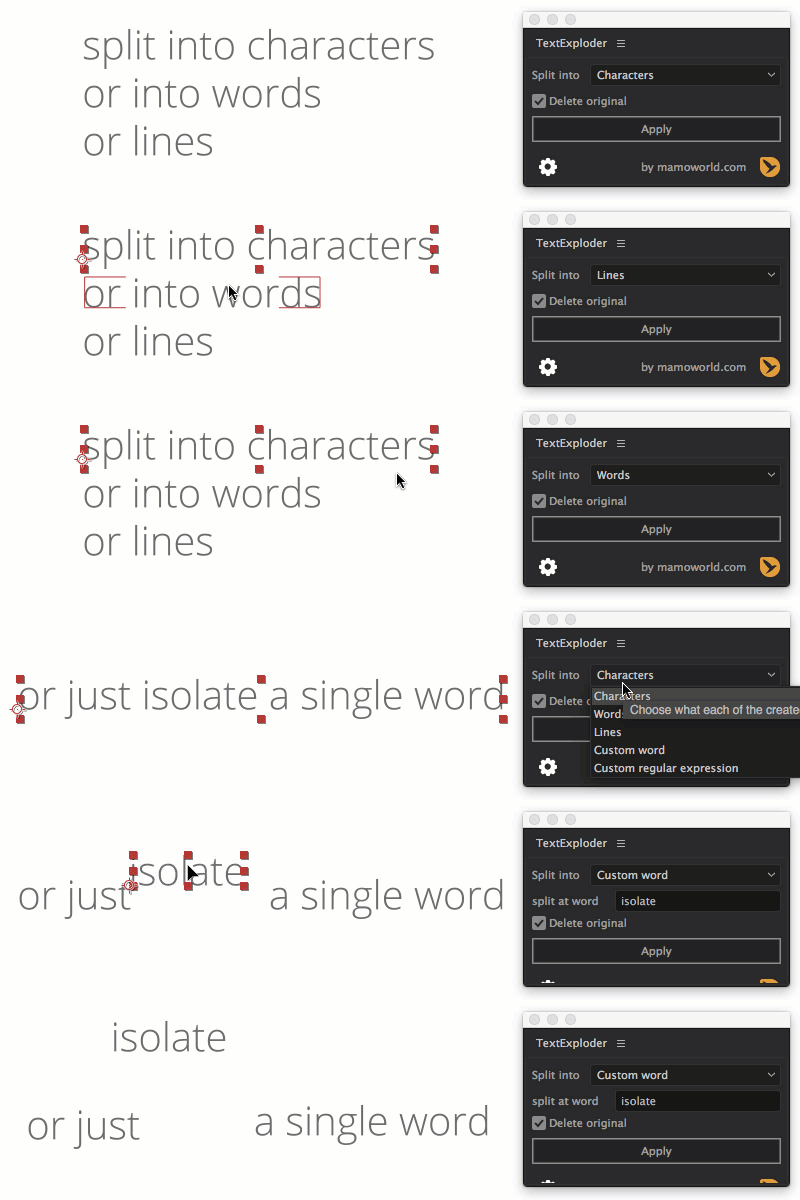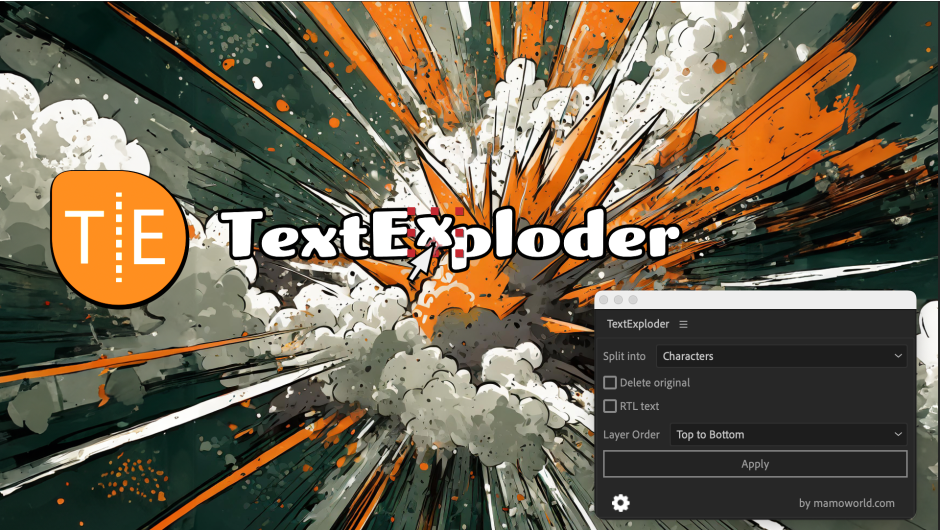
TextExploder V3 breaks an After Effects text layer into separate text layers by character, word, or line. It can also isolate a custom word or split text using regular expressions. Each character keeps its original position, and the resulting layers contain only the text they display, without expressions or text animators.
Choose how to split the text
Use a character split when you need to select or animate letters individually. Word and line splits give you larger pieces to work with. For more specific groups, isolate a custom word or define a split with a regular expression. The separate layers can then be selected, arranged, or animated in the After Effects composition.
Text styles and workflow options
V3 supports text layers with more than one color, font, or other character style. This feature requires After Effects 24.3 or newer. The product listing covers a wider range of After Effects releases; see the FAQ for its compatibility list.
For faster access, Command Frame exposes Repeat Last, Characters, Words, and Lines as searchable commands with assignable shortcuts. KBar can run TextExploder with saved settings after setup. The scripting API can also run a split as part of an After Effects script. For example:
var API = getTextExploderV3();
API.explode({split:"words", deleteOriginal:true});
Check compatibility before using it
TextExploder supports left, right, and center aligned text. It does not support paragraph text set to justified alignment or text created with After Effects' vertical type tool. If your project uses either, check those layers before planning a split-based animation.
See the TextExploder V3 listing on aescripts for current product details, trial access, and purchase options.