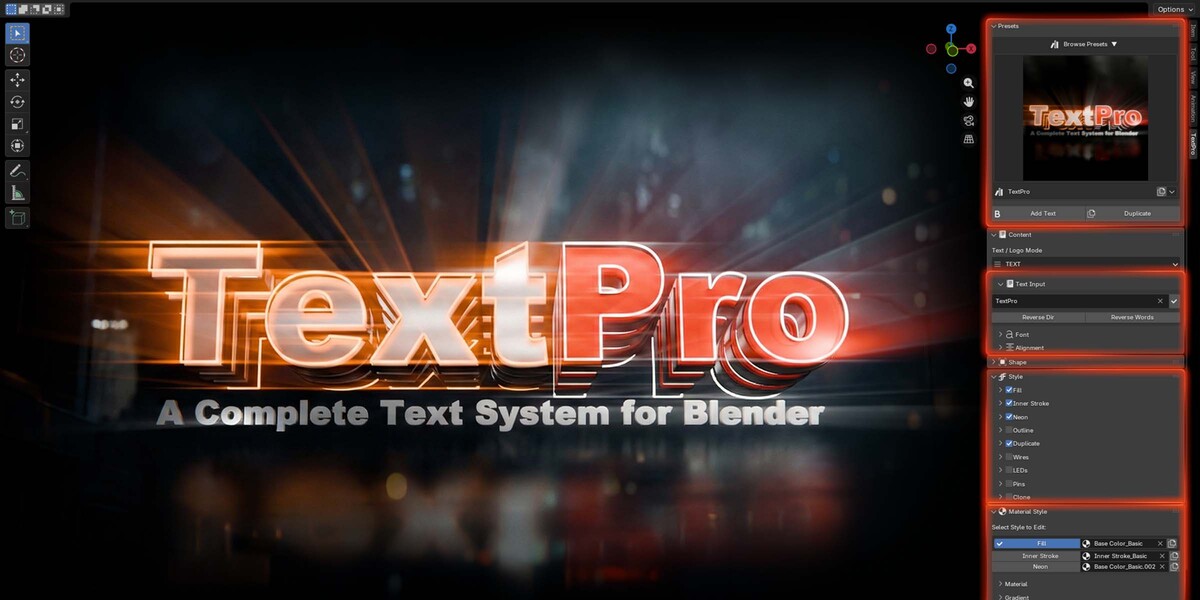
TextPro is a Blender add-on for creating and styling 3D typography. It combines multi-line text controls, extrusion, bevels, materials and procedural animation, with a native right-to-left engine for Arabic, Persian and Urdu. Its Logo Mode also turns SVG and other vector artwork into layered 3D logos.
Text controls, depth and presets
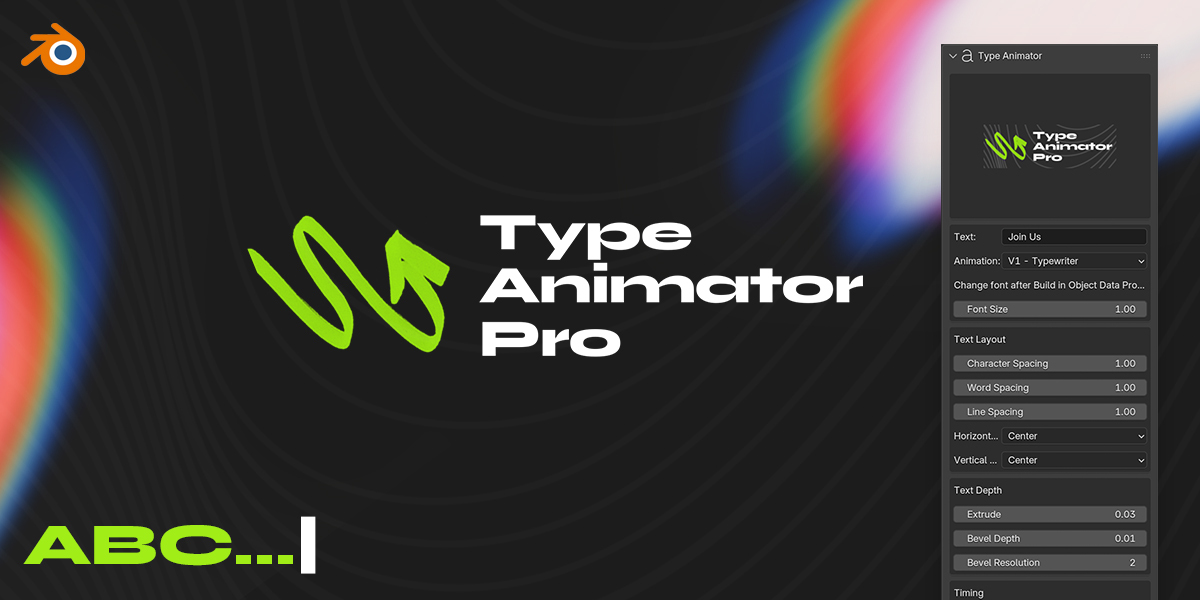
The main text panel handles multi-line input, alignment and spacing. From there, you can adjust extrusion depth, curve resolution and thickness. A presets panel applies prepared combinations of shape, style and animation, giving you a starting point for a title or graphic.
Arabic, Persian and Urdu text
The add-on includes a native RTL engine for typing Arabic, Persian and Urdu in the Blender viewport. The engine handles letter connectivity and ligatures automatically, so text can be entered directly instead of reversed in another application. TextPro also works with system-installed TrueType and OpenType fonts, according to the product FAQ.
SVG logos, bevels and materials
Logo Mode imports SVG and other vector files and converts them into 3D geometry. Its Logo Layer System separates a logo into parts so you can assign different materials, bevels and heights to individual layers. Bevel profiles let you shape sharp or rounded edges.
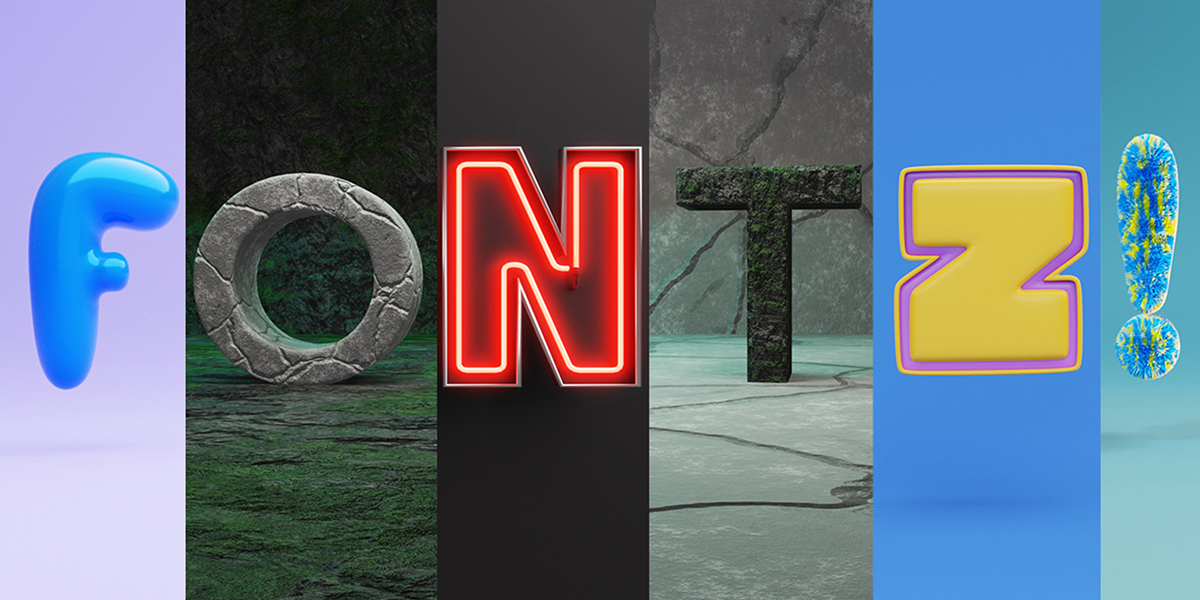
The material panel includes materials designed to adapt to the text geometry. The product FAQ says generated geometry has UVs and can use custom shaders or materials from other add-ons as well. The publisher describes the resulting mesh as clean and quad-based for export; check the geometry in your target application before relying on it in a production pipeline.
Procedural text animation
The motion panel applies animation by character, word or line through sliders. The product page describes effects such as popping, sliding, glitching and bouncing. Presets can include animation as part of their prepared style combinations.
Install the add-on and connect its library
The publisher's installation guide says to install the TextPro ZIP from Blender's Edit > Preferences > Add-ons panel without unzipping it, then enable “Text: TextPro.” To load its styles, materials and fonts, open the TextPro panel in the viewport's N-Panel and select the supplied BASE.blend library file. The guide says presets should appear in the panel once the library is linked.
The product listing describes its v1.0.4 update as fully compatible with Blender 5.2; the supplied v1.0.3 installation guide says Blender 4.0+. Check the current release notes for the package you plan to install, especially when working in a newer Blender version.
Who may find TextPro useful
TextPro is aimed at Blender artists making animated titles, 3D logos or other typography-led graphics. Its RTL tools may suit projects that use Arabic, Persian or Urdu, while the layer controls are useful when different parts of a vector logo need separate heights, bevels or materials.