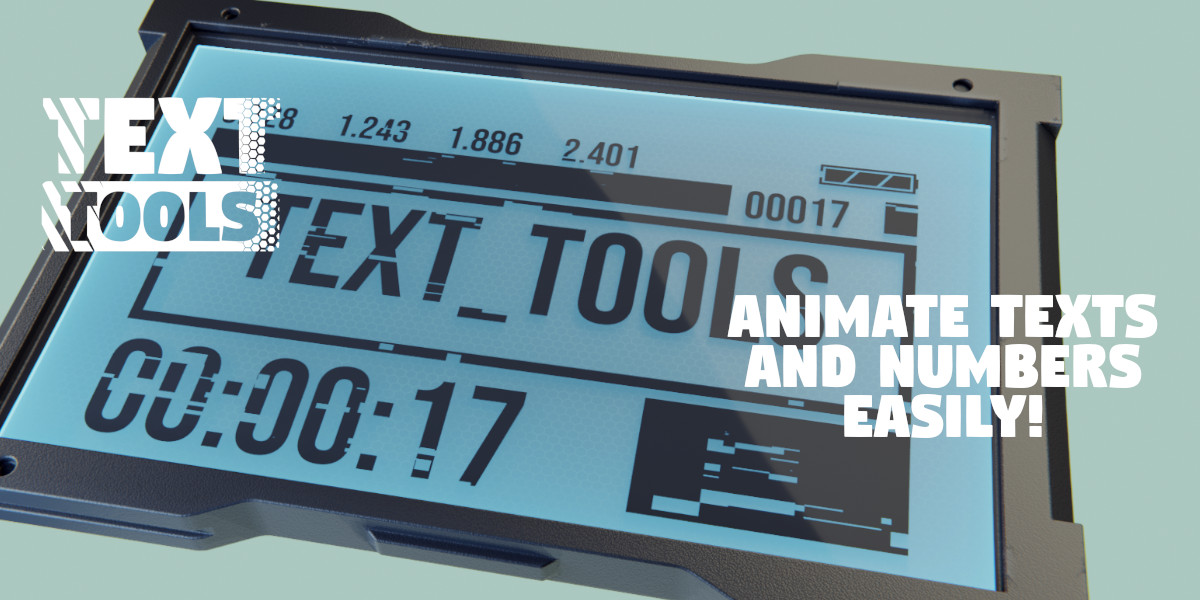
Texttools is a Blender add-on by Picto Filmo for animating text and transition effects in motion design. It combines the TextTools and AutoMask add-ons. TextTools animates changing copy and numeric values within a single text object; AutoMask adds a material-based masking effect that can be used on any object.
Animate text and numbers
In a text object's data parameters, choose Multi Text, Numerical Text, or None. Multi Text lets you add or remove strings, change their order, select an index, and animate text apparition by index. This lets one text object cycle through different copy without swapping between duplicated objects.
Numerical Text supports integers, floats, and timecodes. Integer settings include padding characters and length; float settings control the number of characters after the decimal point. For timecodes, you can set which time units appear, choose a separator, and set a custom frame rate. Auto value uses the scene's rendering parameters and animation frames. You can add a frame offset, or turn Auto value off and animate the timecode's value.
Apply AutoMask to a material
AutoMask adds a node group at the end of a material and can be applied to a selected object. Its controls include projection and mask settings, solid or smooth alpha, progressive appearance, band width, sensitivity, and negative alpha. The add-on includes effect presets, and you can create custom effects.
Compatibility and documentation
The Superhive listing names Blender versions 3.6 through 5.2 and lists the license as GPL. Check the Texttools product listing for current availability and compatibility. The product documentation describes the text, number, timecode, and AutoMask controls.