Text animation tools for Blender
Ei Text Animation Add-On by effex infinity adds four ways to animate text in Blender’s 3D Viewport: Text Keying, Percentage, Countdown and Text Shuffle. The tools cover frame-timed text, values driven by an animated object, counters and letter-by-letter text reveals. The product documentation describes uses such as subtitles, video titles, credits and quotes,
Four included features
Text Keying
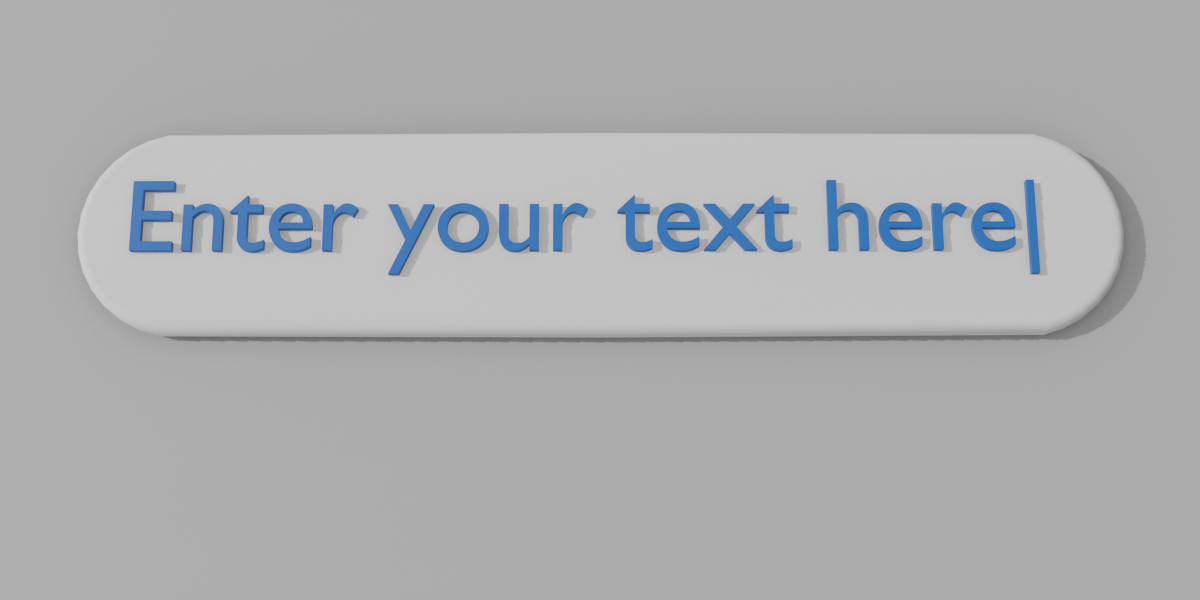
Add a text object, choose Text Keying in the text animation options, then use Add Keyframe to set when the text appears at a frame interval. The documentation suggests it for subtitles, video titles, credits and quotes.
Percentage
Percentage uses transformation data from a separate driver object to animate the displayed value. The documentation’s example uses a plane’s X scale as the driver. You can set decimal places, minimum and maximum values, and text to appear before or after the number.
Countdown
Set the start and end values, the start frame and a delay in frames. Delay controls the count’s speed. Turn on Reverse for a countdown; with it off, the feature counts up.
Text Shuffle
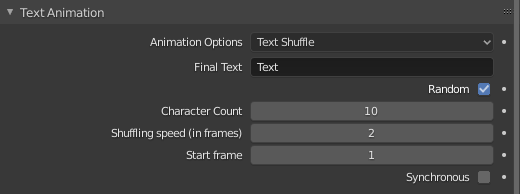
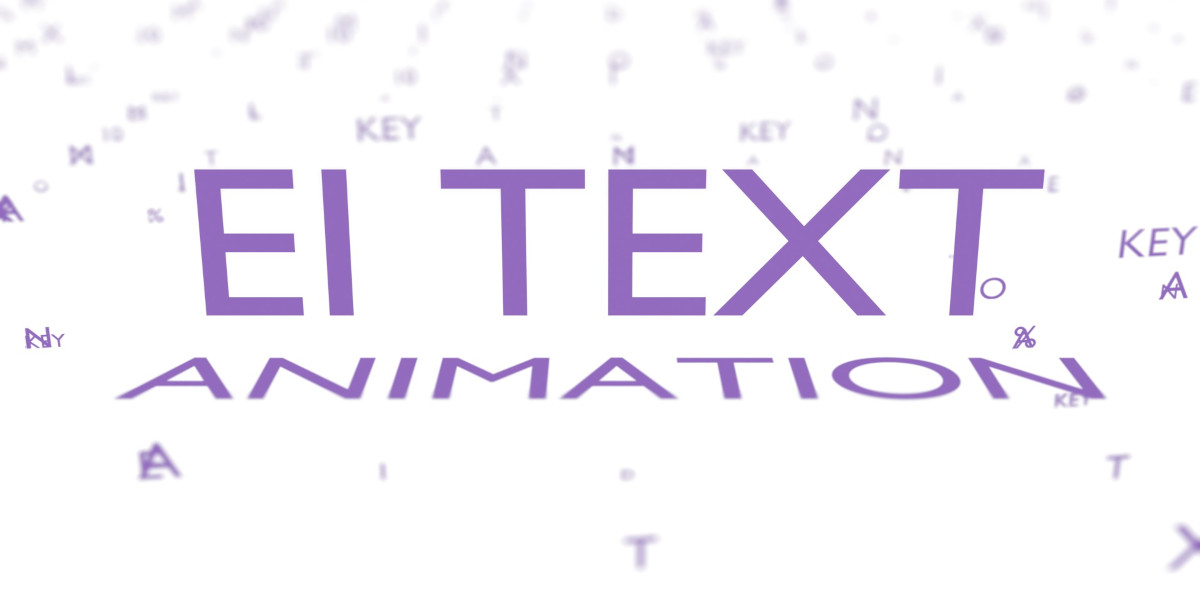
Enter the final text, character count, shuffle speed per frame and start frame. The Random and Synchronous options control how the letters appear. With Random off and Synchronous on, the letters shuffle in ascending alphabetical order toward the final word.
Installation and compatibility
The product documentation says to save the add-on ZIP file in a folder, then in Blender open Edit > Preferences > Add-ons > Install and select the ZIP file. The marketplace listing names Blender 2.8, 2.81, 2.82, 2.83, 2.9, 2.91, 2.92, 2.93 and 3.0 as compatible versions. It also lists a Royalty Free license. The supplied documents do not establish compatibility with later Blender versions, so check the product listing before installing on a newer release.
For setup details, see the product documentation. The listing also links a tutorial video.