Theme Tamer is a theme editor add-on for Blender, developed by 3DDinosaur. It helps you find and organize interface theme properties, edit them in groups, and save the result as a Blender theme. The current listing shows version 3.5.0, compatible with Blender 5.2 LTS and newer.
Search and organize theme properties
Theme Tamer adds controls at the top of Blender’s Themes tab. You can auto-group properties by color from your favorite themes, by property labels, or into groups you create yourself.
- Batch-edit theme properties within a group, then save the new theme with Blender.
- Find a property by selecting it directly in the interface. A color-based filter works with label search.
- Revert value changes when you want to back out of an edit.
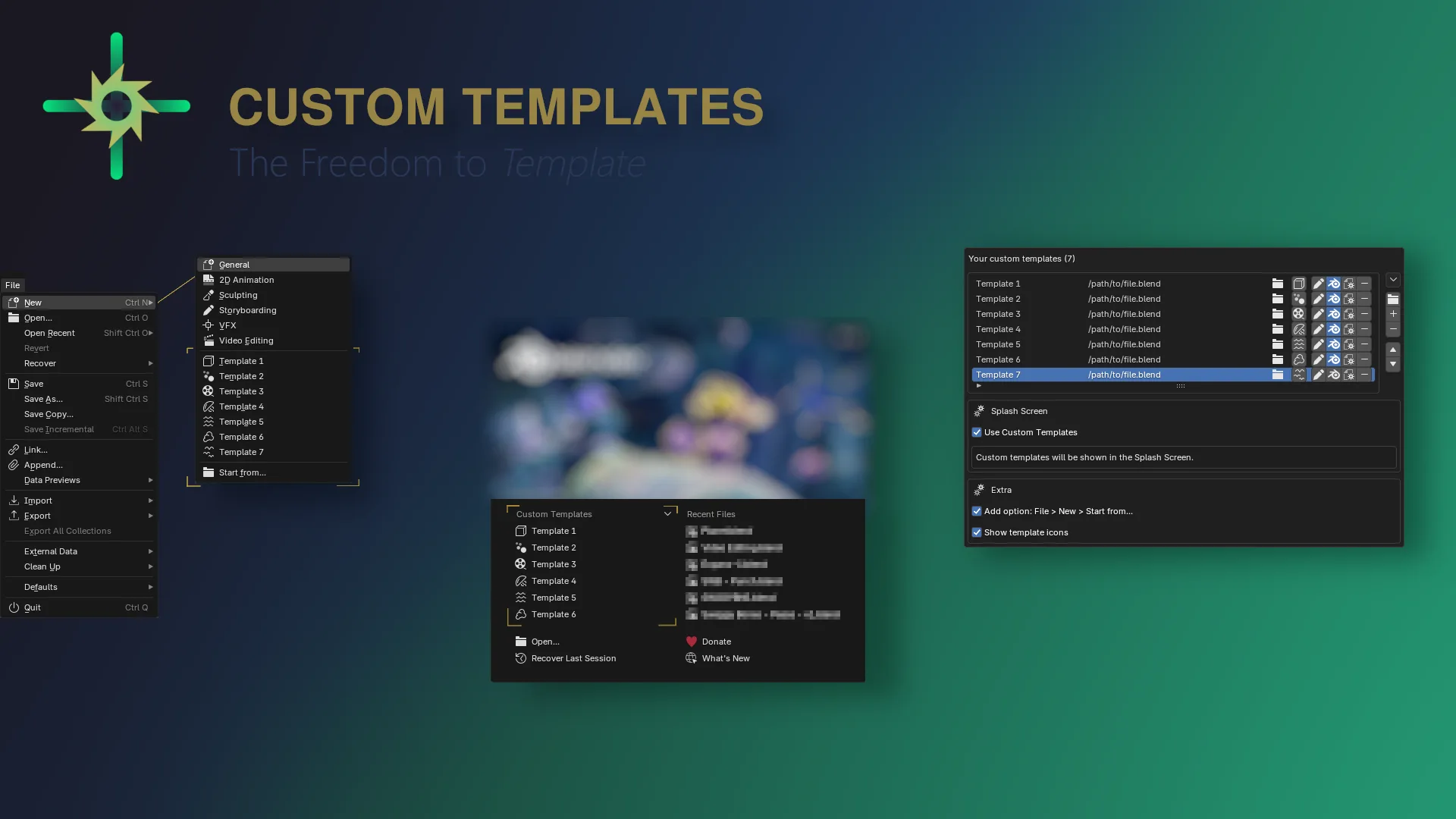
- Export and import templates to share with the community or make them available for others to auto-group from.
Where it fits in a theme workflow
The add-on brings property search, grouping, and editing into one part of Blender’s Themes tab. The workflow is to locate the properties you want, arrange them into groups, make changes by group, and save the theme. Templates give you a way to reuse or share theme setups. This makes Theme Tamer a practical option for Blender users who build or maintain custom interface themes.
Version and compatibility
Version 3.5.0 was released on November 9, 2026. Its update note describes compatibility for groups containing properties from previous versions as part of the Blender 5.3 update. The extension listing and catalog data specify Blender 5.2.0 as the minimum version, with Blender 5.2 LTS and newer shown as compatible.
Installation and license
The extension page offers drag-and-drop installation or a download to install from disk through Blender’s Extensions preferences. The listing says Theme Tamer requires no special permissions and is licensed under GNU GPL v3.0 or later.