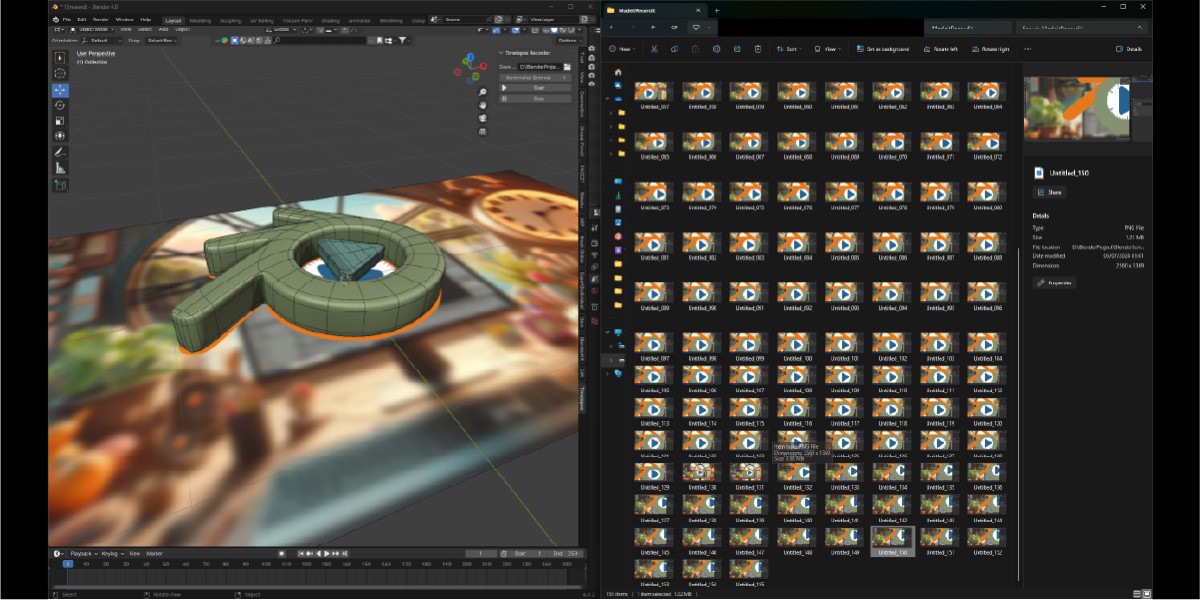
Timelapse Recorder is a Blender add-on by Jammie that captures screenshots of a work session and compiles them into a timelapse video through Blender's Video Sequence Editor (VSE). Recording and video creation are controlled from a panel in the 3D View sidebar.
Capture a Blender work session
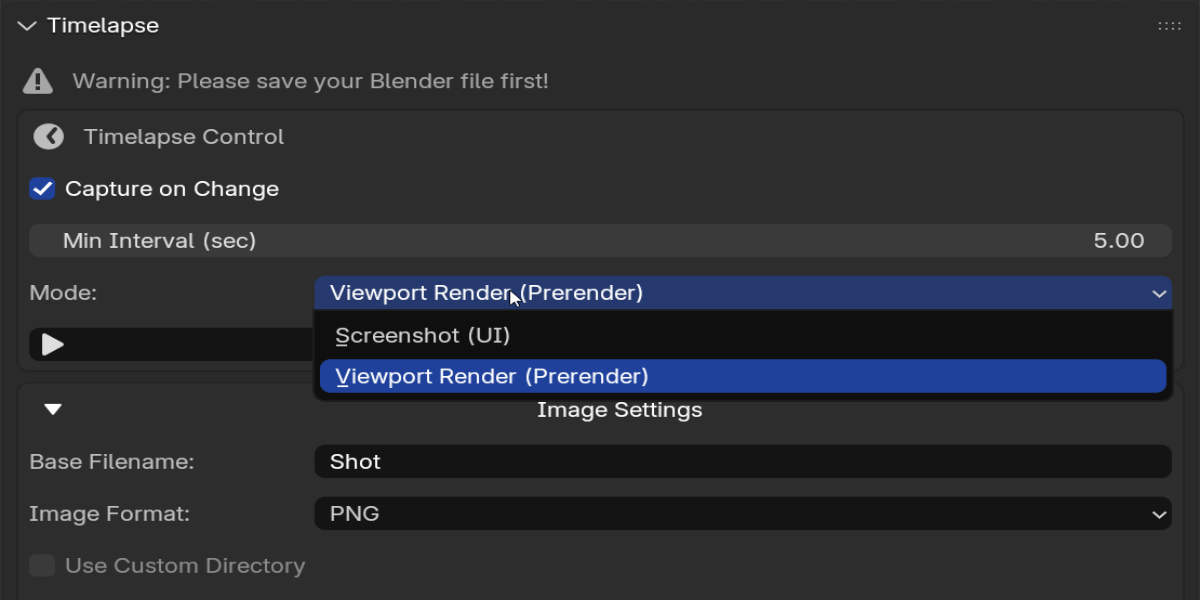
Choose a save directory and set the screenshot interval from half a second to five seconds. The product documentation recommends an interval of one second as a starting point. You can start and stop capture with a click, or enable automatic pausing when Blender is inactive. The inactivity timeout is adjustable, and capture resumes when you return.
Screenshot resolution can be set as a percentage of monitor resolution or adjusted to the largest or smallest captured size. The add-on stores screenshots in a dedicated folder inside the selected save directory.
Set the video output
Choose an output path, frame rate and resolution. Resolution can follow the largest or smallest screenshot size or use a percentage scale. When you select Create Video, the add-on imports the screenshots into the VSE, assembles the sequence and renders it. FFmpeg encoding supports MP4 output, and the video filename is based on the Blender file.
This workflow turns interval screenshots into a timelapse; it is suited to artists who want to share a modeling or animation session without using a separate screen recorder.
Installation and compatibility
The product documentation describes installing the add-on through Blender's Edit, Preferences, Add-ons, Install menu, then selecting the add-on file. It lists separate ZIP packages for Blender 3.3 to 3.6 and 4.0 to 4.3. The product listing names support for 3.3, 3.6 and 4.0 through 4.3, while its version field shows 3.3 to 5.2. Confirm the current package and compatibility with the creator before installing for a version outside the documentation's package ranges.
Operating-system support is unclear in the listing: it describes cross-platform use and also includes a Windows-only note. The documentation shows a Windows save path. Check with the creator before relying on macOS or Linux support.