Timelapse is a Blender add-on by Silky-Renders that takes screenshots at an interval you choose. Version 1.0.1 requires Blender 4.5.1 or later. It saves each capture as a JPG or PNG image. See the Timelapse listing on Blender Extensions.
How Timelapse captures screenshots
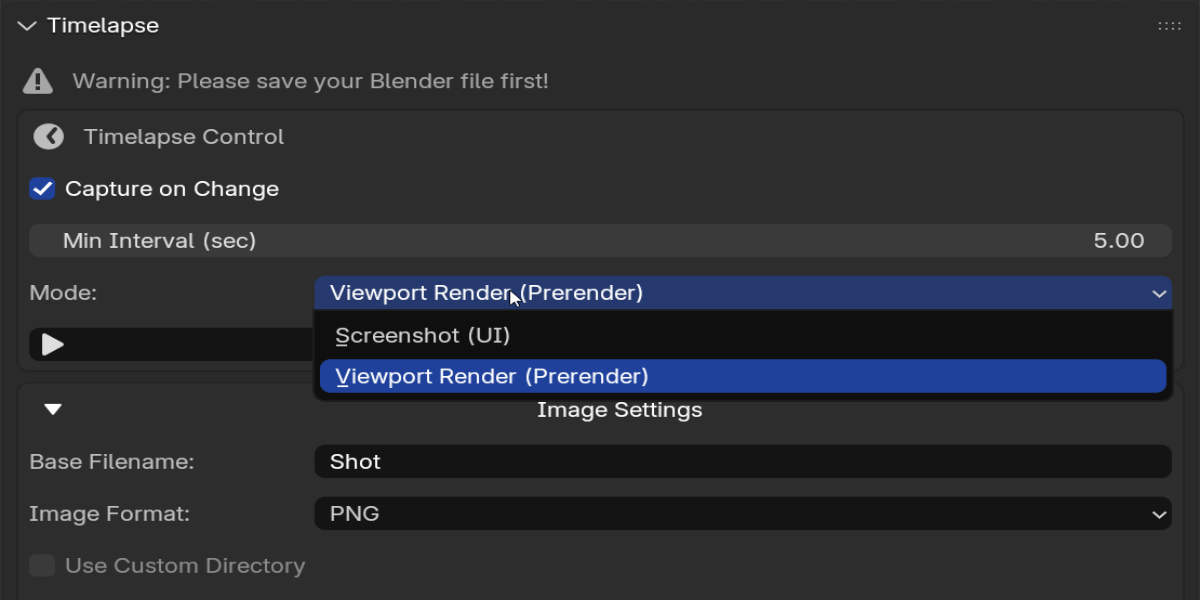
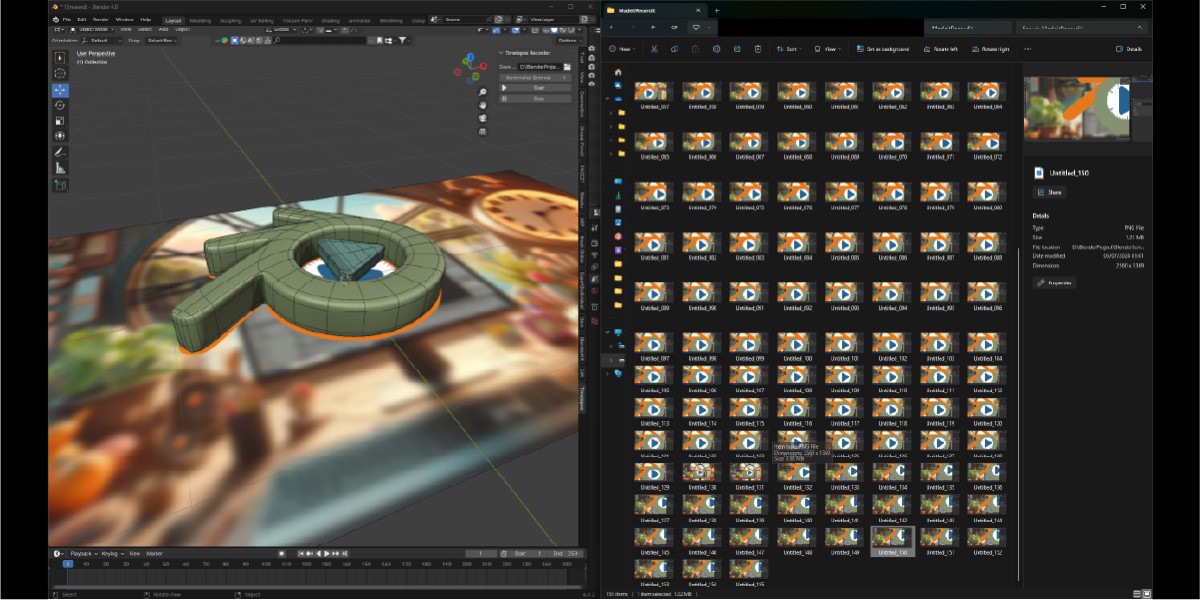
Set the interval in seconds and choose JPG or PNG. You can select a custom folder, or let Timelapse save the images in a folder named Timelapse beside your saved blend file. Use Start and Stop to control a capture session, then Open Folder to view the saved images.
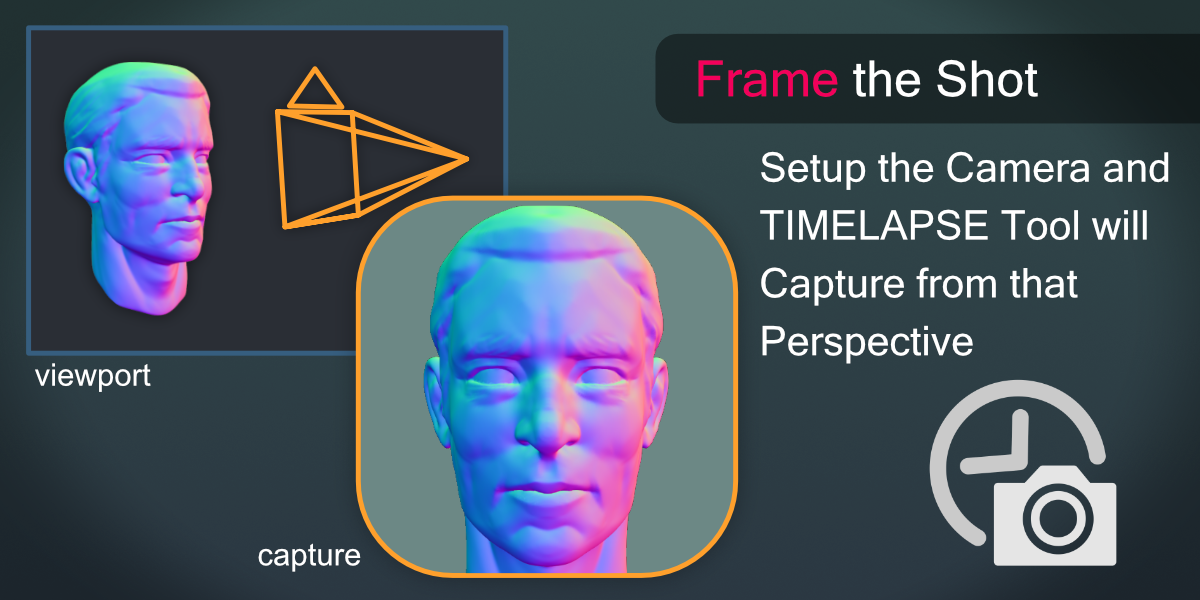
The add-on uses Blender’s built-in screenshot function. Its output is a set of still images; MP4 compilation is not listed as a feature. To make a video, assemble the images with a separate editing tool.
Blender compatibility and file access
The Blender Extensions record lists Blender 4.5.1 as the minimum version for Timelapse 1.0.1. The add-on requests permission to export PNG or JPEG files to disk and is licensed under GPL-3.0-or-later. Check the official listing for the current release details.