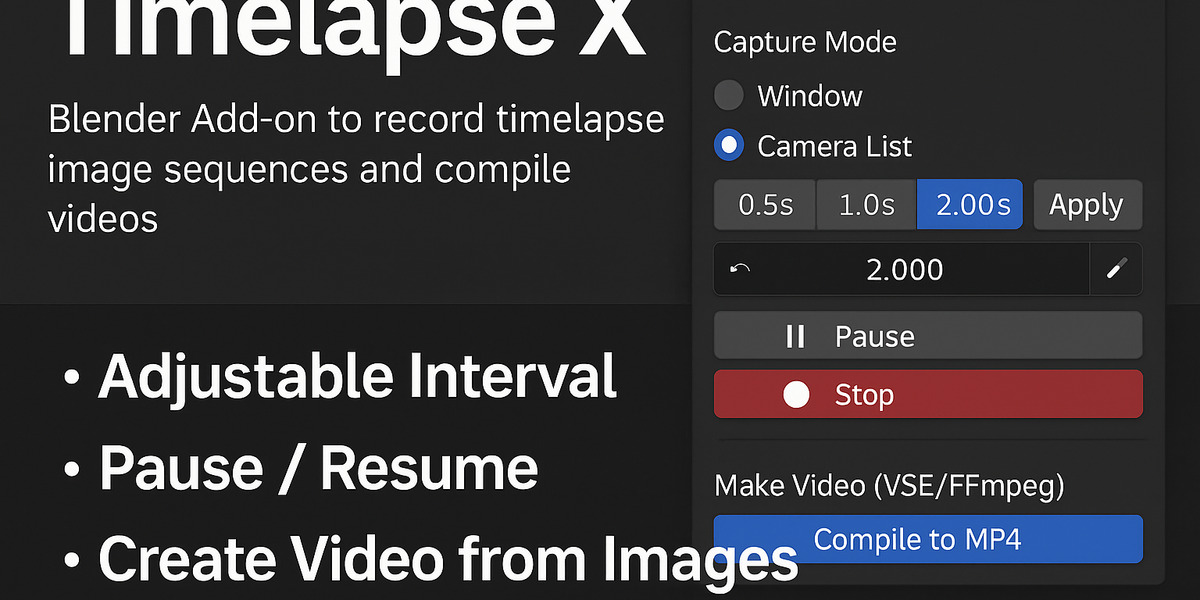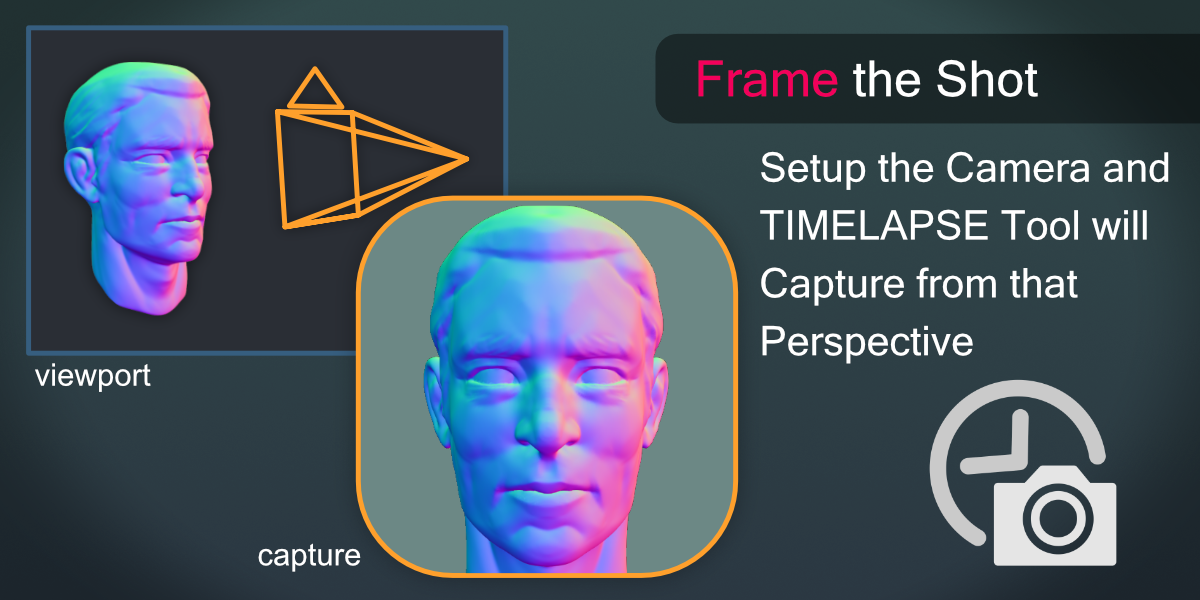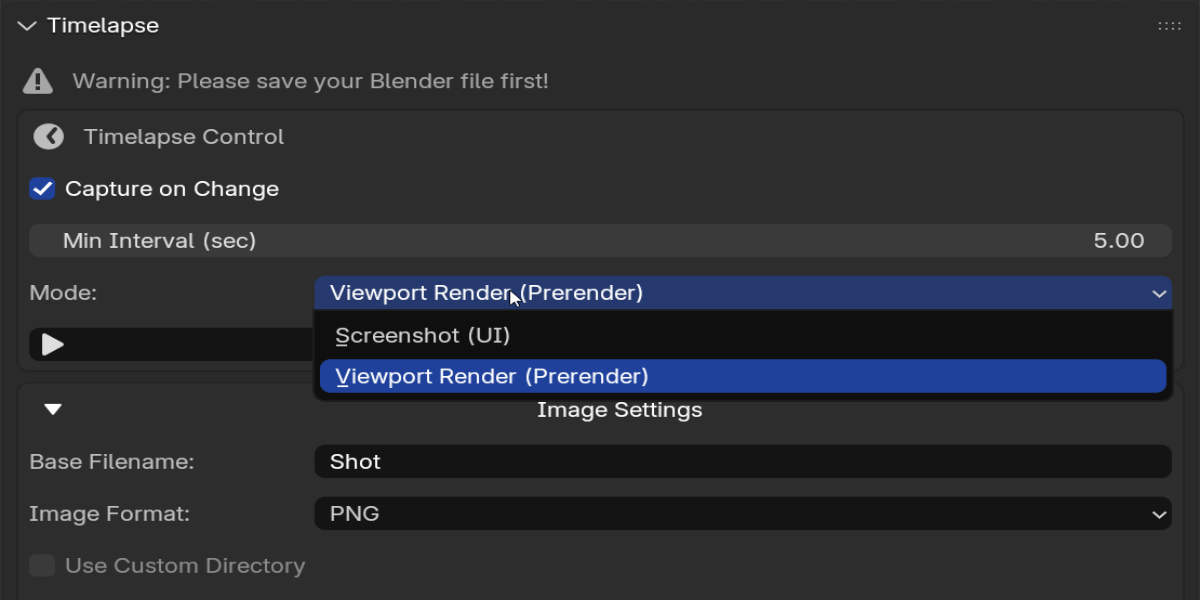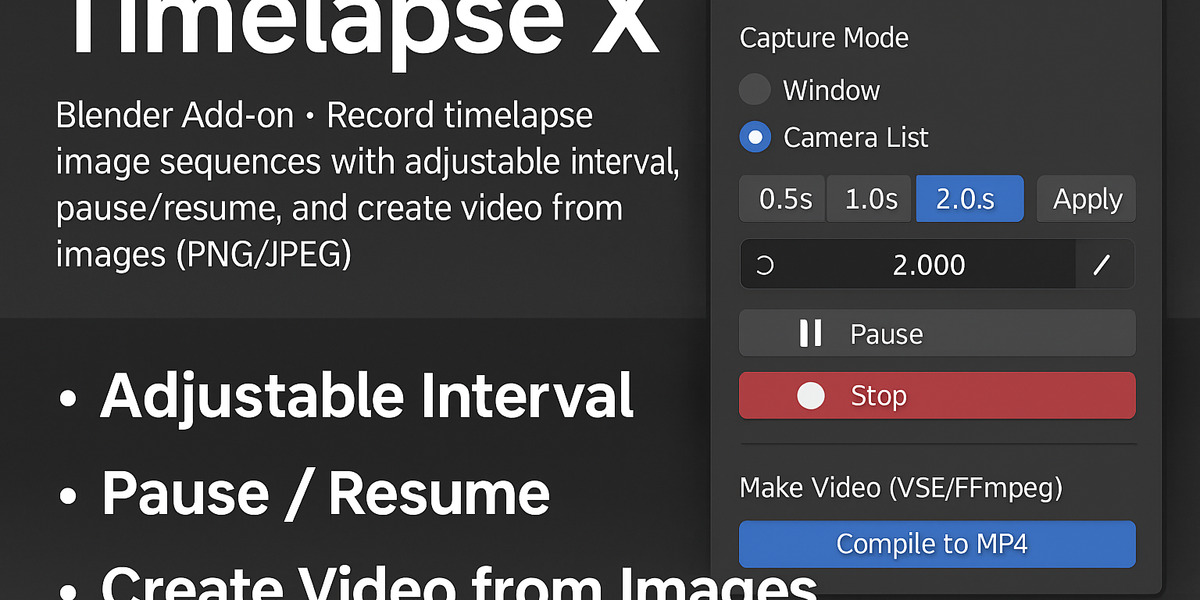
Timelapse X is a Blender add-on by Toss for recording modeling, sculpting, shading, and other work as a timelapse. It can capture the Blender window for tutorials and workflow demos, or record from a camera list that supports multiple and animated cameras.
Choose a capture mode
Window mode records the Blender interface. For on-demand frames, enable Capture on Input Only (Window) during a Window-mode recording. The timer stops, and a customizable shortcut saves one frame when pressed. The listed default is Ctrl+Shift+F9. The shortcut works only while recording is active and unpaused.
Camera List mode is suited to scenes with multiple viewpoints. The listing's 5.2 section also lists action-based capture triggers in both modes, camera turntable auto-rotation, an emergency stop hotkey, and controls for hiding reference blueprints or collections during capture. Stealth Camera mode provides rock-stable framing with automatic crop for Window-mode capture.
Control the recording
Idle Detection captures when the scene changes, while Lock Shading keeps the viewport appearance consistent. You can adjust the capture interval while recording, with presets of 0.5, 1.0, and 2.0 seconds. Pause and Resume let you take a break without resetting the frame counter.
For Window-mode idle stability, the listing recommends VIEW_3D with Stabilize enabled and suggests tuning the threshold, about 0.008 to 0.02, and downscale, 32 to 64, for the scene.
Save frames and compile a video
Timelapse X saves frames as PNG, with optional alpha, or JPEG. Zero-padded filenames keep image sequences in order. Its MP4 export compiles the frames as H.264 through Blender's Video Sequence Editor and FFmpeg. When combining camera sequences, choose Concatenate for camera-by-camera blocks or Round-robin to interleave frames by index. The user guide recommends checking the output path and FFmpeg availability if an MP4 export fails.
Package and compatibility details
The add-on is supplied as a ZIP in Legacy and Extension formats. The product listing has conflicting Blender compatibility details: its opening text says Blender 5.2, while the Details section lists Blender 4.0 to 5.0. Check the current product listing for your Blender version before installing.