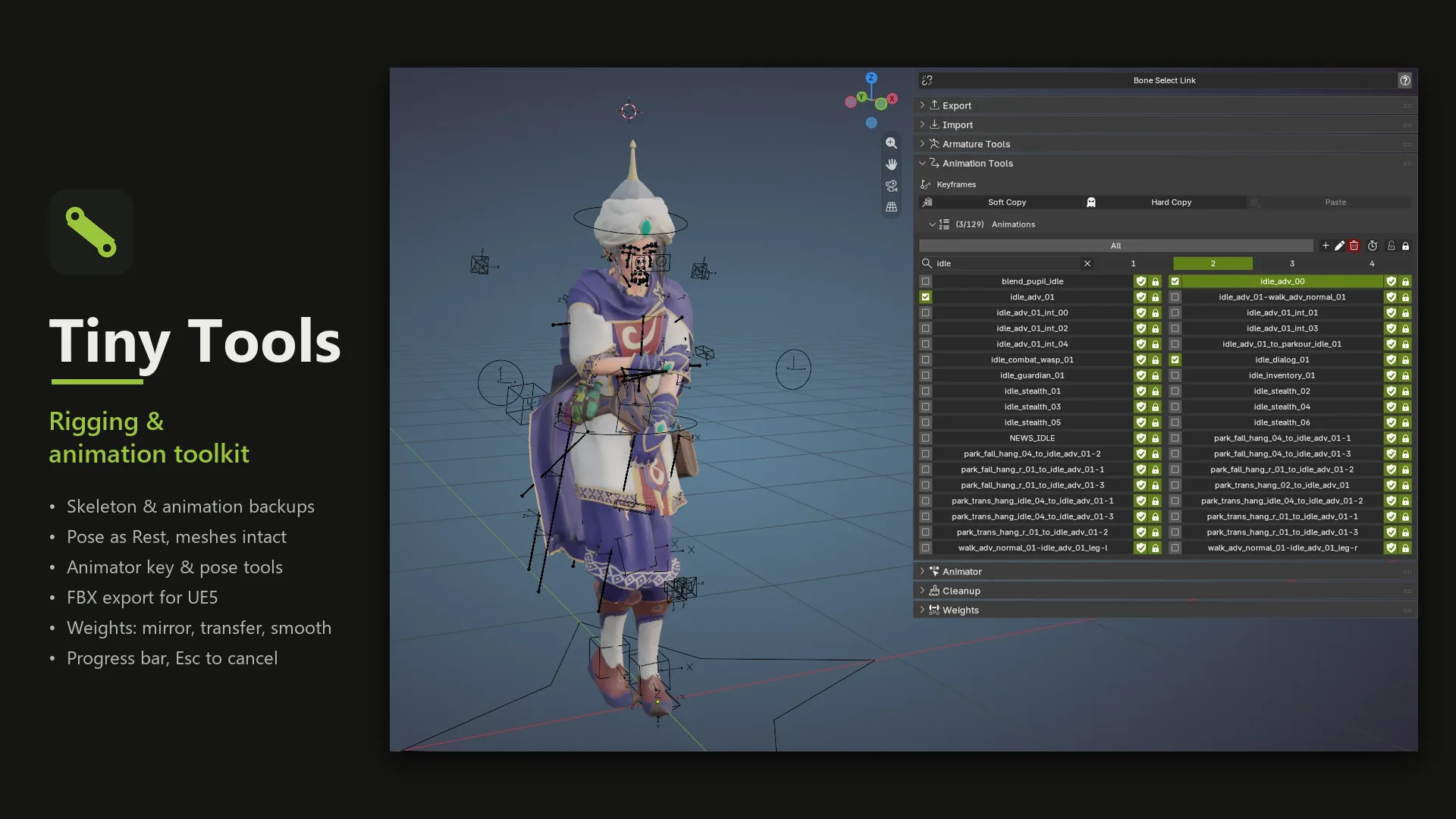
Tiny Tools is a Blender add-on for character rigging and animation work. It brings armature and action backups, pose tools, keyframe editing, vertex weight operations, and animation-only FBX export into a set of collapsible panels in the 3D Viewport sidebar. Version 1.5.1 requires Blender 4.2.0 or later; its listing names Blender 4.2, 4.5, and 5.2 LTS, with support for legacy and slotted actions.
Back up armatures and animation
Tiny Tools can save an armature's bones and constraints to JSON, then restore everything, bones only, or constraints only. Its JSON verification tool compares a skeleton with a backup and lists the differences, which helps check a rig after edits.
Animation backups use compressed JSON. You can store all actions in one file or make a separate file for each action, then import selected actions as replacements, add only new actions, or make copies. The add-on requests file access for JSON import and export.
Change a rest pose while preserving animation
Pose Master applies the current pose as a new rest pose. The listing says it bakes linked meshes and shape keys, then recalculates selected animations so they continue to play as before. This is useful when a character's starting pose needs adjustment after animation work has begun.
Edit keys and poses
For keyframes, Soft Copy copies actual keys, while Hard Copy copies channel values; both can be pasted onto another frame. Locked bones are skipped. The animation manager lists actions and can select all, create, rename, or delete them, and set the frame range from an action.
Other animator tools include nudging keys, baking stepped animation, sharing key times, offsetting or cascading motion, reversing animation, and applying tangent presets. Pose controls include reset, a temporary pivot, buffer and blend operations, and mirroring poses or animation from left to right, right to left, or across both sides. Bone Sets provide one-click bone selections, and Clean Playback hides overlays during playback.
Work with weights and export FBX
Weight tools can symmetrize vertex groups from left to right or right to left. The Smart method is designed for meshes with non-symmetrical topology and different vertex density. Transfer moves weights between meshes using surface matching, including for clothing and accessories. Smooth adjusts the active group or all groups while respecting locked groups.
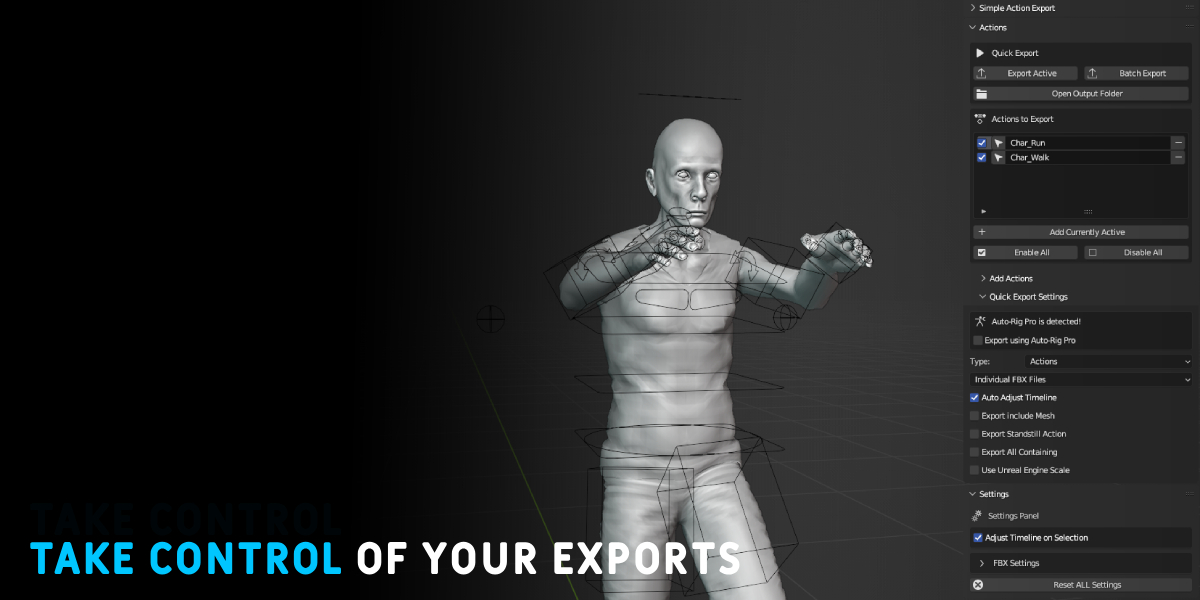
The FBX exporter writes a skeleton with animation and no meshes. Export the active action or save each action as a separate file. Tiny Tools includes Blender and Unreal Engine 5 presets, a configurable filename prefix (SA_ by default), and an optional root bone, which is off by default.
Find the tools in Blender
Open the 3D Viewport sidebar with N, then choose Tiny Tools. Each section has built-in help in English, Russian, and Chinese. Long operations such as weight changes, Pose Master, and exports run step by step and show progress in the panel and status bar. The listing says Esc cancels an operation and restores weights and meshes to their prior state.
See the Tiny Tools documentation for usage details, or check the Blender Extensions listing for the current version and compatibility information.