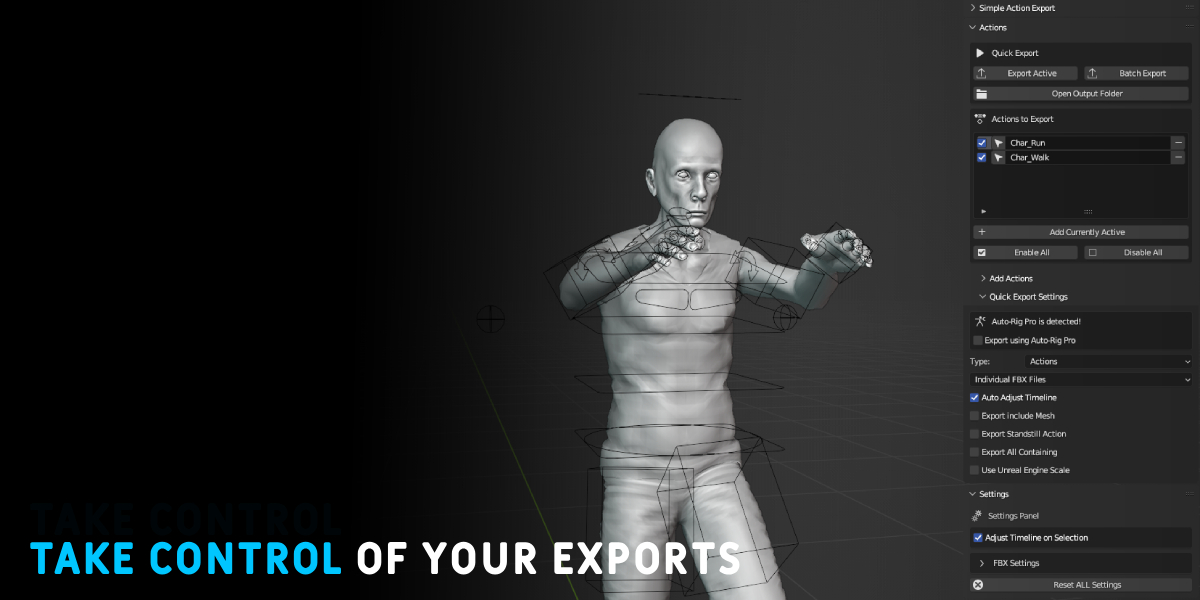
Simple Action Export is a Blender add-on for managing animation actions and exporting them as FBX. It saves action selections, enabled states, export settings, and other options separately for each rig, which helps keep a multi-rig scene organized.
Manage actions for each rig
Add actions one at a time or use filters to bring in a group. The filters can be combined: match a case-sensitive string in an action name, include only actions with Fake User enabled, or limit actions by frame range. In the Action Manager, you can select, rename, play, enable, disable, or remove an action from SAE. The manager also provides quick export for the active action and batch export.
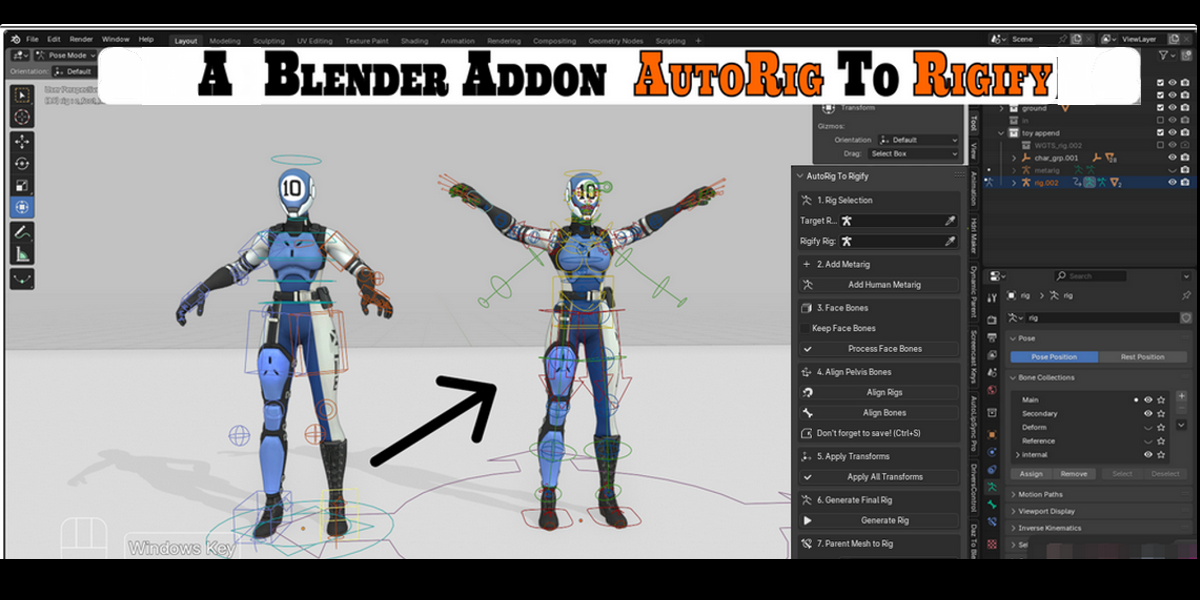
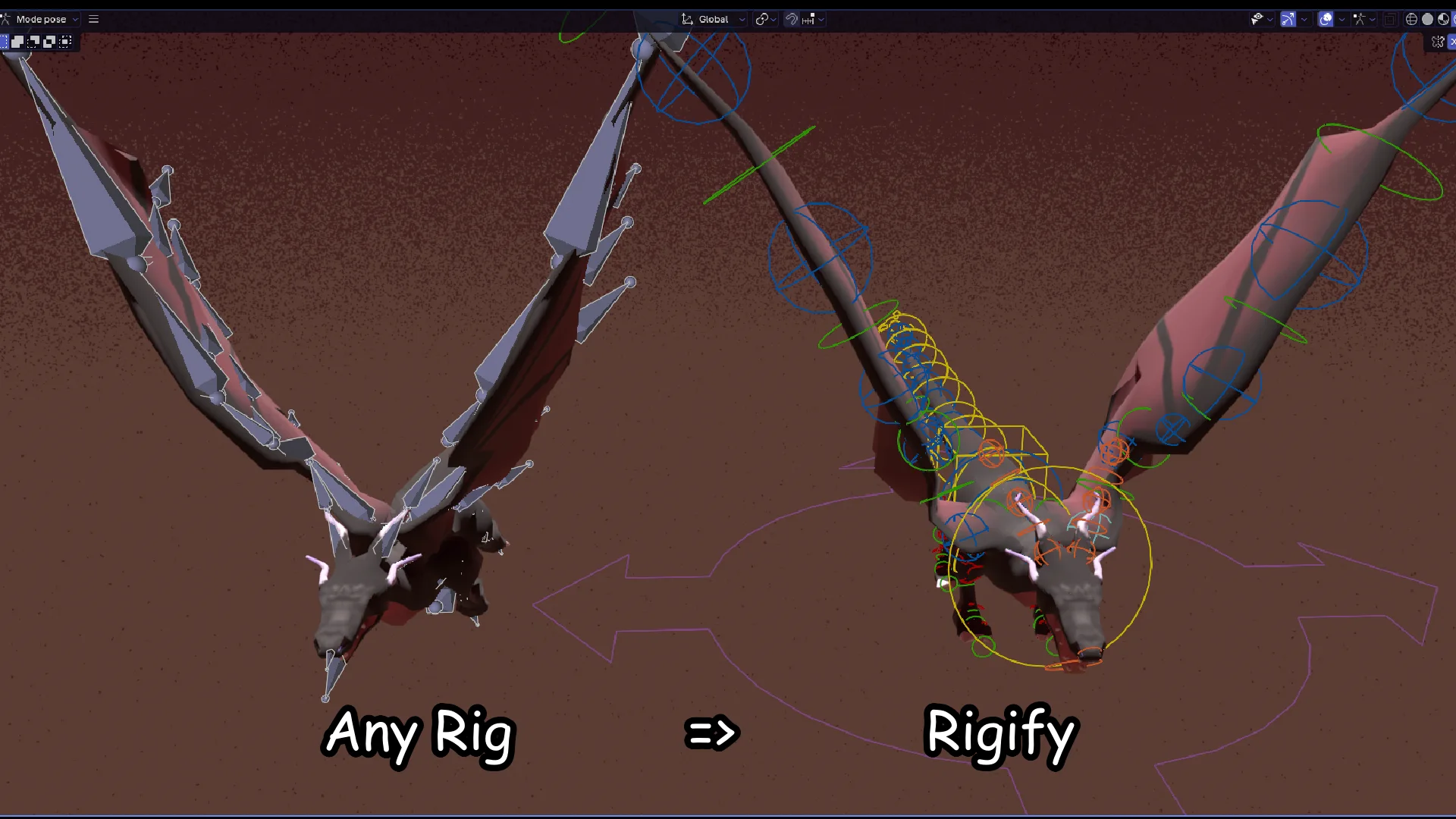
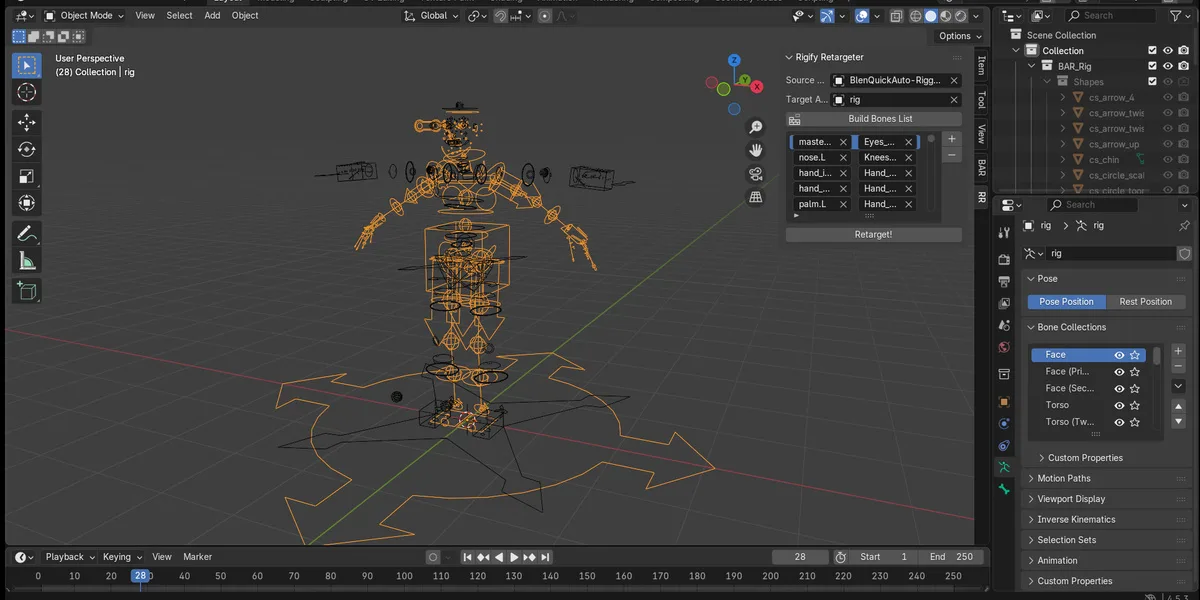
The add-on supports custom rigs, Rigify, and Auto-Rig Pro. When Auto-Rig Pro is installed and enabled, SAE provides the option to use its exporter. Per-rig settings let each rig keep its own action selection and FBX configuration when you export several rigs.
Choose the FBX export setup
Export the active action with one click, batch export enabled actions to individual FBX files, or select multiple configured rigs for a multi-rig batch export. For selected actions, you can choose a single FBX file or separate files. Other options include prefixes, mesh inclusion, exporting at world center, individual start and end frames, and automatic timeline adjustment to an action's last keyframe. A standstill export captures the active action at a single frame, and presets let you save settings for later use.
An Unreal Engine scale option multiplies the export scale by 100 to address the unit difference between Unreal Engine and Blender. Version 0.4.0 also reworked individual start and end frames and added a separate export armature, so actions from the selected armature can be exported to another armature, such as a proxy rig. These details are listed on the Simple Action Export product page.
Check the format and workflow limits
Simple Action Export is suited to Blender animation workflows that need action management and FBX export across one or more rigs. The product listing states that it exports to FBX only and does not support NLA strips. If your workflow depends on NLA strips or another output format, those limits may rule it out. The listing identifies the license as GPL. For product documentation, follow the developer documentation link provided from the product page.