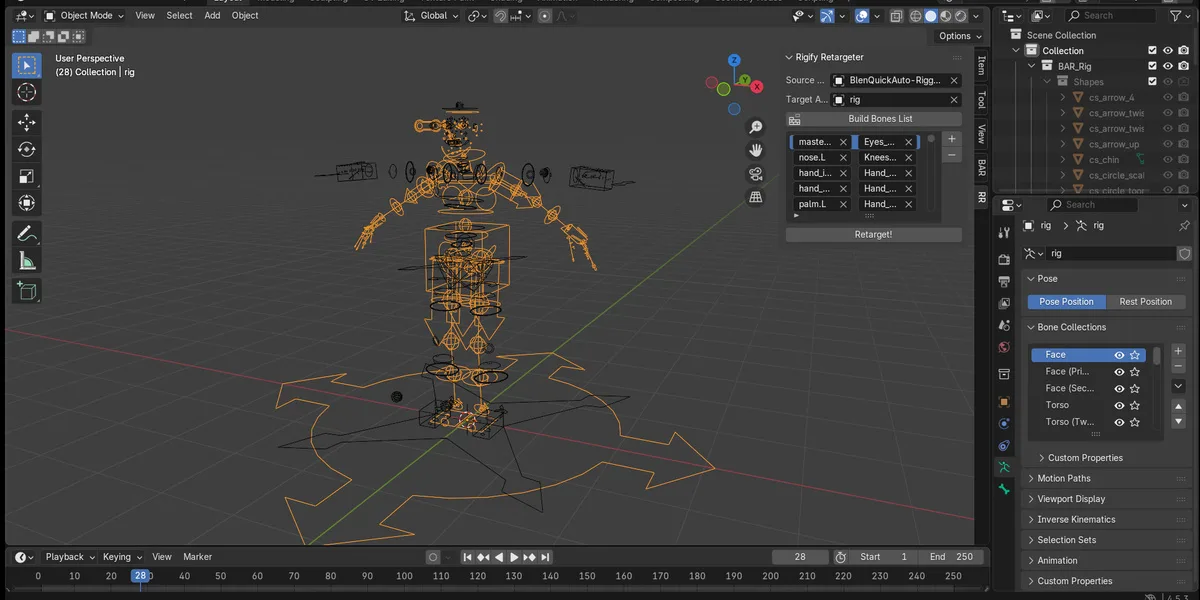
Retarget is a Blender add-on from KBS-DEV for transferring animation between character rigs. The Blender Extensions API lists version 5.2.0, a minimum Blender version of 5.0.0, and the GNU GPL v3.0 or later license. Its listed tags are Animation and Rigging.
Transfer animation between character rigs
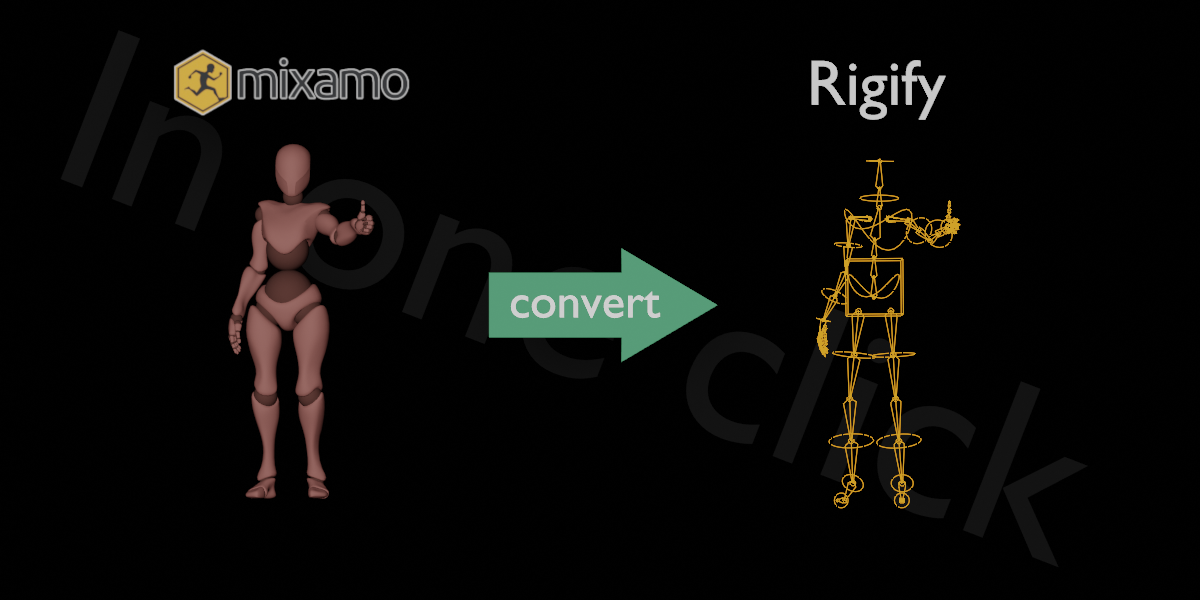
Retarget includes presets for Mixamo, Unreal, VRoid, MMD, Daz and Auto Rig Pro. You can also add a custom preset from the N-panel for a skeleton setup that is not in that list. The feature summary also describes tools for binding an active armature, applying or removing constraints, selecting constrained controls, aligning bones and mirroring.
Convert and prepare rigs
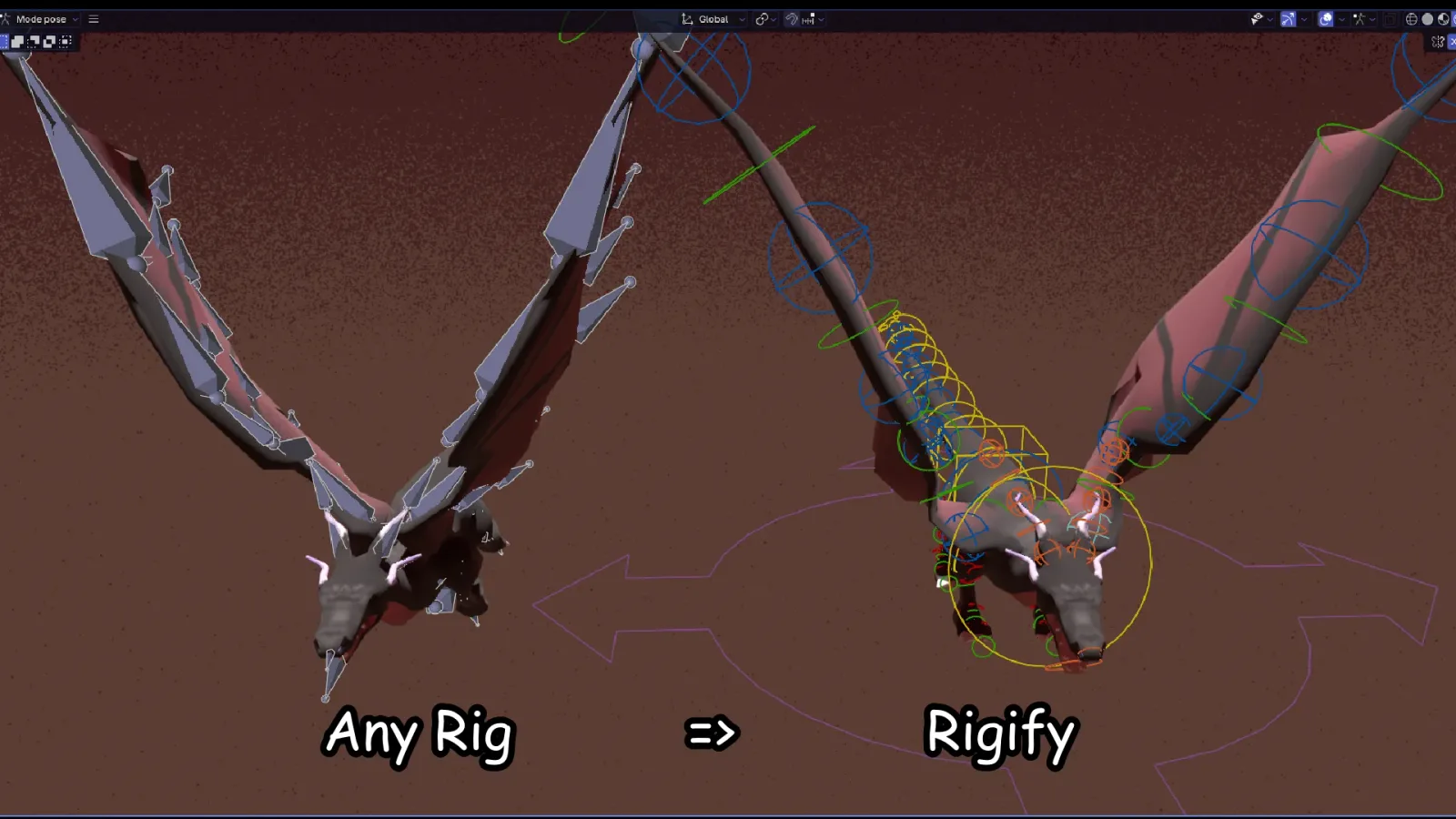
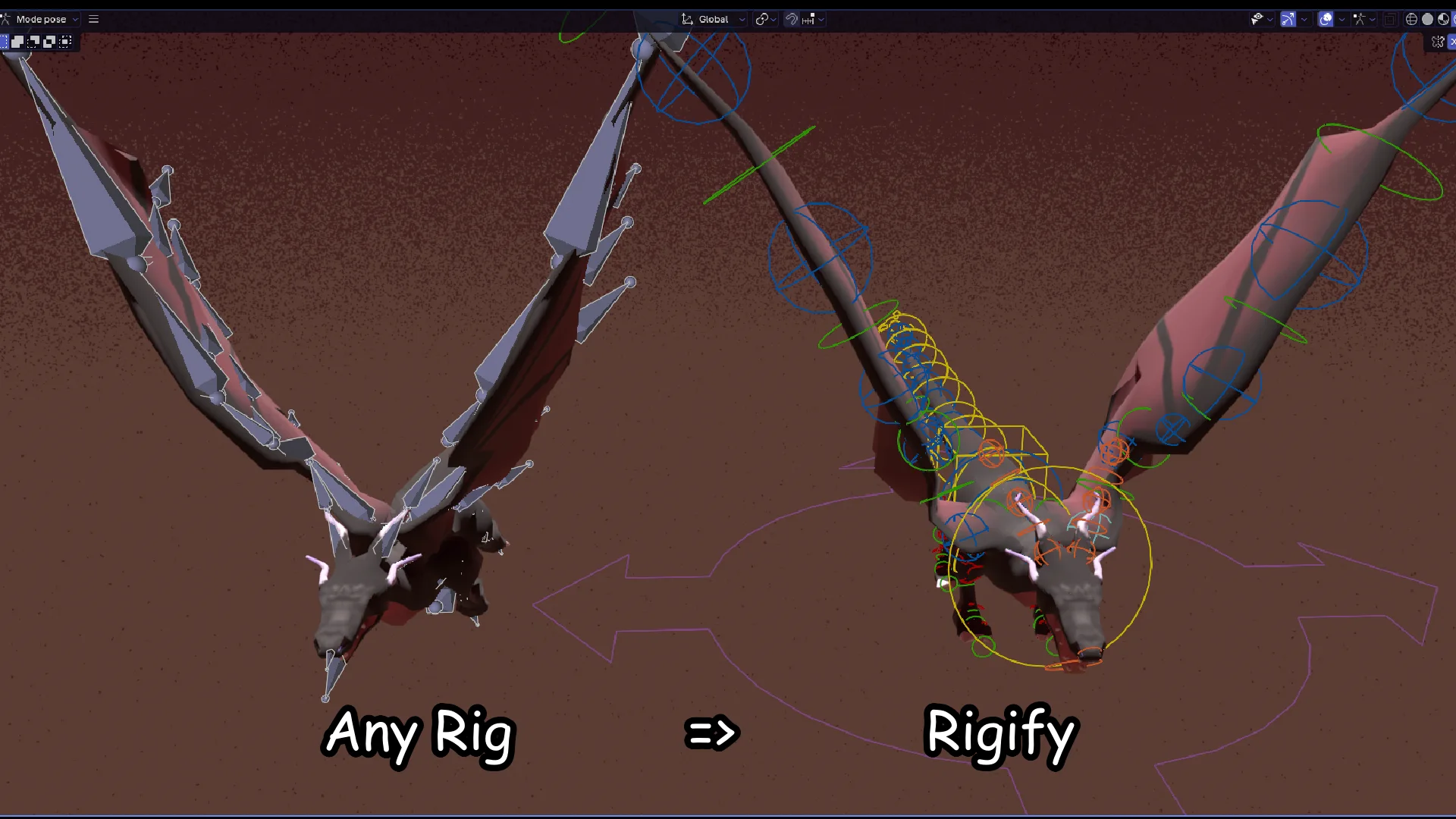
For Rigify workflows, Retarget includes Bind to Active Metarig and Extract Metarig. Extract Metarig requires Blender's Rigify add-on to be enabled. The Rigify Game Friendly option renames bones into a single hierarchy for game-engine workflows. These tools are useful when a project moves between character rigs or needs a Rigify-based structure.
Animation and action tools
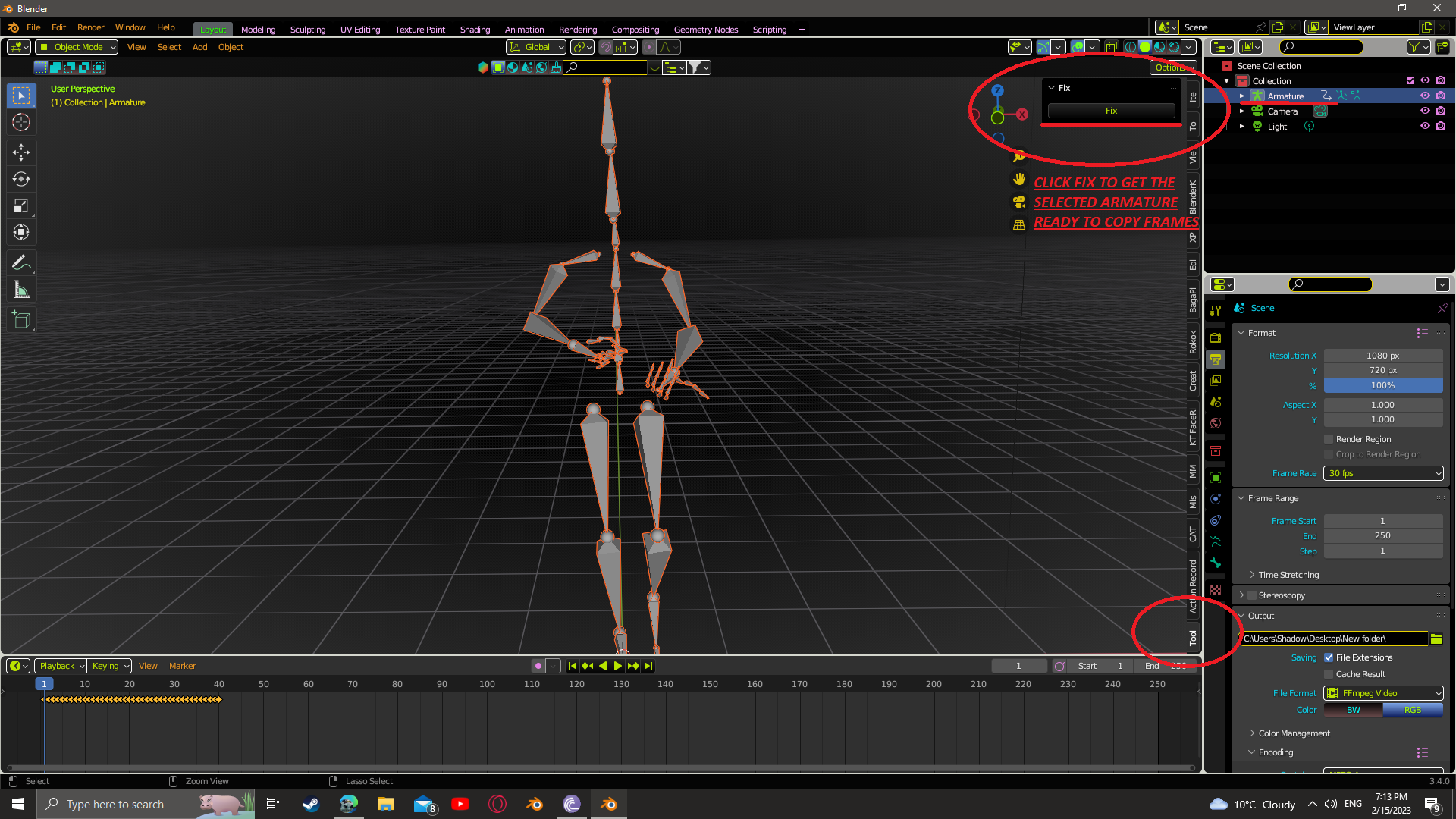
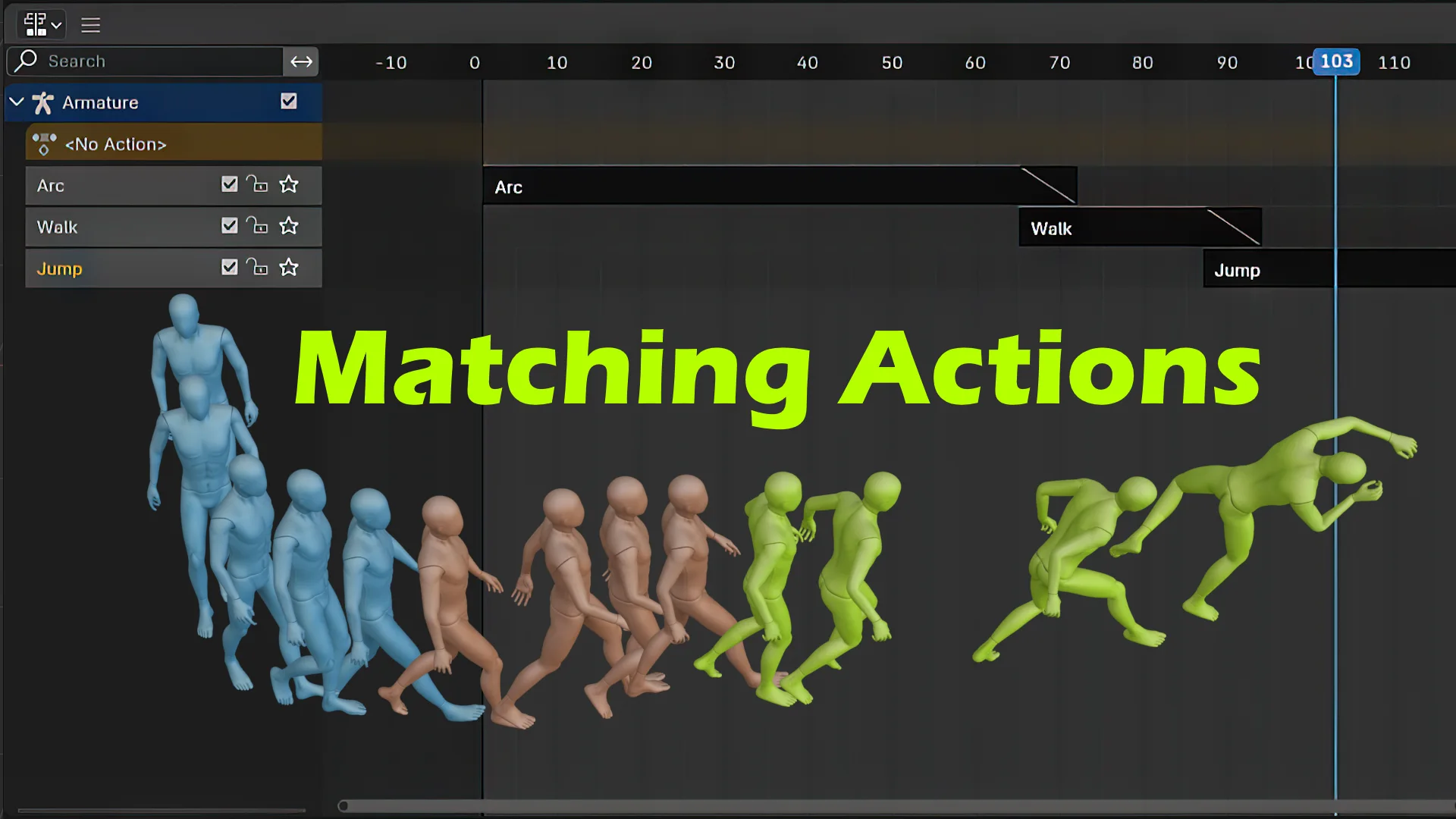
Retarget also includes CurveTools, AnimOffset and KeyManager from Animaide. Other listed tools include Bake Constrained Actions, Add Root Bone, Transfer Root Motion, Action Range to Scene and FBX import. Its Action Manager organizes actions in blend files and the Asset Library through five modes. A Surface Rig option creates a rig on a mesh or Grease Pencil object.
Compatibility and installation
The current API record sets Blender 5.0.0 as the minimum version and declares file access for importing FBX files. Check the Retarget page on Blender Extensions for the current release and installation details. The Blender manual also explains installing an extension from disk.
Who may find Retarget useful?
Retarget suits Blender animators and riggers who move animation between supported character skeletons, use Rigify conversion tools, or manage multiple actions in a project. Its feature set also reaches into animation editing and FBX import, so it can support work beyond the initial retargeting step. Check the current release requirements before adding it to a Blender 5 workflow.