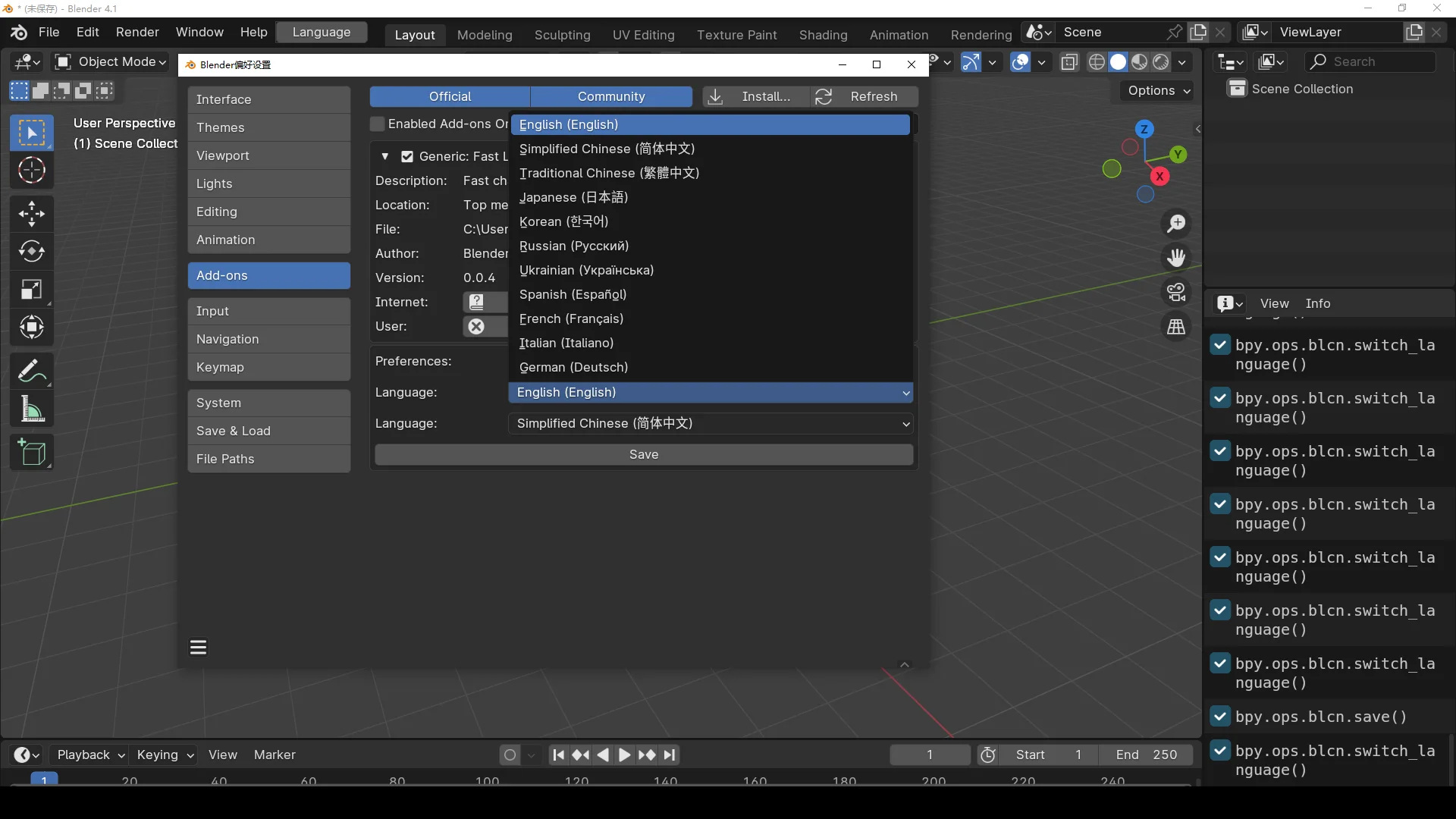
Toggle Language is a Blender add-on for switching the interface between two chosen languages. Its feature description reports support for 17 languages and a hotkey. The Blender Extensions API lists version 1.6.2. See the Blender Extensions listing for the release details.
Language switching and other controls
The main function is a one-click toggle between two interface languages. The add-on also includes several commands beyond language switching:
- Open Blender's user preferences, with hotkey support.
- Set up personal Blender settings.
- Switch the hint mode between default and developer mode.
- Delete all collections and objects in the current scene.
- Add a video progress bar.
Check the extra actions before using them
One review on the Blender Extensions listing, marked as translated, describes being unable to render a Blend file after using the Add Video Progress Bar command. The same reviewer says another control changed the theme and settings. The report does not show how often other users encounter the same issue. If you plan to try the scene or appearance controls, inspect their effects first and use a duplicate project.
The developer's user manual is linked from the extension listing. Consult it for instructions on the add-on's controls.
Compatibility and license
The extension record sets Blender 4.2.0 as the minimum version. AnyPlugins lists Toggle Language as free to download. The listed license is GNU GPL version 3.0 or later. Check the extension listing before installing to confirm the release and compatibility information for your Blender setup.