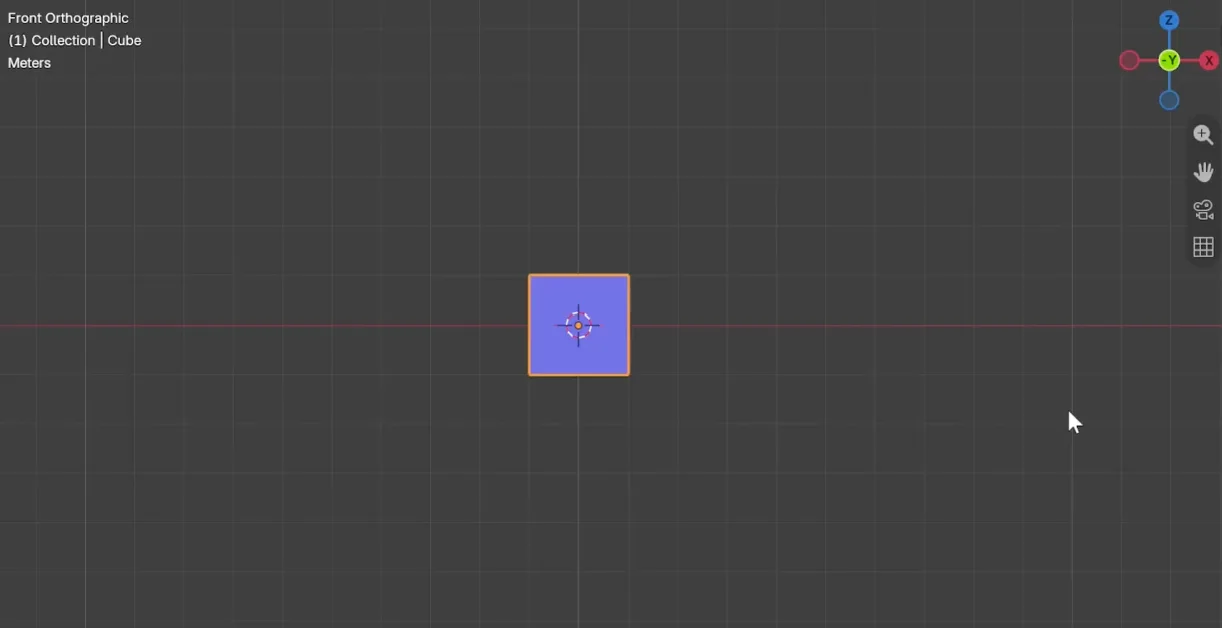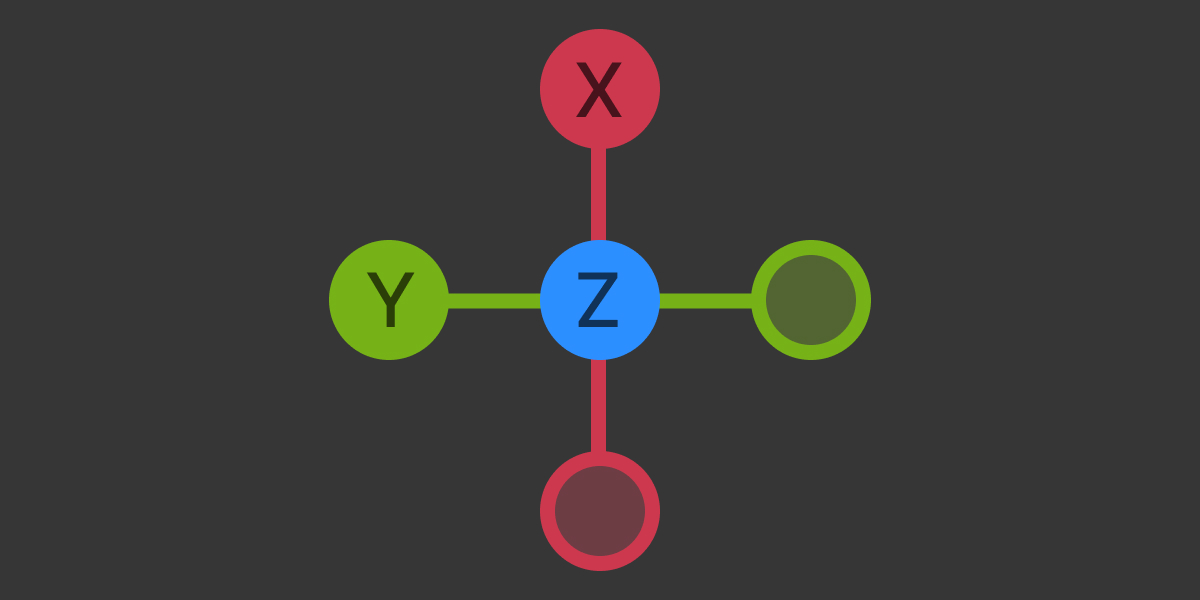
Top 3D View X Axes Forward is a Blender add-on that changes the top view so the X axis points forward instead of the default Y axis. It is intended for modeling objects aligned with the X axis, such as cars or buildings.
When an X-forward top view helps
Choose this view when the direction you want to treat as forward follows the model's X axis. The add-on provides a focused viewport orientation option for that workflow.
Install and enable the add-on
- Download the add-on file from the repository's releases section, as described in the product documentation.
- In Blender, open Edit > Preferences > Add-ons, choose Install, select the downloaded file, then click Install Add-on.
- Enable the add-on by checking the box beside “Top Ortho X-Forward View.”
- Open a Blender file and switch the 3D Viewport to a top-down view. Open the Top Ortho X-Forward View tab and toggle “X-Forward View.”
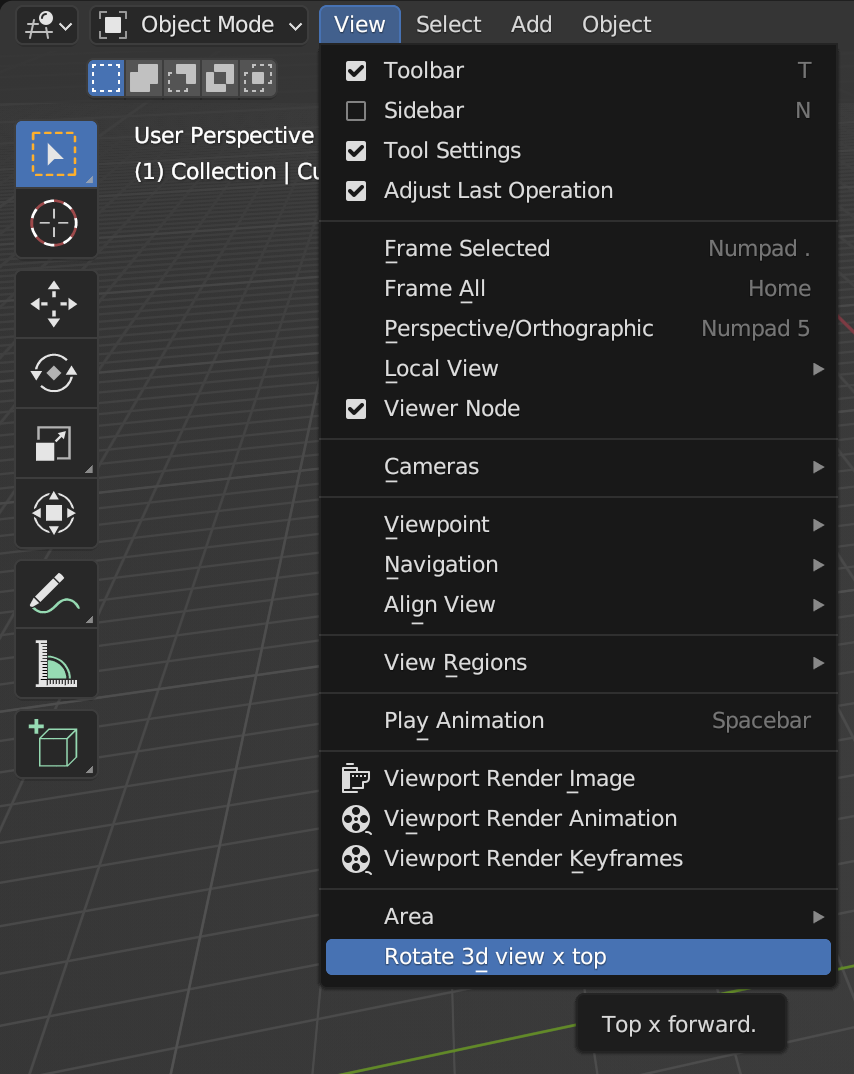
The view is also available through Quick Favorites or a shortcut. For the shortcut path, see the FAQ's View-menu instructions
Compatibility and license
The listing identifies the license as MIT and names Blender versions from 2.8 through 3.5, including the specific releases listed in the FAQ below. That is the published compatibility information; it does not confirm support for later Blender versions. Check the product listing before installing if you use a newer release.