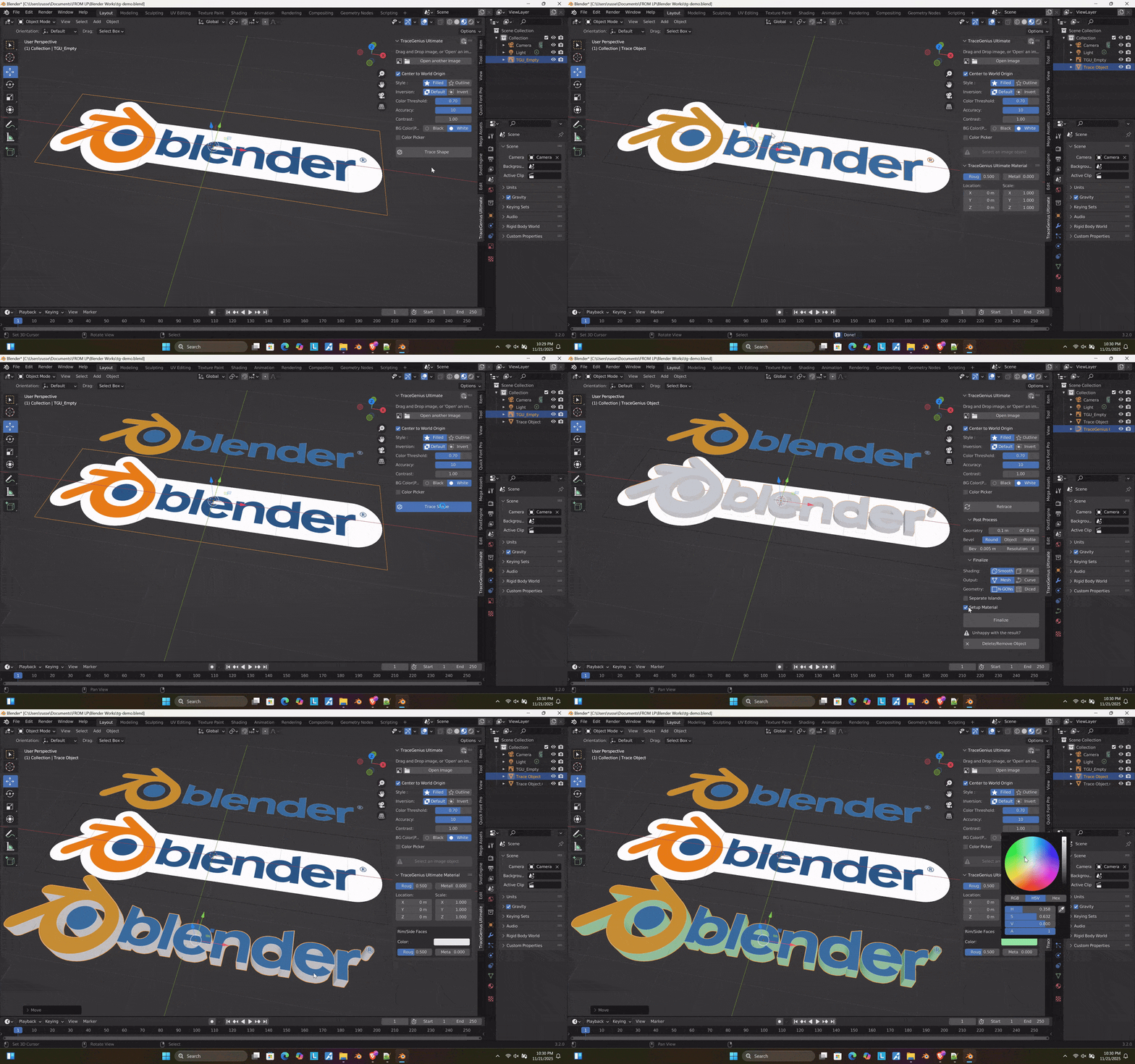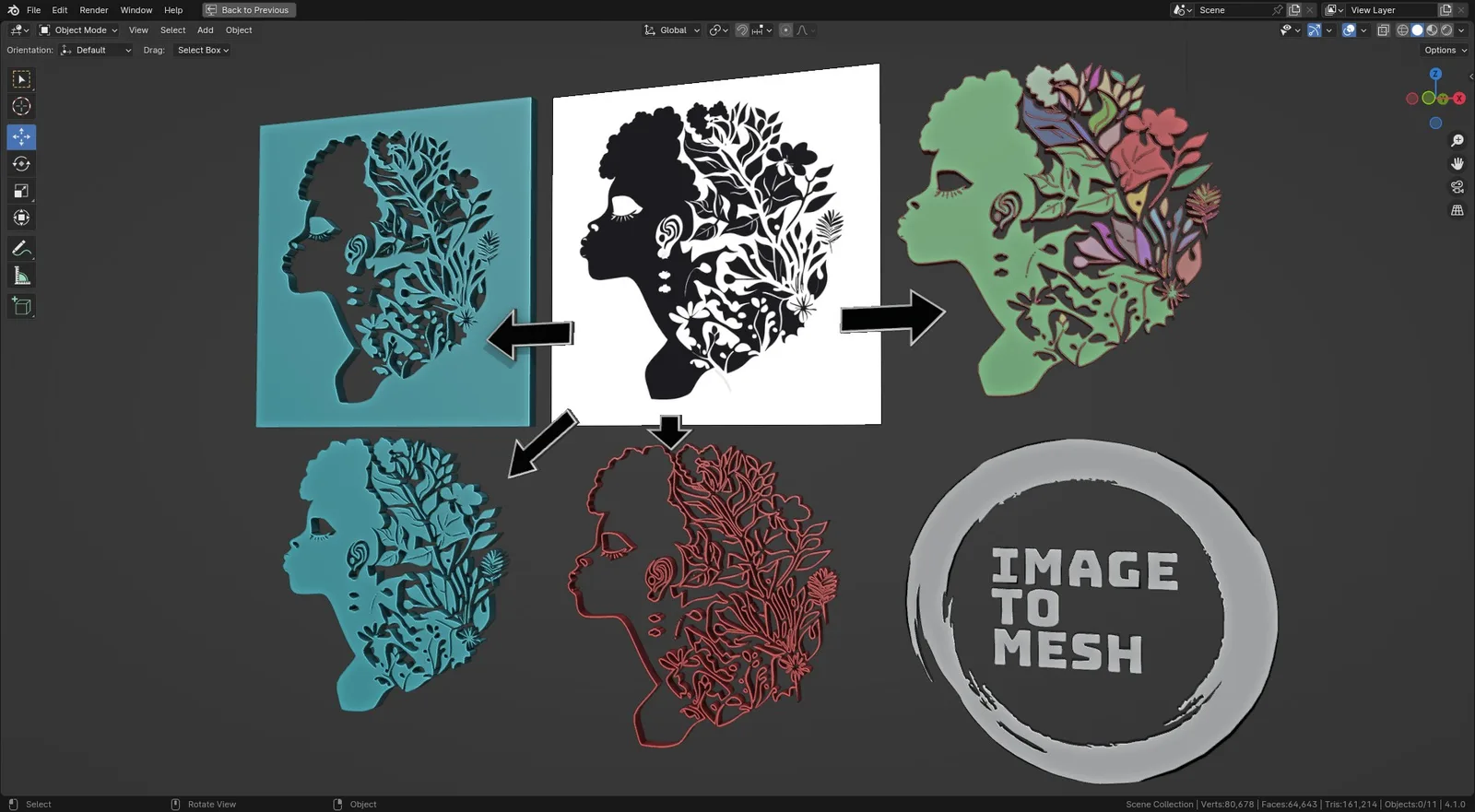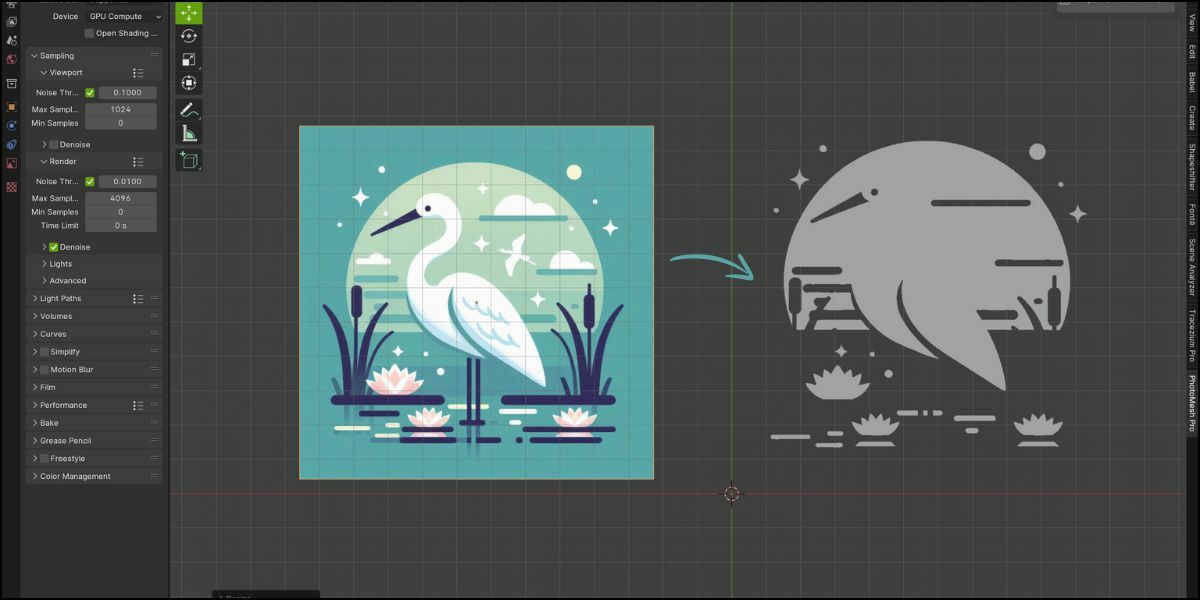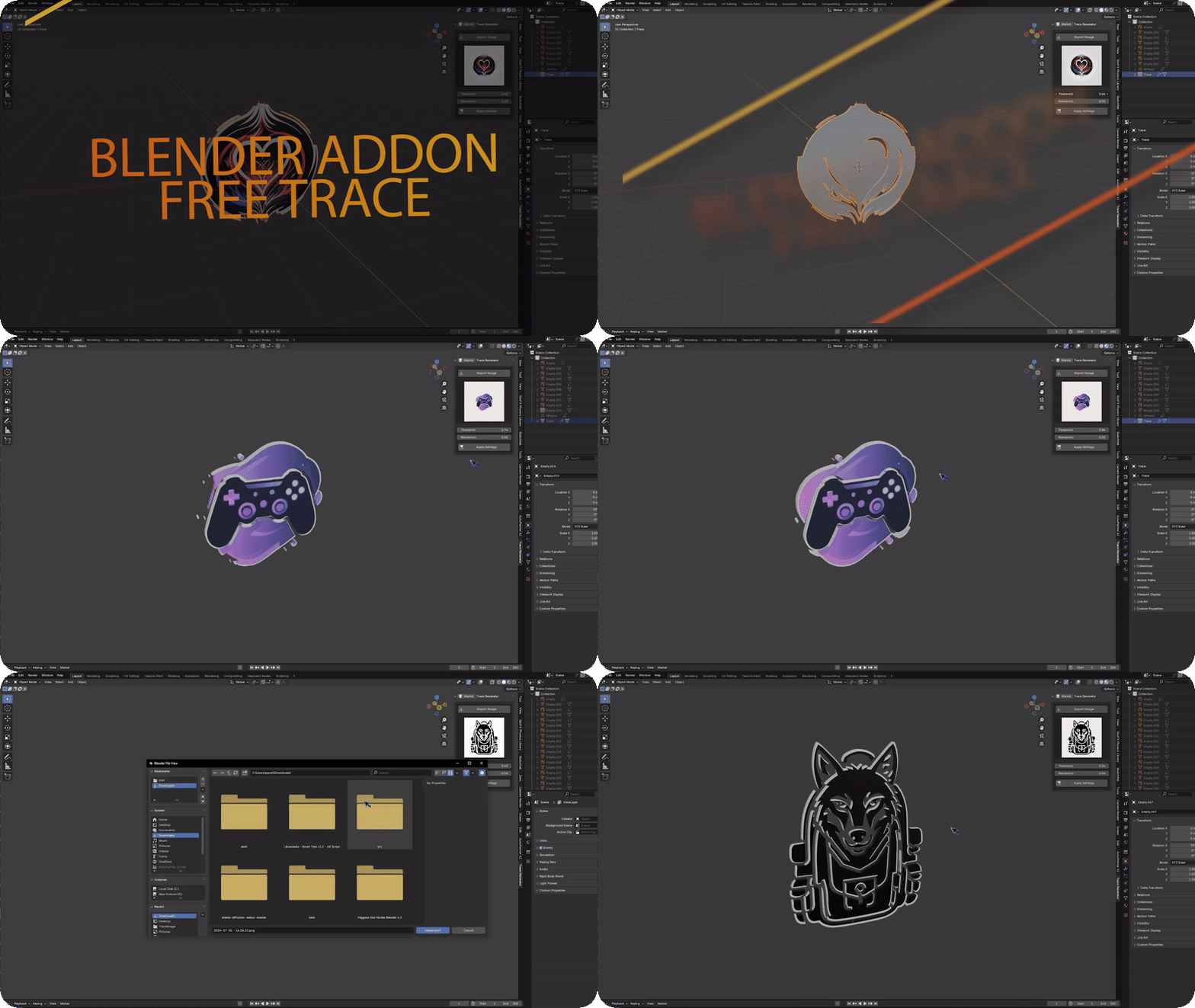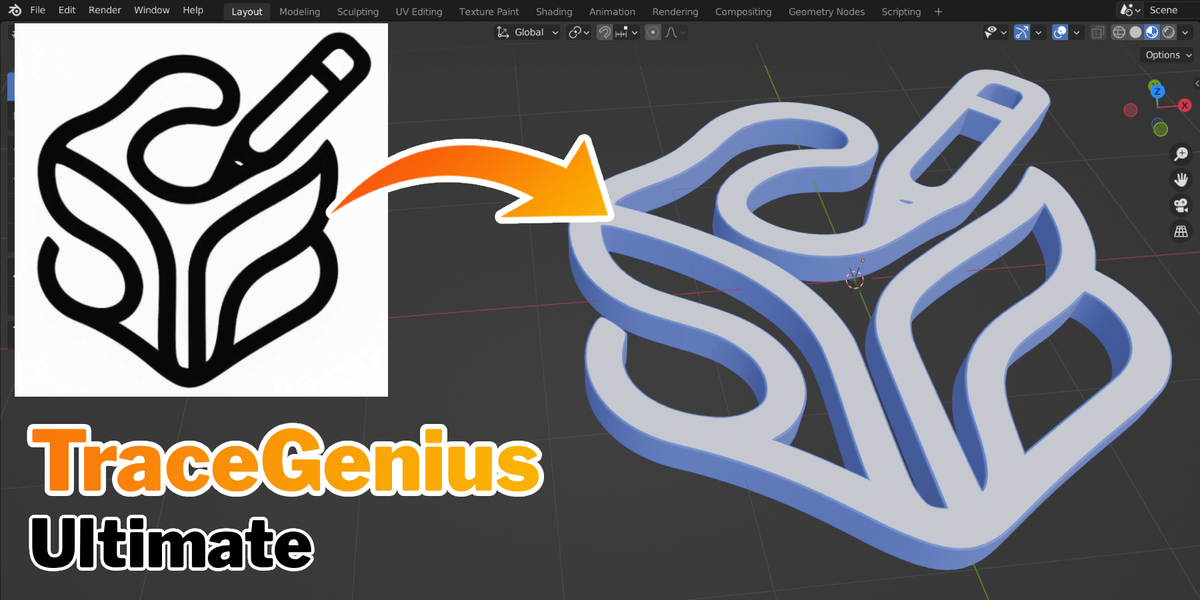
Tracegenius Ultimate 1.7 is the catalog entry for Russel Studios’ Blender image tracing add-on. The seller describes Ultimate as a rewrite of TraceGenius Pro with its own tracing engine. Pro uses Blender’s Grease Pencil tracing tools; Ultimate adds controls for selecting colors, handling transparent pixels and previewing trace regions before processing.
How the tracing workflow works
Ultimate’s current product listing describes a workflow for preparing an image, choosing what to trace and checking the selected regions before running the trace. You can pick a color, adjust contrast or image settings, and set whether transparent pixels in an image such as a PNG should be treated as black or white. A preview shows the regions selected by the current settings. The listing also describes alpha-aware tracing and an alpha-only cutout mode.
The developer says the custom engine can be faster and more precise than Blender’s built-in tracing, especially with complex or high-resolution images. The source does not provide benchmark results, so treat that as the developer’s performance claim rather than a measured comparison.
What the 1.7 listing tells you
The seller’s changelog describes version 1.7 as a user-experience improvement, without a detailed list of changes. It separately dates the trace preview and alpha-only cutout mode to version 1.3. The seller’s current TraceGenius Ultimate listing identifies version 2.0 as current. Its changelog says version 1.8 added full Blender 5+ support and a batch or multiple-image workflow, while version 2.0 refined that workflow and made other stability updates.
The current listing gives a Blender version range of 2.8 to 5.2, but that range is not identified as applying to the 1.7 build. If you need 1.7 specifically, check its version-specific compatibility before installing. The catalog lists the add-on as free; check the seller page for current price and license details.
Installation and dependency notes
The seller’s installation instructions say to open Blender’s Preferences and choose the Add-ons section. Remove any earlier TraceGenius version first, then install the downloaded ZIP, enable the add-on and use its Install Dependencies button to install the Python modules needed for image handling. The seller recommends restarting Blender after removing an older build. It also invites users to contact the developer about installation problems such as PIL failing to install.
The seller’s current page notes that newer Blender versions may show a Policy Violation warning related to the dependency installation method. The page says this warning does not affect the add-on’s functionality and that a packaging update is being prepared. Check the listing for the latest installation guidance, especially if you are working with version 1.7.
Who it may suit
TraceGenius Ultimate may suit Blender artists who need to control which image regions become traced geometry, particularly when the source has transparent areas or complex detail. Its color picker, transparency map and preview are useful when a default trace needs closer adjustment. The seller describes Ultimate as aimed at pros and power users and says its interface keeps the same layout as Pro.