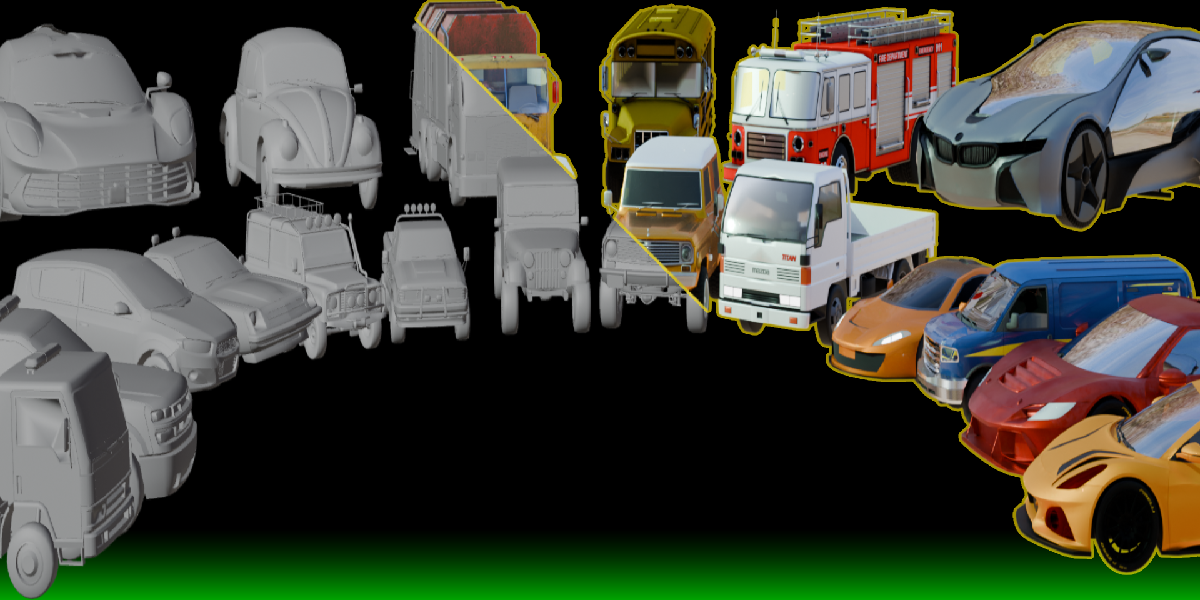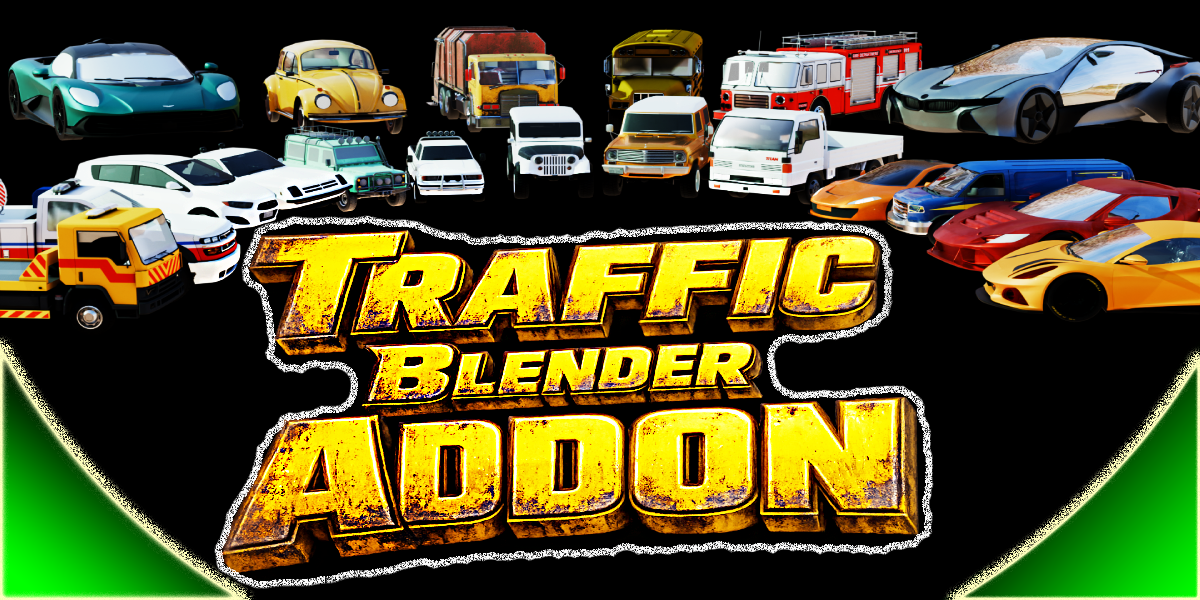
Traffic Addon is a Blender vehicle collection for traffic, city, and environment scenes. It combines 23 vehicle models with an addon for importing a selected vehicle into a scene. Most models are low-poly, with some high-poly options for closer shots.
Models and materials
The vehicles include 2K PBR textures with materials already applied. Their UVs are unwrapped without overlaps, transforms are applied for location, rotation, and scale, and face orientation is corrected. The developer describes the topology as clean and optimized, and the collection as lightweight. No polygon counts or per-vehicle memory budgets are listed, so inspect representative assets in a scene if you have strict performance limits.
- 23 vehicle models, mostly low-poly with selected high-poly models
- 2K PBR textures and applied materials
- Non-overlapping UVs, applied transforms, and corrected face orientation
- An addon interface with a thumbnail and an Import button for each model
Install and import vehicles
The developer documentation gives these installation steps:
- Download the addon's ZIP file.
- In Blender, open Edit → Preferences → Add-ons.
- Choose Install and select the ZIP file.
- Enable Traffic Addon in the Add-ons list.
Open the Traffic Addon panel in Blender's sidebar, choose a vehicle, and click its Import button. The documentation says no external dependencies are required and that the imported model is ready to use without manual setup.
Compatibility and rendering
The product details list Blender 3.6 through 5.0, while the documentation describes compatibility with Blender 3.6 and newer. If you use a Blender release later than 5.0, check the current product listing or ask the developer to confirm support. The listing names Cycles and Eevee as supported render engines.
Animation and project limits
The current vehicles are not rigged. Rigged vehicles are planned for a future update, so a project that needs controllable wheels or steering will require your own rigging setup. The documentation describes importing a selected vehicle; it does not describe automatic traffic pathing or traffic control. Confirm those features with the developer if your workflow depends on them.
The documentation lists animations, films, games, traffic simulations, and commercial or client projects as suitable uses. The product details identify the license as GPL. Review the current license terms for your intended use, especially before redistributing the models or project files.