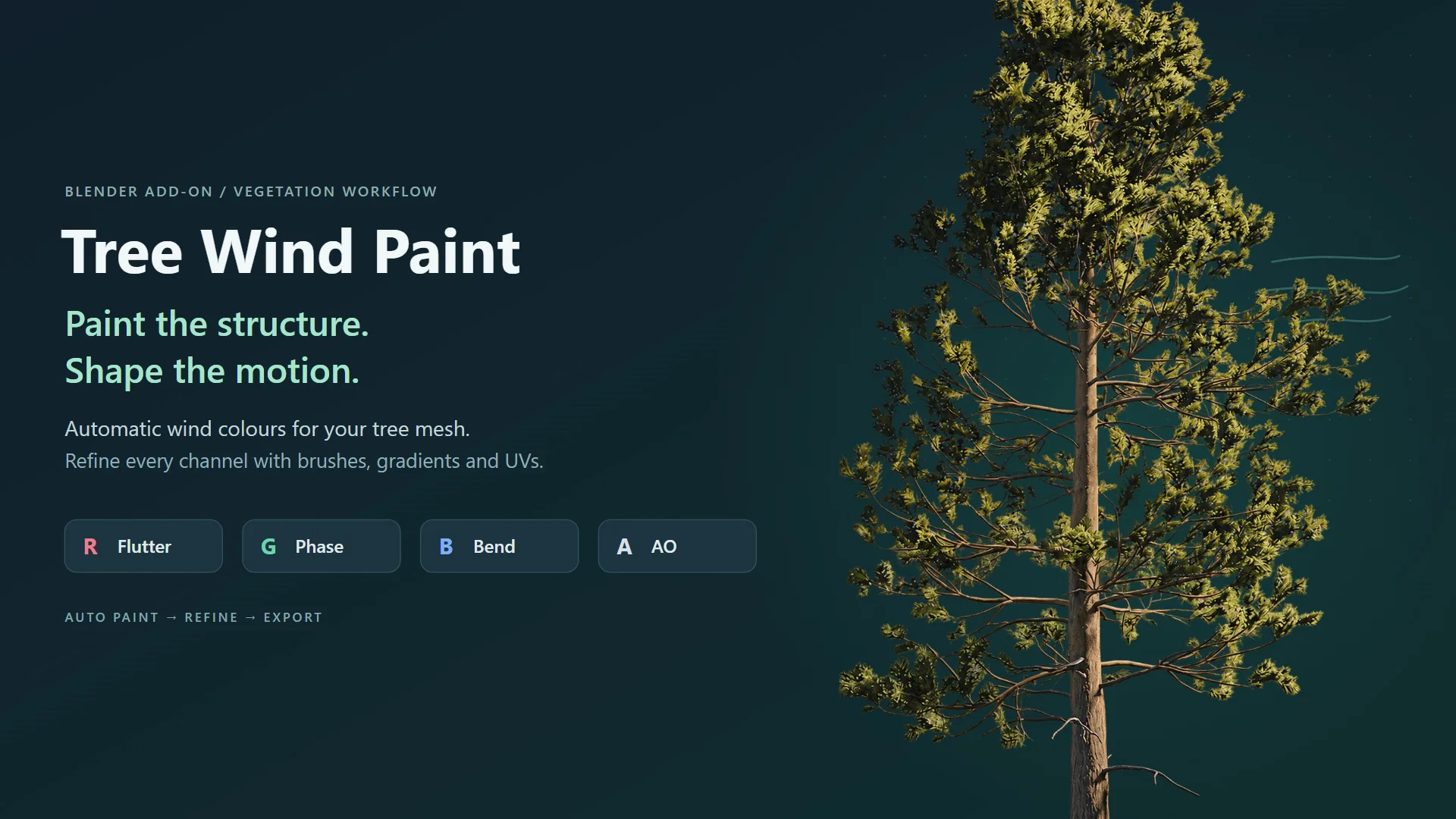
Tree Wind Paint is a Blender add-on for painting vertex color channels used by tree wind shaders. It can detect a tree’s trunk, branches, and leaves, then paint wind values from that structure. You can refine the result with gradients and UV tools, edit channels by hand, and preview movement in Blender.
Paint wind values from tree structure
Automatic painting assigns values to channels used for different parts of the wind effect:
- Red: leaf flutter.
- Green: branch phase.
- Blue: branch bending.
- Alpha: optional ambient occlusion.
Connected branches and leaves inherit matching values at their joints. You can choose which channels to paint and use face or vertex selection masks to limit the affected mesh.
Refine colors with gradients and UV tools
Gradient tools work within a cylinder around a branch, a 3D sphere, or a screen-space circle. Adjust the bounds to control which vertices receive the gradient, then choose Replace, Add, or Multiply to combine it with existing colors.
In the UV Editor, linear and radial gradients can paint across shared UV islands, which helps apply matching values to grouped leaf cards. The UV tools can also copy hand-painted colors to matching UV corners within the same material. Version 0.3.5 adds a UV brush, color preview in the UV Editor, and alpha channel support for those tools.
Preview branch bending and leaf flutter
Wind Preview lets you inspect branch bending and leaf flutter directly in Blender. Its preview follows the UNIGINE wind formula, so shaders in other engines may interpret the painted colors differently. The preview modifier stays on the tree and animates while the timeline is playing; controls include loop length and Loop Frame Range.
Paint and review a tree
- Select the tree mesh.
- In the 3D Viewport, open Sidebar → Tree Wind.
- Check the material roles and choose the channels to paint.
- Press Auto Paint, refine the colors, then open Wind Preview to inspect the motion.
For UV work, open Sidebar → Tree Wind in the UV Editor. Individual channels can also be adjusted with Blender’s Vertex Paint brushes, Levels, and Randomize Parts. Apply your edits or cancel them.
Version and compatibility
The Blender Extensions listing identifies version 0.3.5 and compatibility with Blender 4.5.0 or later. Cycles is required only for ambient occlusion baking. The add-on is licensed under GNU GPL version 3.0 or later. See the Blender Extensions listing for release information and the project repository for source code and bug reports.