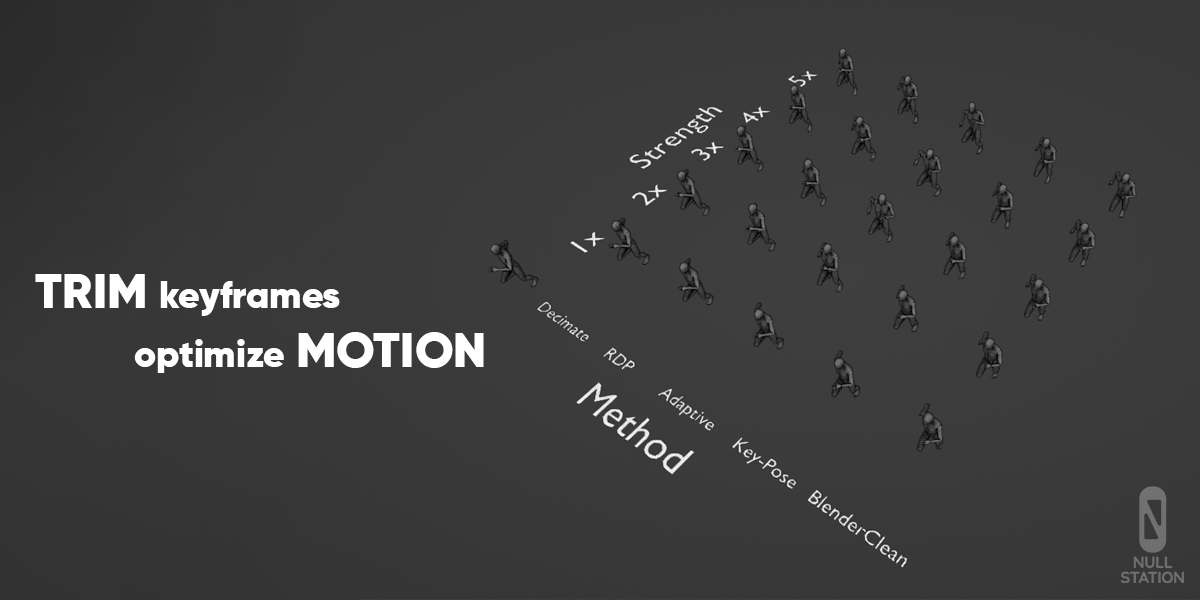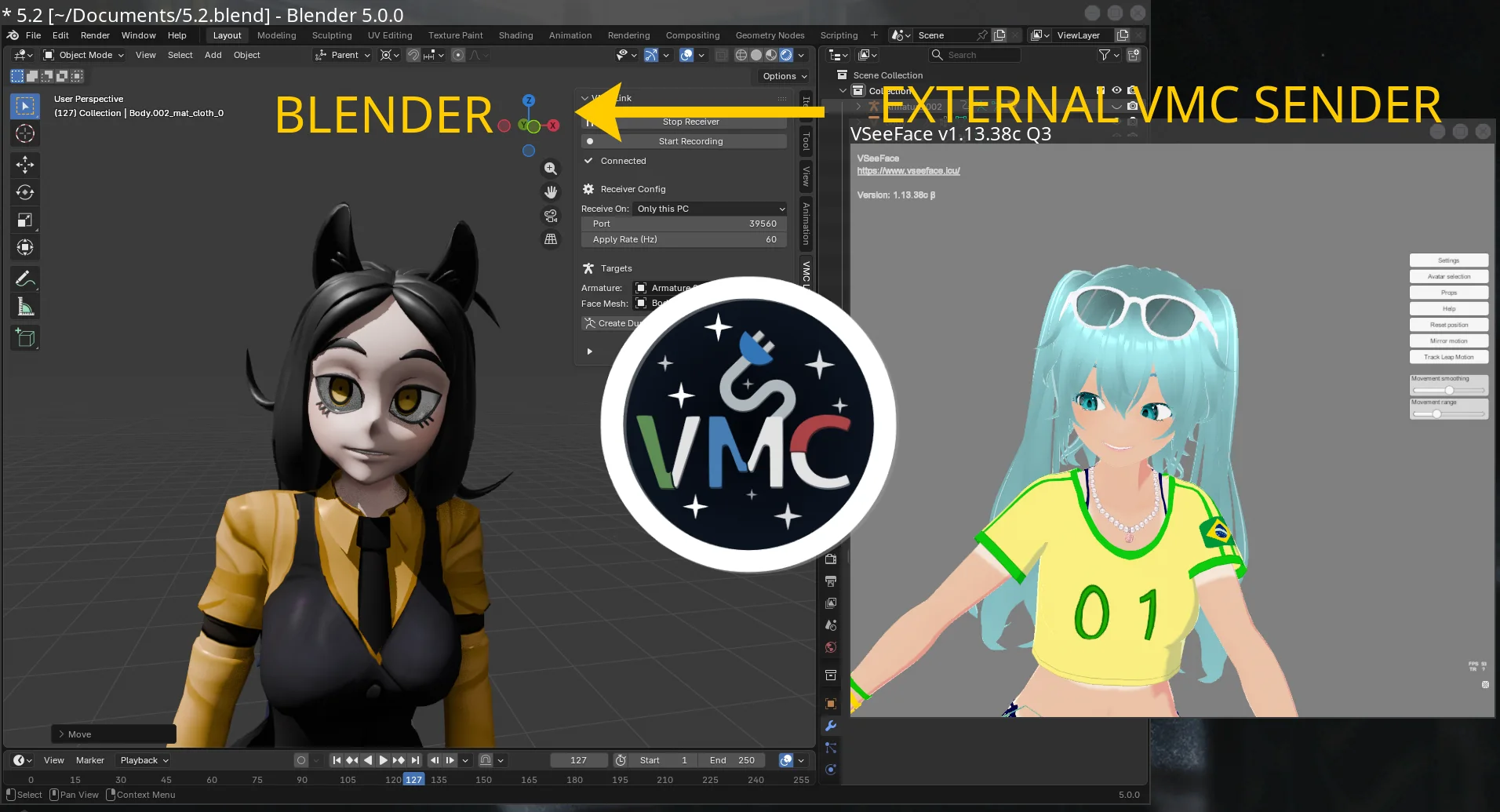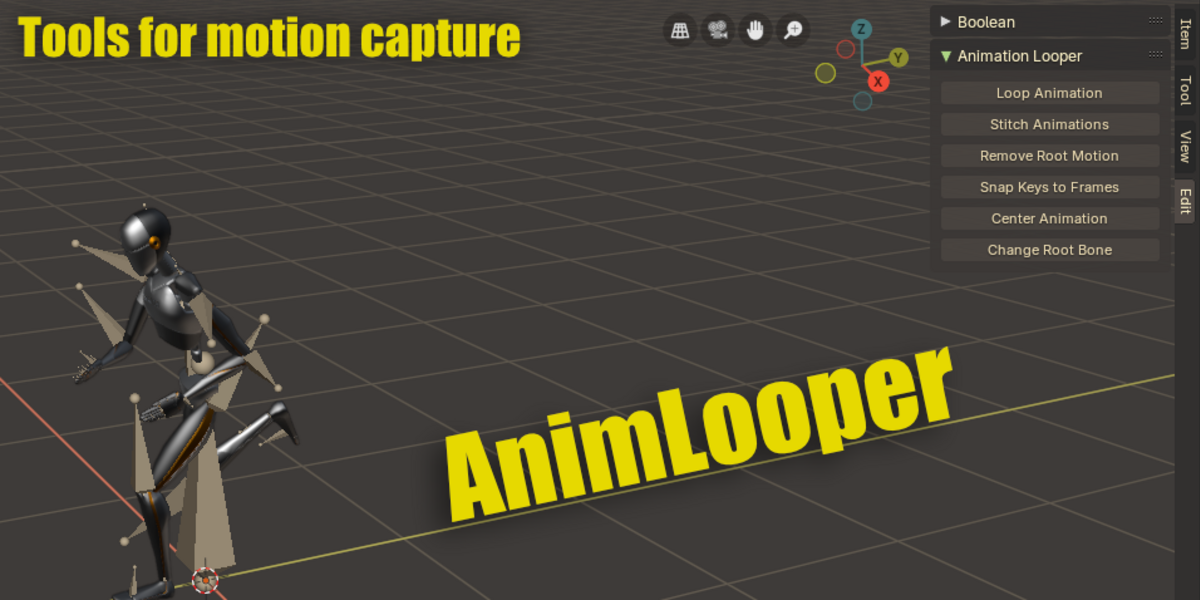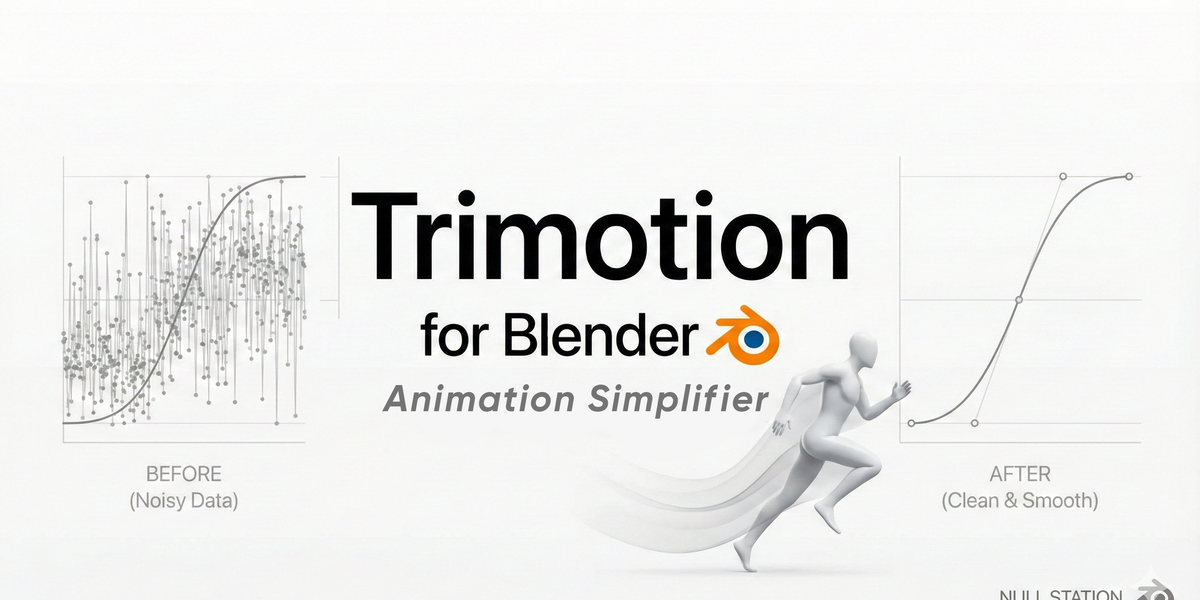
Trimotion-Animation Optimizer is a Blender add-on from Null Station for simplifying dense motion-capture and other keyframed animation. It provides five simplification methods, plus tools for smoothing curves, changing frame rates and limiting work to selected bones or frame ranges. The product listing names Rokoko, Vicon and OptiTrack among its supported motion-capture sources; its documentation also describes BVH and FBX workflows.
Choose a simplification method
The methods suit different kinds of animation. The documentation recommends RDP (Smart) for general use and describes it as geometric curve simplification. Key Pose is marked experimental; it looks for poses and turning points to make curves easier to edit. The other options are more direct:
- RDP (Smart): A general-purpose option. The documentation gives a typical keyframe reduction of 50–70%.
- Key Pose: Builds curves around detected poses and direction changes. The documentation gives a typical reduction of 70–90%, and recommends 2x strength or RDP for very fast motion.
- Decimate: Skips frames for fast, predictable reduction. The FAQ warns that high strength can cause jitter.
- Adaptive: Removes a keyframe when the interpolated curve stays within a chosen error threshold.
- Blender Clean: Removes nearly identical adjacent keyframes for lighter cleanup.
These reduction figures are the developer’s guidance, not a guarantee for every rig or animation. Play back the result and inspect the curves before using it in a final export.
A careful workflow for mocap cleanup
Import the animation, select its armature and run Analyze Animation to see the current keyframe count. Duplicate the action before simplifying so you can compare the simplified version with the original. The documentation suggests starting with RDP at 3x (Moderate), then reviewing the result. Trimotion also lets you simplify selected bones or restrict processing to a frame range, which is useful when other parts of the motion should stay untouched.
For noisy data, Smooth Curves applies a weighted moving average. More smoothing passes can remove detail, so review the motion after each change. The Frame Rate Converter rescales keyframe timing for a target rate, with presets including 24, 30, 60 and 120 fps. Batch Operations can apply the same settings to multiple armatures in a scene.
Trimotion works on FCurve keyframes. Its FAQ says constraints and drivers are preserved, while animation driven by expressions rather than keyframes is not simplified. The add-on supports Blender’s undo system, but the product FAQ says an action cannot be unsimplified directly; duplicating it before editing gives you an original to return to.
Check Blender compatibility before installing
The product listing gives different ranges: its Requirements line says Blender 4.2 up to 5.2+, while its Details field lists Blender 4.2–5.2. The documentation identifies version 1.4.0; its Installation and Requirements sections say Blender 4.0 or later, tested through 5.0+, while its Details field lists Blender 4.2–5.2. Because the listing and version 1.4.0 documentation give different ranges, confirm compatibility for your Blender version with Null Station before installing.