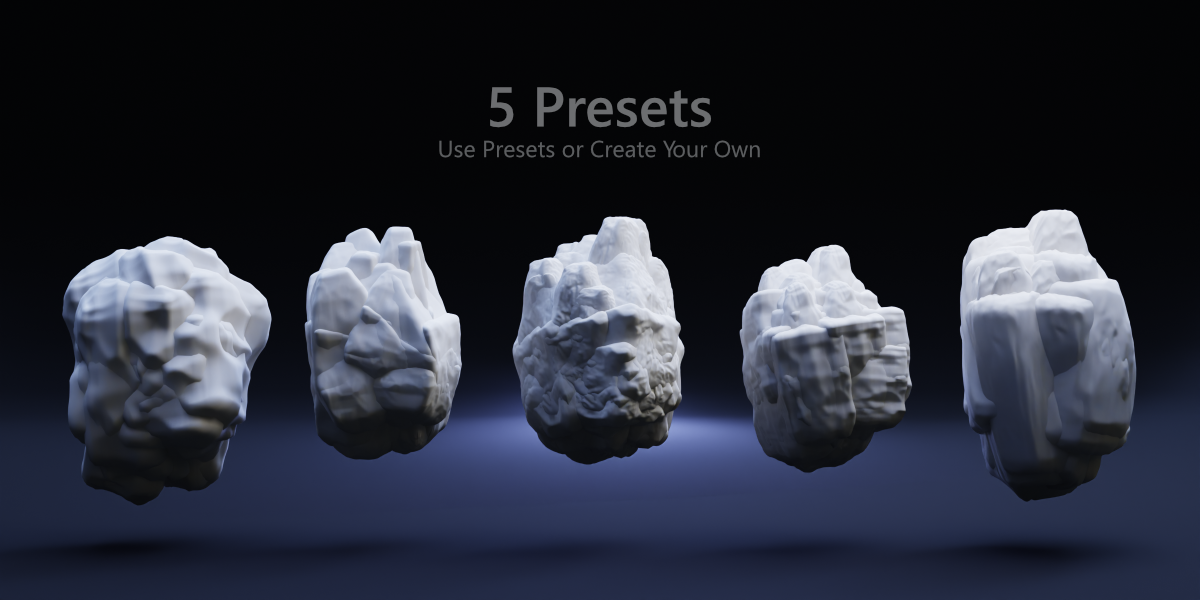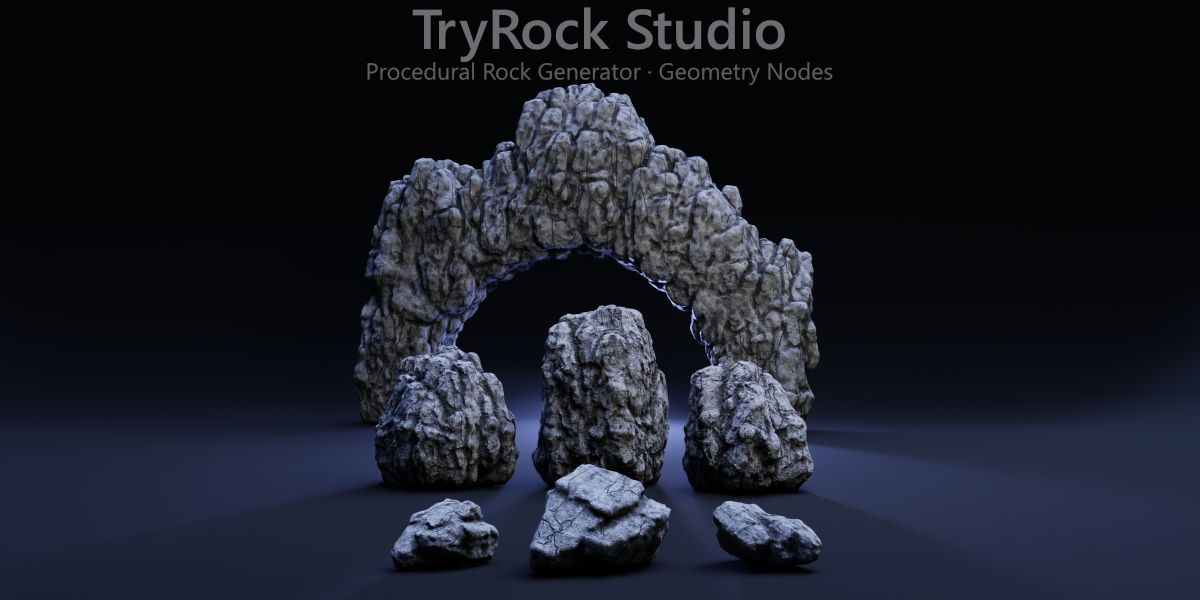
Tryrock Studio is a Geometry Nodes-based add-on for generating procedural rocks in Blender. Its non-destructive workflow keeps parameters editable as you work, with presets, custom displacement textures and user meshes for shaping the result. The AnyPlugins product guide describes it as suited to game environments, open-world scenes, procedural terrain, and cinematic or concept art.
Build rocks from editable shapes
Tryrock Studio generates rock forms with Geometry Nodes instead of relying only on static meshes. Presets let you switch between rock styles during iteration. For a custom silhouette, the User Mesh Collection, identified as Collection 0, lets you use your own mesh as a base.
Control surface detail
The triplanar displacement system adds surface detail without UV seams or stretching. You can use your own displacement textures or Blender's internal texture nodes. The add-on also includes optional voxel remeshing for clean topology.
Blender compatibility and project fit
The seller's compatibility copy says Blender 4.5+, while its Blender Version detail lists 4.5 to 5.0. Check the current product listing for the supported range before using it in a project. The listing says Tryrock Studio uses Geometry Nodes, needs no external dependencies, and works with Cycles and Eevee.
Tryrock Studio may suit Blender artists who want to build and revise rock assets from custom shapes and textures. If you need a fixed library of finished meshes or require a confirmed Blender version beyond the range listed by the seller, check the product details before choosing it.