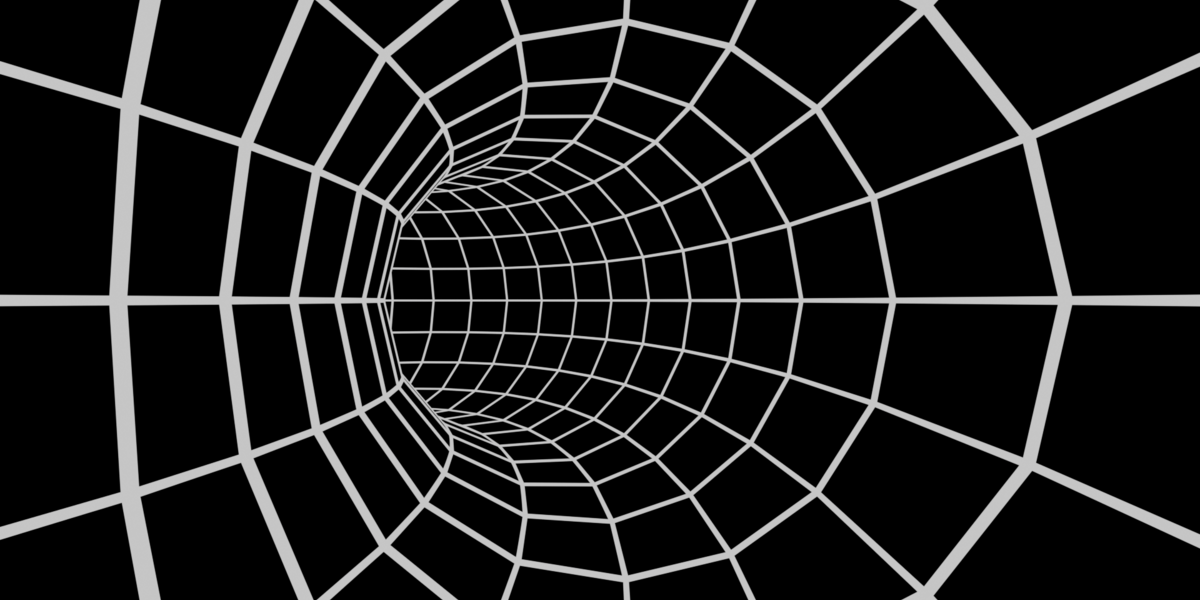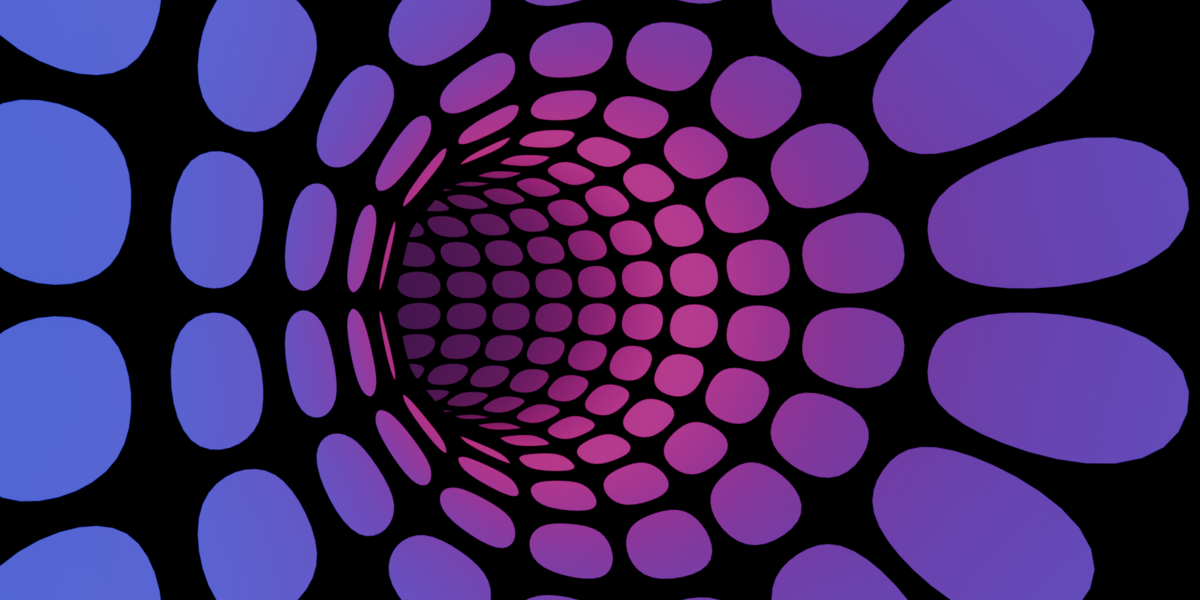
TunnelBeat is a Blender add-on that generates a BPM-synced infinite tunnel animation. It places a camera, and sets up driver-based rotation to sync the animation cycle to the tempo. The scene remains editable, including its lighting, camera position, and materials.
Generate a tunnel from the 3D viewport
Press Shift + T in the 3D viewport to run the operator, enter a BPM value, and confirm. TunnelBeat works best in a new, clean scene. Its optional Clear Scene control can wipe the scene before generating, so check that setting if you already have work open.
Adjust timing and appearance
The BPM sets the tempo for the rotation. Speed changes how quickly the tunnel scrolls relative to the beat, with slow, medium, and fast options. Gridline Thickness and Gridline Density adjust the wireframe's line weight and segment count. Choose Grid for a wireframe look or Mesh for a subdivided surface. Loop Length multiplies the base period for longer renders.
Loop behavior and Blender support
TunnelBeat makes near-seamless loops, but the developer notes that the seam is not mathematically perfect. The product listing says the difference at 60 fps is sub-frame and not visible in motion. Check the seam in a test render if your project depends on a precise loop boundary.
The developer specifies Blender 5.0 or later and says earlier versions have not been tested. The Superhive listing lists Blender 5.0 to 5.1 compatibility, identifies the product as a Blender Extension-compatible add-on, and lists its license as GPL.
Where it fits
TunnelBeat is intended for music visualizers, VJ loops, and motion graphics backgrounds that need a tempo-driven tunnel. It supplies the tunnel, camera, and rotation setup; you can then adjust the scene's lighting, camera position, and materials for the shot.