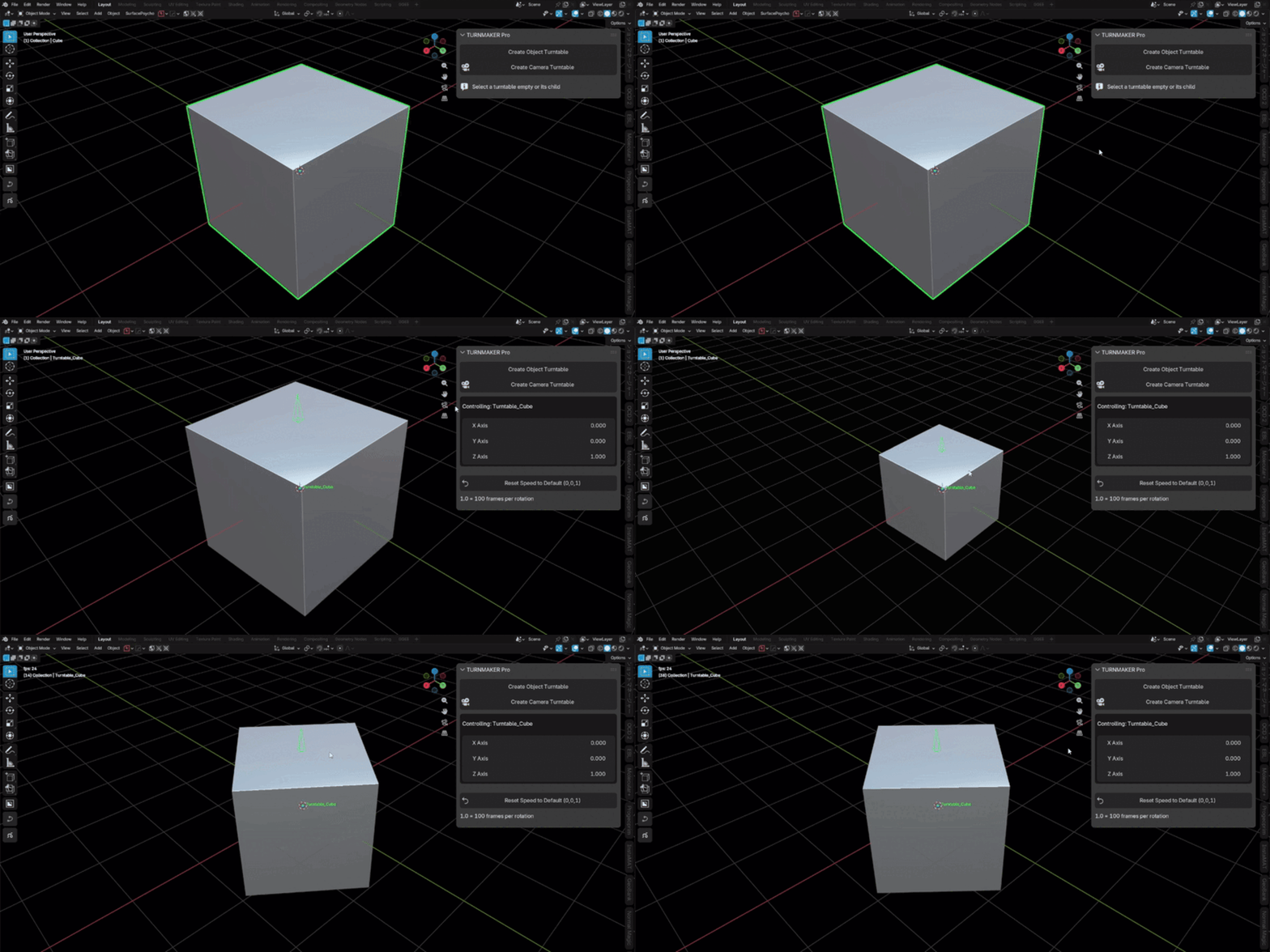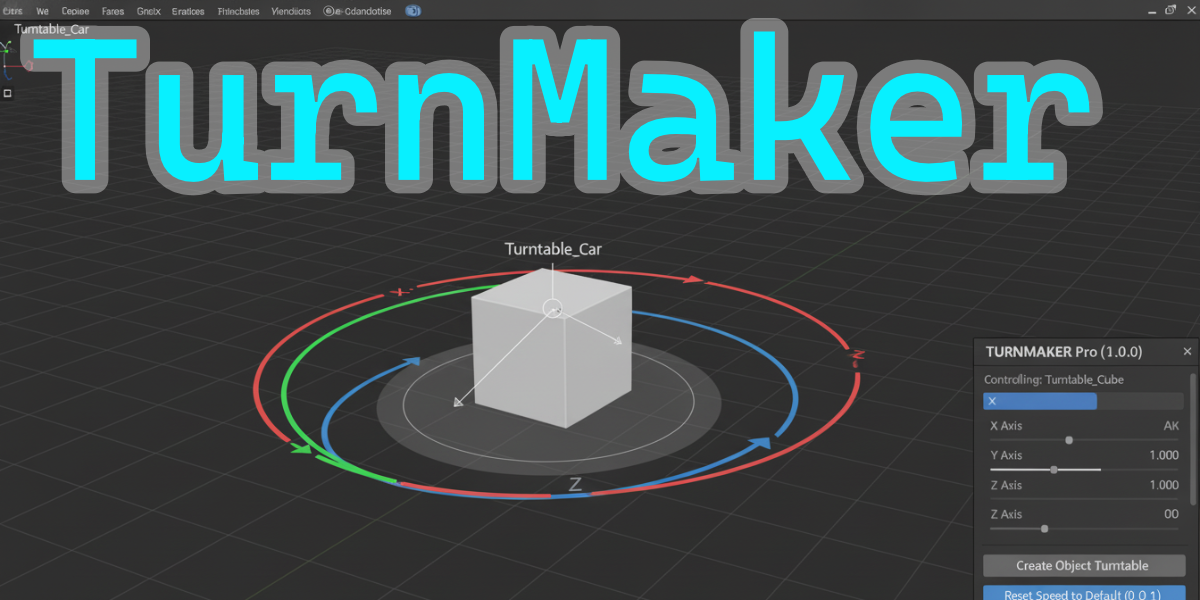
Turnmaker Pro is a Blender add-on for setting up turntable animations for selected objects or an orbiting camera. It creates a control Empty and scripted drivers, with separate speed values for each axis. The setup is intended for object spins, looping motion and camera orbits.
Control rotation on three axes
Turnmaker Pro has independent X, Y and Z speed controls. The product listing says a speed of 1.0 equals one rotation per 100 frames. The values are stored on the control Empty, so you can adjust the speed after setup without editing keyframes or F-curves. Scripted drivers use the expression radians(frame * 3.6 * speed) to calculate rotation from the frame and speed value.
Set up an object turntable or camera orbit
Object mode creates an Empty at the center of the selected object or objects, parents them to it and applies rotational drivers. This lets multiple selected objects spin together under one control.
Camera mode places a central Empty at the 3D Cursor, parents the active camera to it and adds a Track To constraint. The constraint keeps the camera focused on the turntable center as it orbits.
Adjust the controls in the viewport
The TURNMAKER panel in the 3D Viewport N-Panel shows speed controls for the active turntable or its child. Its reset button returns the X, Y and Z speeds to 0.0, 0.0 and 1.0.
Compatibility and package details
The listing details identify Blender 4.0–5.0 compatibility, while the description says Blender 4.0 or later. Check the Turnmaker Pro product listing for current release support and package details. The add-on is version 1.0.0 and uses the GPL license. The package includes a file with _EG in its name recommended for English Blender environments, and a file without _EG recommended for Japanese environments.