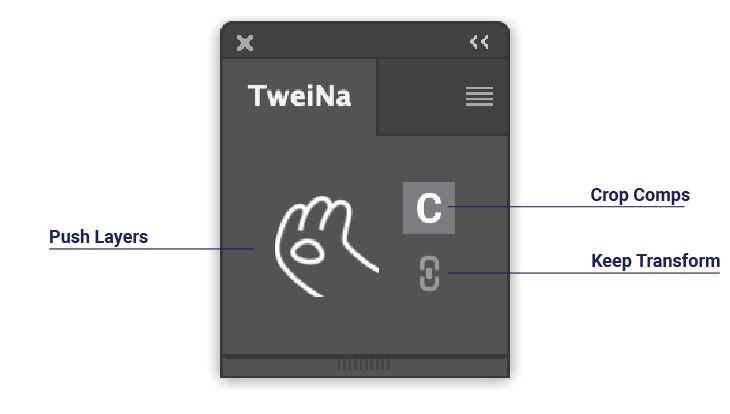
TweiNa by Parable Pomelo is a panel for sending Photoshop and Illustrator layers into After Effects without the standard import process. It is designed for motion artists who build compositions from layered artwork. The product listing identifies version 1.2.1.
What TweiNa transfers
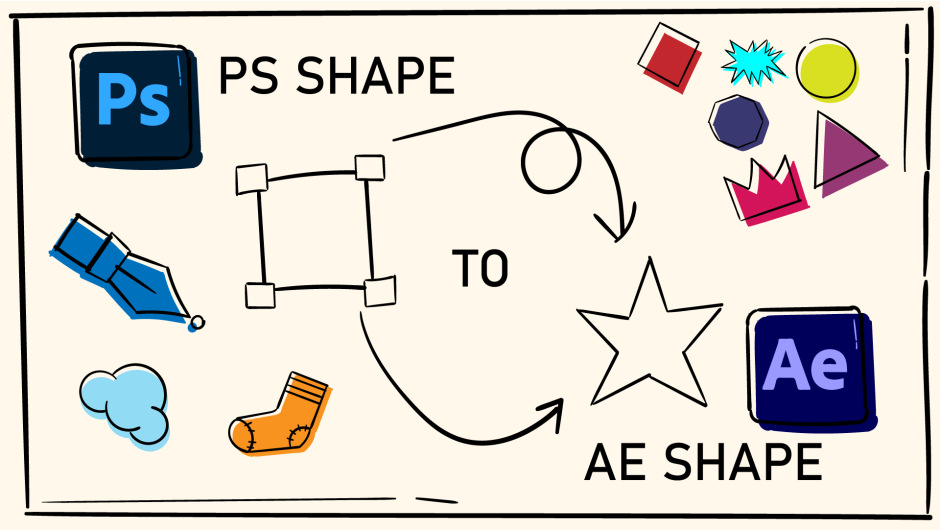
TweiNa can import any number of Photoshop layers. Photoshop vector layers become After Effects shape layers, and Photoshop text layers become editable After Effects text. Imported compositions can be cropped to fit their content. You can also push Illustrator layers into After Effects.
Smart objects become linked layers, with position, scale, and rotation preserved. TweiNa works at the layer level, so multiple objects in the same layer are treated as one layer. The listing also says multiple artboards are treated as one large composition.
Import limits to consider
- Layer masks are not editable in After Effects, and smart filters cannot be imported.
- A root-level group’s clip mask and layer style cannot be imported.
- Deformations such as perspective, Liquify, or Warp can make a layer look different in Photoshop and After Effects.
- Because smart objects become linked layers, keep their linked files available. A link will be missing if its source file is lost.
Compatibility and import behavior
The listing names After Effects 2023, 2022, 2021, 2020, CC 2019, CC 2018, and CC 2017. It lists Photoshop 2023 through 2020 and CC 2019 through CC 2017, plus Illustrator 2023 through 2020, CC 2019 through CC 2017, CC 2015.3, CC 2015, and CC 2014. Check the official TweiNa listing for current details and its free trial.
TweiNa uses After Effects’ native import mechanism. After Effects checks layers one at a time and can freeze during the update. To reduce waiting, keep the layer count low, convert groups into smart objects, remove unused Photoshop assets from After Effects, and push one of several layers that are essentially the same, then reuse it after precomposing in After Effects.
Version 1.2.1, dated April 11, 2024 in the listing, adds a Reload Panel option in the UXP panel’s top-right dropdown. Double-clicking inside the panel also reloads it if the panel button has no effect.