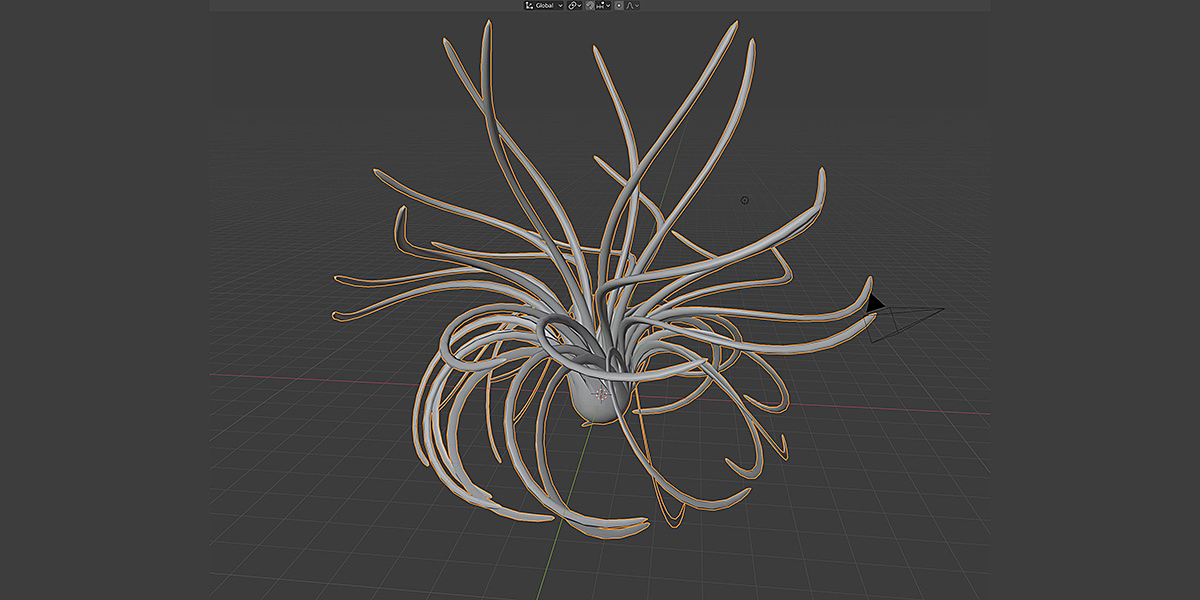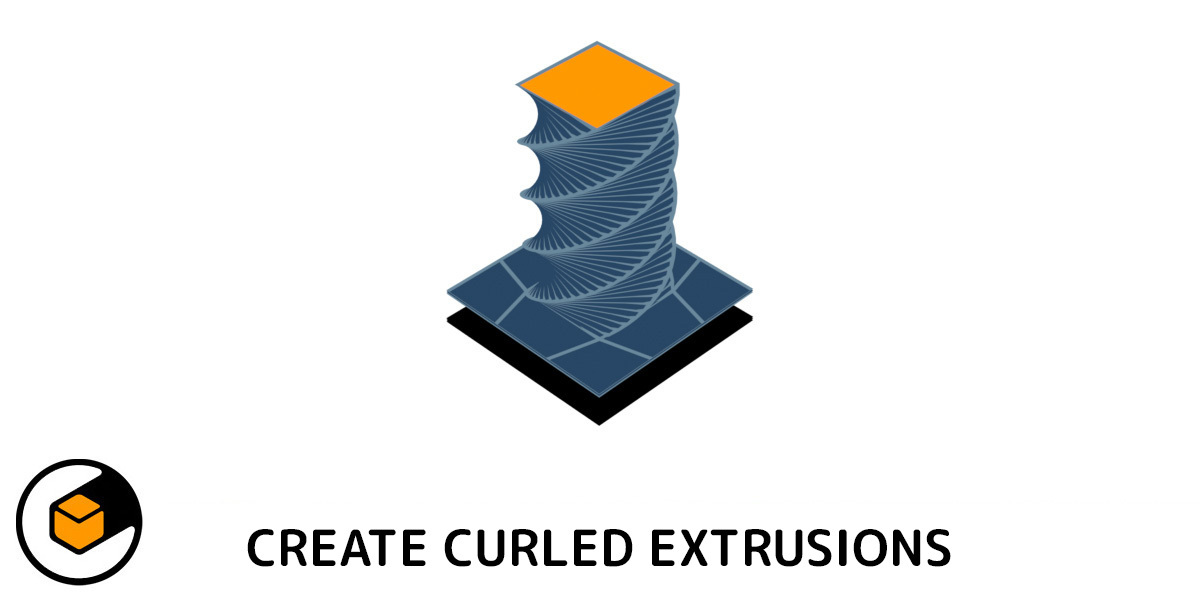
Twisted Extrude is a Blender add-on by Mark Kingsnorth for making curled geometry from mesh faces. It extrudes selected faces while rotating each section, which can create forms such as pipes, tendrils and abstract shapes. You can work on faces individually or as a group, then adjust the result through an interactive panel. See the product listing.
Adjust the twist and extrusion
The controls let you twist, taper, bend and move the extrusion. Twist Steps sets the number of side steps; higher values add detail along the extrusion. Twist Rotation controls the amount of twist, and the orientation setting can follow each face normal or use local or global axes. A perpendicular-direction setting can offset the orientation when you need to align a form such as a pipe.
- Set the extrusion length and direction with the transform controls. The default follows the face direction, while local or global orientation uses the corresponding scene axes.
- Adjust taper on the exterior edges of the selected faces.
- Choose whether to extrude faces individually or as a group. Individual faces can produce curved results on meshes such as an Ico Sphere.
- Use Shrink/Fatten to extrude along vertex normals instead of the face axis.
- Save parameter presets to reuse them later.
Run it on selected faces
- Select a mesh, enter Face Edit Mode and select the face or faces to extrude.
- Choose Face > Twisted Extrude, or press F3 and search for “Twisted Extrude.”
- Move the mouse to set the initial extrusion amount. Expand the operator panels in Blender’s Toolbar, usually at the lower left, to refine the settings.
The developer’s documentation describes the controls and installation steps. It says Blender 4.2 and newer can install the add-on by dragging the installation ZIP into Blender. For earlier Blender versions, use Edit > Preferences > Add-ons > Install and select the ZIP without unpacking it; click “Install add-on from file,” search for Twisted Extrude if it does not appear, and make sure its checkbox is ticked. The product listing states Blender 2.8–5.3 compatibility, marks it as Blender Extension compatible and lists the GPL license. Check the listing for current compatibility details.