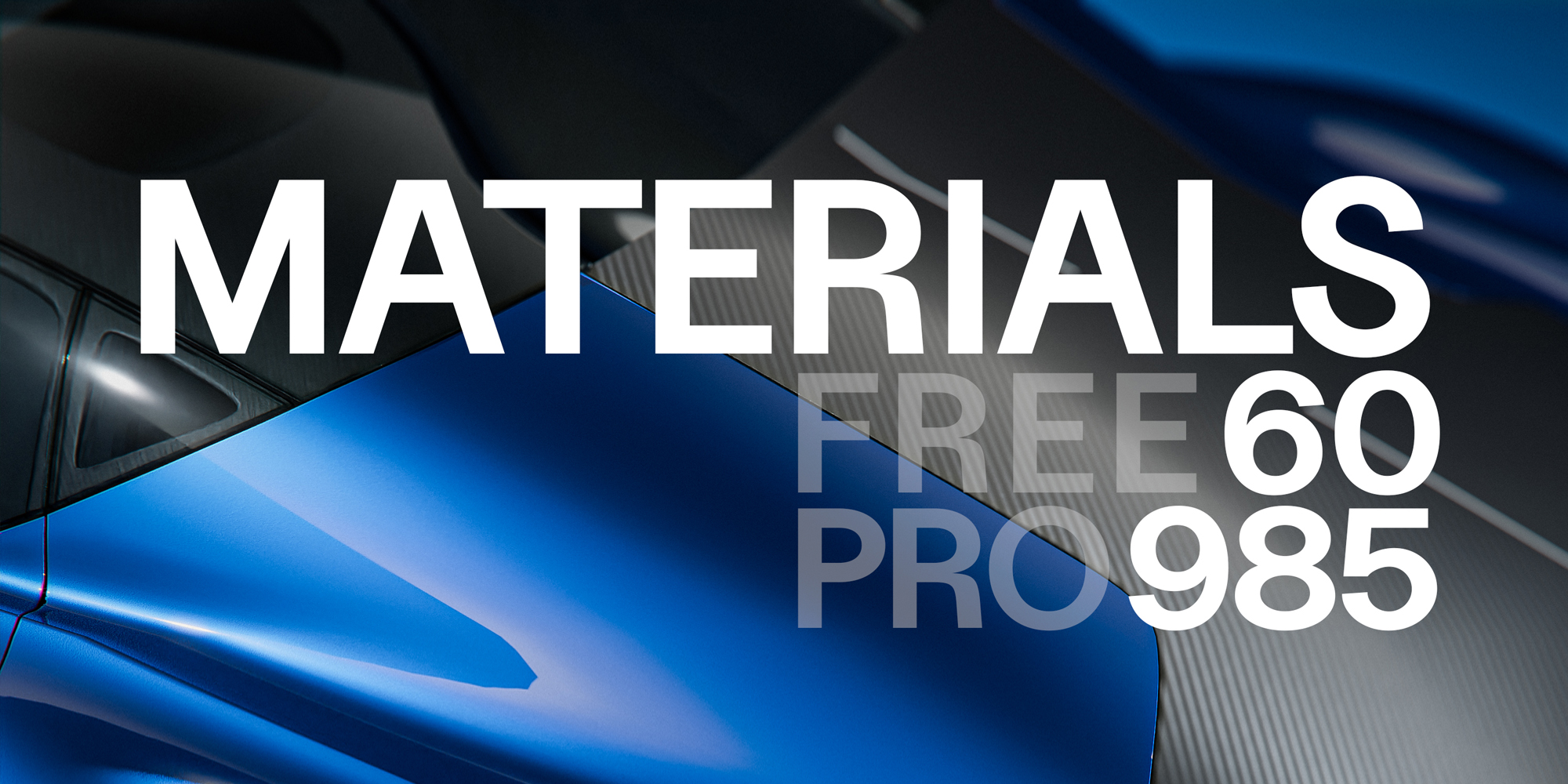
Udin Blender Shaders is a Blender add-on that brings a library of math-based materials into Blender’s Asset Manager. UDIN says the shaders work in EEVEE and Cycles and do not rely on image texture resolution. The collection began with automotive design and now also covers product and apparel work.
The materials are organized in a UDIN catalog, with an icon, name, and tags for each one. You can use the materials without unwrapping UVs, or set the shader’s projection slider to 1 to use your model’s own UVs.
Material families
The collection groups materials into six families, from vehicle finishes to fabrics and display elements:
- Carpaint includes metallic, matte, satin, pearl, iridescent, and heavy-flake finishes.
- Carbon includes glossy and matte fiber, forged, and sanded options.
- Plastic covers glossy, matte, rough, rubber, recycled, speckled, and transparent materials.
- Metal includes raw, brushed, bead-blasted, cast, coated, and anodized finishes, along with patterned meshes.
- Textile includes Alcantara, several leather finishes, and woven cotton and synthetic materials.
- Miscellaneous materials include LCD and LED screens, reflectors, light elements, and UV and draft-angle checkers.
Editions and setup
The free version includes one generic material of each shader. The Pro and Team versions include more than 980 materials derived from the shaders. UDIN says users of both free and paid versions can access the underlying math and node setups.
Install the downloaded ZIP from Blender’s Edit > Preferences > Add-Ons area, using the Install control. Then open the Asset Manager and choose the UDIN catalog to browse the materials.
The product listing names Blender 4.0 and 4.1. Check the current UDIN product listing for compatibility with other releases, current edition details, and pricing.