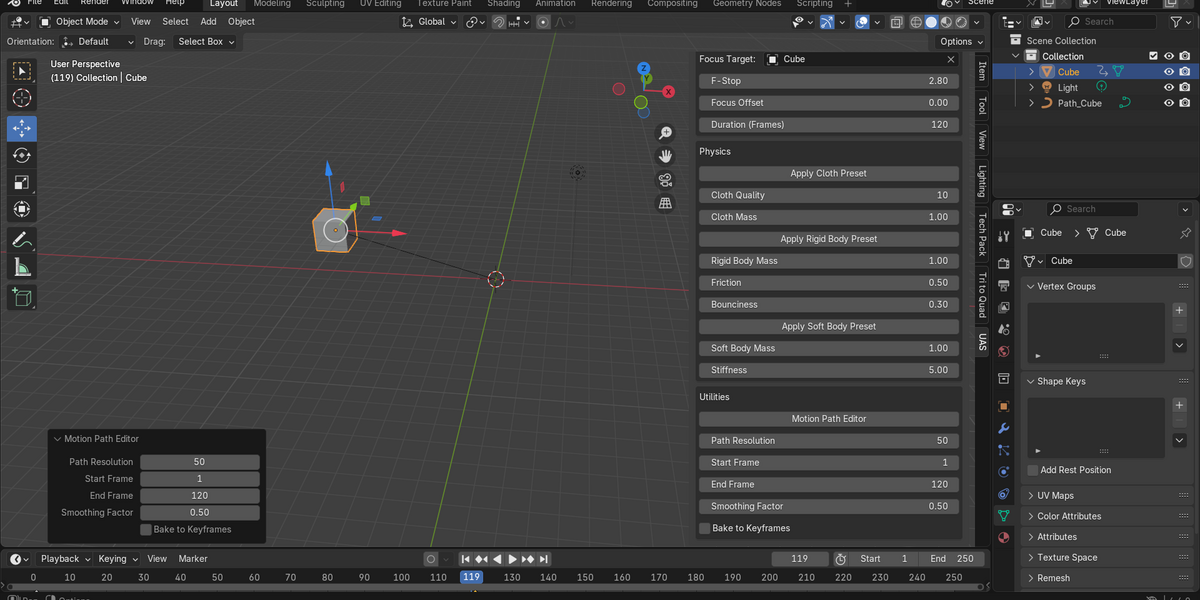
Ultimate Animation Suite is a Blender add-on from Anvil Interactive Solutions for camera animation, rigging and physics setup. The operators cover target-based movement, straight-path tracking, focal-length changes, handheld shake and target autofocus. Version 1.1.0 fixed camera tracking for all operators using the Track To constraint and corrected the paths for Camera Orbit (one revolution) and Camera 360 Spin (two revolutions).
Camera animation options
The camera tools cover several common moves:
- Camera Orbit completes one revolution around the target.
- Camera 360 Spin completes two revolutions around the target within the configured duration.
- Camera Dolly moves toward or away from the target.
- Camera Zoom changes focal length while tracking the target.
- Camera Crane raises the camera with a sweeping motion while keeping the target in view.
- Camera Tracking Shot moves along a straight path while tracking the target.
- Camera Handheld Shake adds camera movement using drivers.
- Camera Auto-Focus sets depth of field to focus on the target.
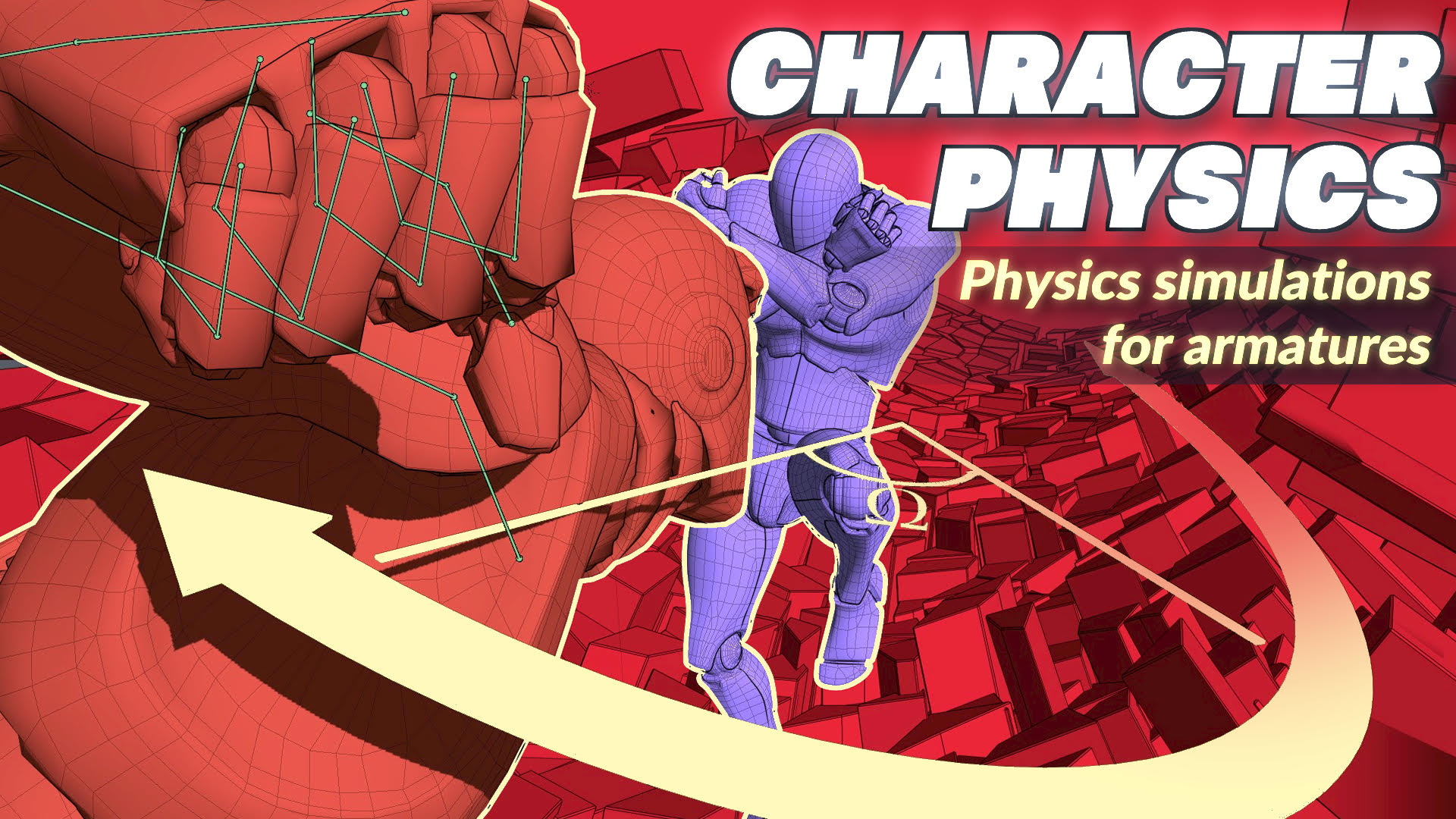
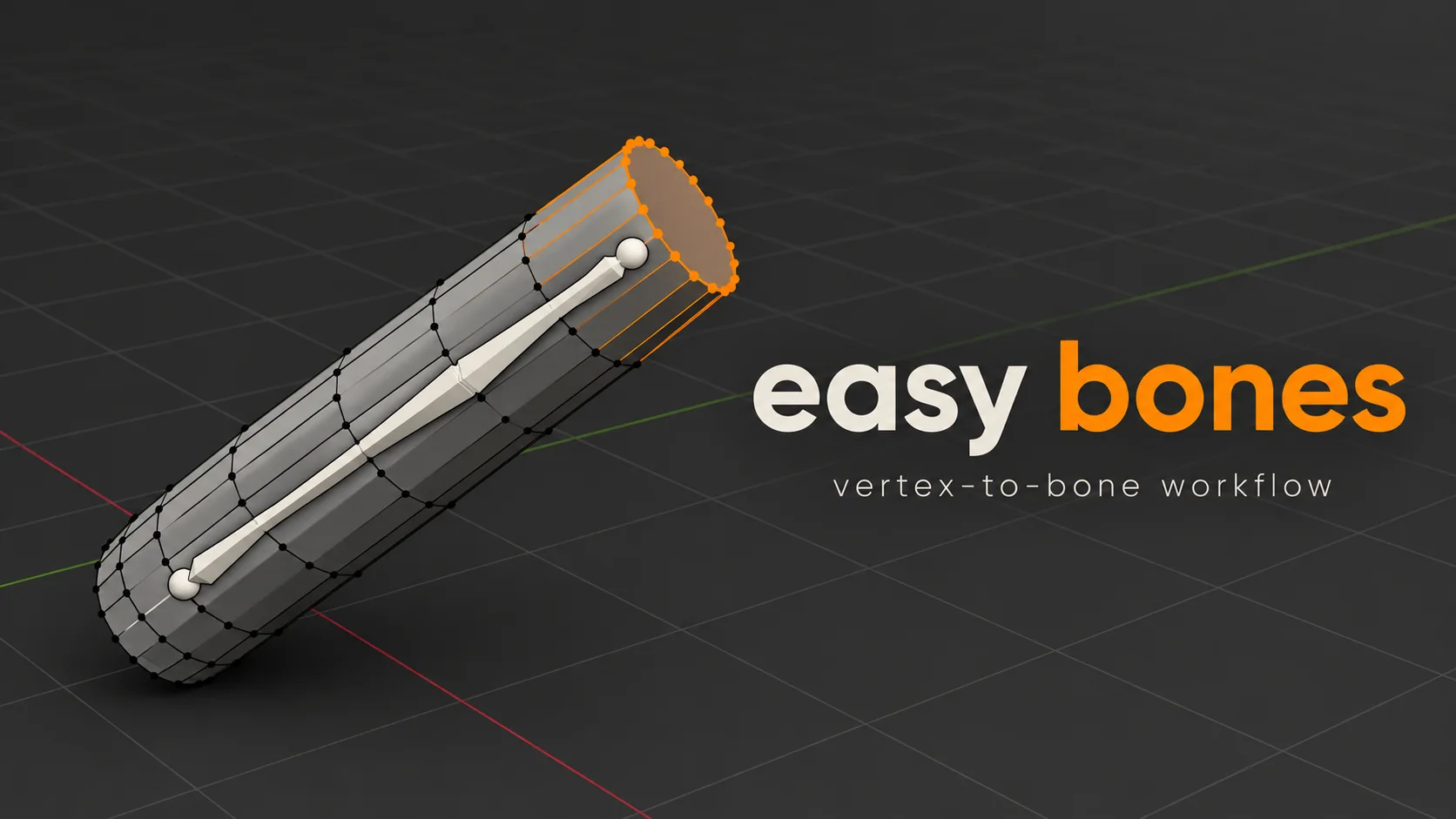
For an orbit, adjust its radius, duration and starting height before running the operator. The 360 Spin has similar controls. The add-on also includes simplified rig creation for characters and objects, plus tools for setting up physics-based animation.
Set up the add-on in Blender
Install the Ultimate Animation Suite Base.zip file from Blender's Edit > Preferences > Add-ons panel. Choose Install, select the ZIP file, then click Install Add-on and enable Ultimate Animation Suite. The tools appear in the 3D Viewport sidebar under the UAS tab.
Camera operators create or reuse a camera named UAS_Camera and a target empty named UAS_CameraTarget. Create the target before running a camera move. For tracking to work, keep the target in the same collection as the camera.
Blender compatibility
The product listing identifies Blender 3.6 and 4.4 as tested versions and recommends Blender 3.6 or later for full functionality. Earlier versions from 2.80 onward may work, but are not the listed tested range. The listing also names Cycles and Eevee as supported render engines.
See the Ultimate Animation Suite product listing and its version 1.1.0 user guide for product details and operator instructions.